A product reveal, a desk-side roundup, or a presenter speaking straight to camera: each asks something different of an AI video tool. This guide compares the top AI tools for generating UGC video content, from product-led creator scenes to AI presenters, and shows how Kling AI fits into the creative process.
Top AI Tools for Generating UGC Video Content at a Glance
Start with the work you need the tool to do. Generating a new scene, delivering a script through an avatar, and editing existing clips are different production tasks.
The comparison below focuses on workflows and creative fit. It is not a benchmark ranking: the useful test is how well each tool handles your product, script, and intended format.
Tool | Suitable Use Case | Main Workflow | What to Evaluate |
Kling AI | UGC videos across different styles, especially those requiring subject consistency, multi-character dialogue, or native audio-visual output | Kling VIDEO 3.0 supports text-to-video, image-to-video, and multilingual Native Audio, while VIDEO 3.0 Omni adds multimodal references and Element binding | Subject and product consistency, dialogue delivery, visual quality, and pacing across each scene |
Higgsfield | UGC-style advertising concepts and variations | Marketing Studio builds ads from product information and creative directions | Whether the selected format and generated messaging fit the campaign |
Dreamina | Product-focused visual concepts | Prompts and reference images guide generated scenes | Product appearance, movement, and continuity between clips |
HeyGen | Scripted avatar presentations and localization | A selected avatar delivers a written script | Delivery, pronunciation, and the suitability of the presenter |
CapCut | Social video assembly and finishing | AI-assisted creation combines with editing, captions, and audio | How much original generation versus assembly the project needs |
Five AI Tools for UGC Video Creation
Kling AI
Kling AI gives you room to build a scene around an idea: a creator introducing a desk accessory, a close-up that reveals its texture, or a short exchange that brings a product into the conversation. Its AI video generator supports starting from text or images, so the creative process can begin with either a written concept or an existing visual.
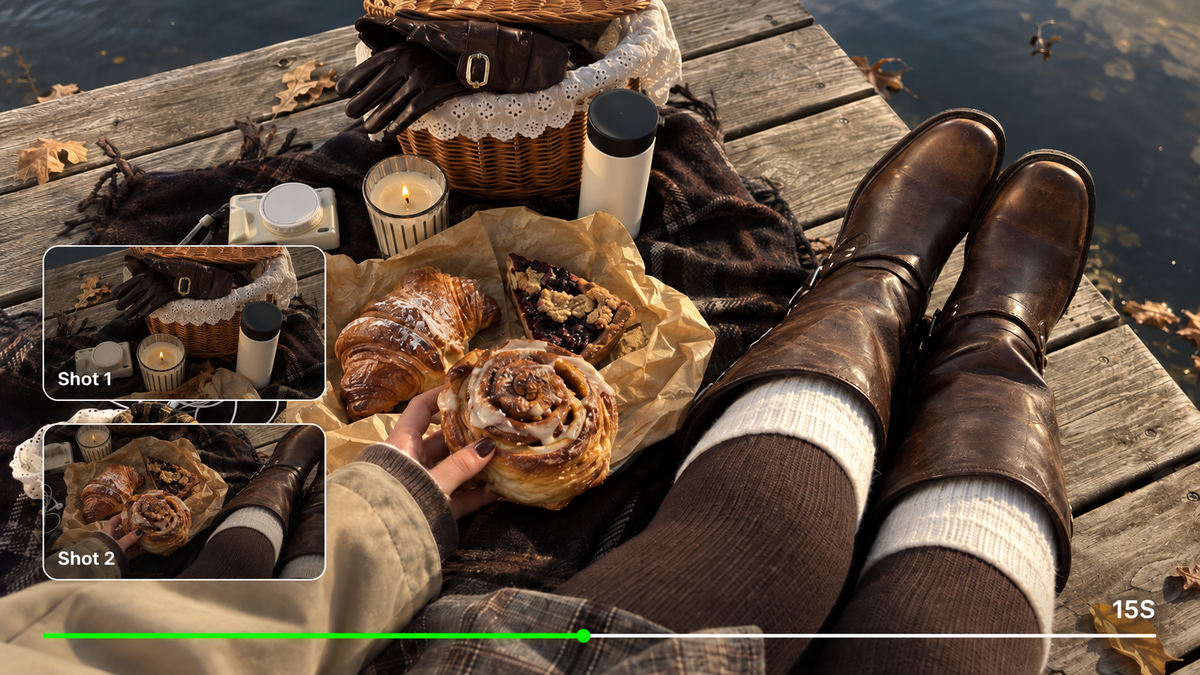
For this workflow, Kling Video 3.0 provides text-to-video, image-to-video, native audio, and multi-shot generation. Dialogue can be part of the scene, with supported languages including English, Chinese, Japanese, Korean, and Spanish. That gives a brand room to develop a visual idea and its spoken message together.
The text to video AI workflow is useful for exploring a new setting or creator concept. For campaigns that need the same creator, product, or character to remain recognizable across different scenes, Kling VIDEO 3.0 Omni adds Element binding and richer multimodal references. It can also build reusable character elements from reference material, helping brands carry a more consistent on-screen identity across a series of UGC-style videos.
Kling is a strong fit when the scene itself carries the message. You can describe how a person moves, where a product appears, and how a line should sound. Allow time to review hands, packaging, and spoken delivery; custom generation benefits from a clear brief and selective revisions.

Higgsfield
Higgsfield's Marketing Studio approaches UGC through advertising workflows. Its product URL input and formats such as unboxing, product review, and face-to-camera UGC give teams defined starting points for campaign concepts.
That makes it relevant when the brief begins with a product page and a need for several creative directions. Review the resulting script and visuals against the actual product: a recognizable ad format still needs accurate claims, suitable pacing, and a clear reason for the viewer to keep watching.
Dreamina
Dreamina supports product-focused video creation through prompts and visual references. Its UGC content guidance emphasizes the subject, motion, camera choices, and pacing, making it a relevant comparison for teams developing short product scenes.
The creative brief needs to explain what should happen on screen. A product photo establishes appearance, but the action and context still require direction. Evaluate generated clips for recognizable product details and continuity before combining them into a longer sequence.
HeyGen
HeyGen centers its UGC workflow on digital presenters delivering written scripts. Avatar customization and multilingual speech make it relevant for campaigns built around a person speaking directly to the viewer.
For this format, the script and delivery deserve close attention. Check whether the presenter sounds conversational, pronounces the product name correctly, and leaves enough space between ideas. If the concept also needs detailed physical interaction with a product, test that requirement separately from the talking-head delivery.
CapCut
CapCut combines AI-assisted video creation with tools for assembling and finishing content. Its workflows include script-based creation, digital presenters, subtitles, music, and further editing, giving it a different emphasis from a model used primarily to generate individual scenes.
It is relevant when the team needs to turn clips into a complete social video. Evaluate the editing work involved: arranging shots, trimming pauses, checking captions, and adapting the final composition. Treat original scene generation and final assembly as separate requirements when comparing it with other platforms.
Three UGC Video Formats to Explore
The top AI platforms for creating UGC brand videos can support a range of creative approaches. Before writing a prompt, decide what kind of moment you want the viewer to watch.
Unboxing and First Impressions
An unboxing video has a simple sense of progression: something is hidden, then revealed. The interest might come from the packaging, a surprising color, or the creator's expression as the product comes into view.
For AI UGC content creation, keep that progression manageable. An open box followed by a clear product reveal is easier to describe and review than a long sequence of tearing tape, unfolding inserts, and handling several accessories.
Give each shot a clear job. One establishes the package; another shows the product; a final moment brings the presenter back into the frame. Check that the item stays recognizable throughout, especially where hands touch it. Any spoken reaction should describe visible features without inventing a real customer's experience.
Product Finds and Curated Roundups
A roundup works best when the products share a reason to appear together. “Three details for a calmer desk” gives the viewer a clearer thread than an unrelated list of objects.
Plan a short introduction and a separate moment for each item. Give every product one useful observation, such as its shape, placement, or visible design detail. Keep the background and framing consistent so the sequence feels connected.
When using generated clips, build the roundup shot-by-shot and assemble it afterward. This leaves room to replace a single weak moment without having to recreate the whole video. It also makes it easier to check each product and avoid overcrowding a single scene with too many objects or actions.
AI Avatar and Presenter Videos
A digital presenter gives the message a face and a voice. This format suits a short product introduction, a brand announcement, or a direct answer to a common question.
Write for speech. A line such as “Need a little more room on your desk?” gives the presenter a clear conversational opening. Follow it with a single focused point rather than a dense list of features.
With Kling AI, the creative direction can include the character's setting, expression, movement, and dialogue. Keep gestures restrained when the spoken message is the focus. For a series, check that the character's appearance and delivery remain coherent across clips; a generated presenter is not automatically identical in every output.
How to Create AI UGC Videos With Kling AI
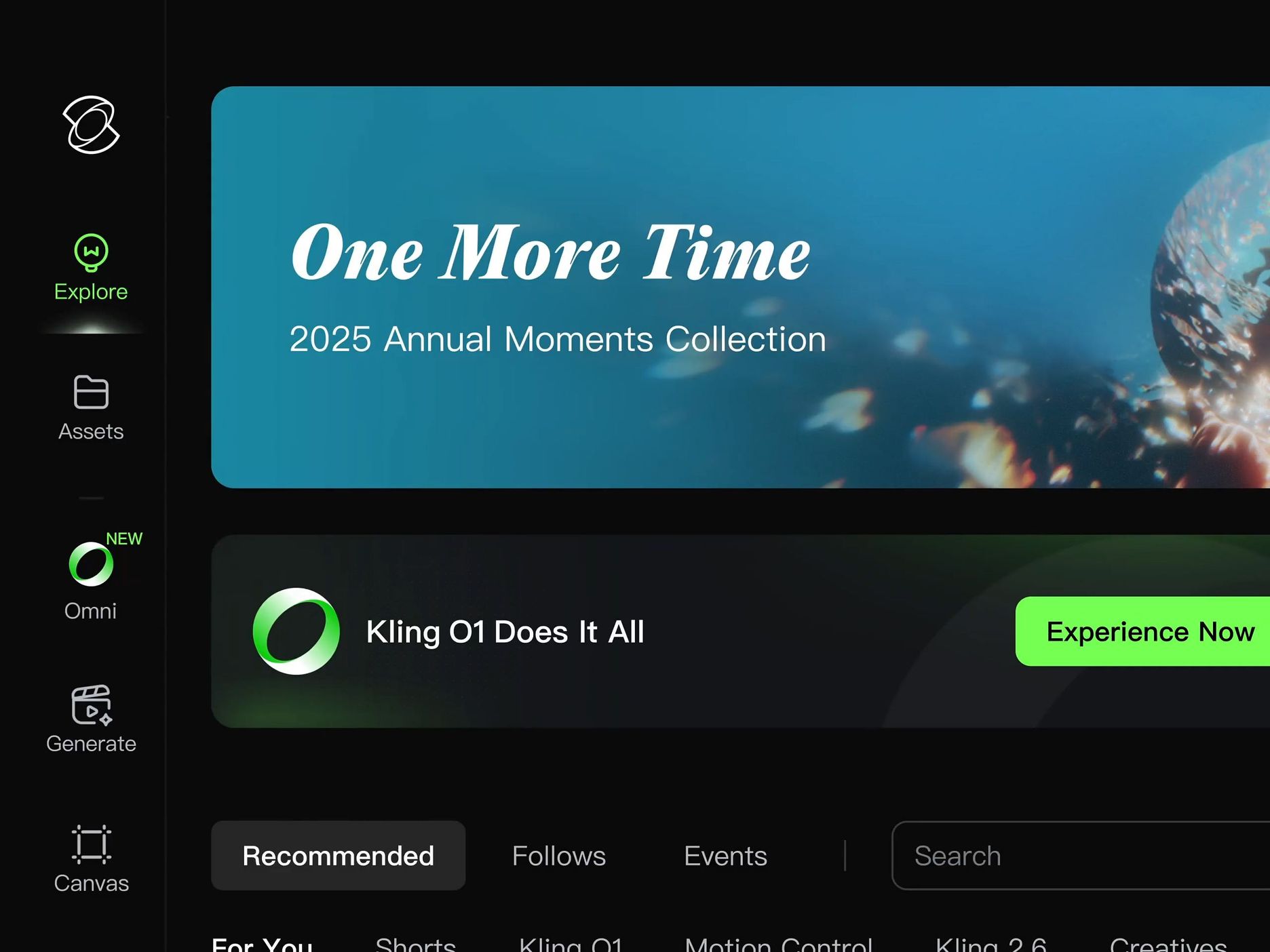
AI UGC works best when the product, creator, and message are clear from the start. Kling VIDEO 3.0 Omni combines reference control, dialogue, and native audio-visual generation, helping you turn a campaign idea into creator-style video content. Here is a simple three-step workflow.
Step 1: Start With the Product, Creator, and Message
Start with one product, one creator concept, and one message you want the viewer to remember. If visual consistency matters across multiple clips, prepare clear product or character references before generating. With Kling VIDEO 3.0 Omni, Element binding and multimodal references can help keep recurring creators, characters, or products recognizable as you build a series of UGC-style scenes.
Step 2: Build the Scene, Dialogue, and Performance
Describe the setting, presenter behavior, product interaction, camera framing, and spoken line. VIDEO 3.0 Omni can generate visuals and native audio together, including dialogue in English, Chinese, Japanese, Korean, and Spanish, while videos can run from 3 to 15 seconds. For a short UGC ad, use that time for one clear hook, one product moment, and one reaction or callout rather than packing too many actions into the same clip.
Step 3: Review the Details That Matter in UGC
Review the clip as both a viewer and a brand. Check the creator's appearance, product shape and packaging, hand interactions, lip movement, pronunciation, dialogue timing, and sound. If one detail feels off, refine the prompt or reference instead of rebuilding the entire concept. Once the scene works, export the selected version and add campaign-specific captions or final edits as needed.
Image | Output |
.png?x-oss-process=image/resize,w_1872) |
 |
Prompt: By the window of a Parisian apartment, with soft French piano BGM in the background, the gilded afternoon sunlight filters through the shutters onto the perfume bottle, casting dappled light and shadow. The camera pans slowly in from the scattered rose petals, shifting focus to the faceted cut of the Kling perfume bottle. Voiceover (lazy French female voice, British accent, slow pace): Bathe in the golden hour. The camera orbits the perfume bottle in slow motion, capturing the play of light and shadow on the golden lettering and bottle body. Voiceover: Kling, a whisper of Parisian elegance. The camera pulls back and freezes on the complete scene—the Kling perfume bottle standing on a velvet pedestal, with Parisian buildings faintly visible outside the window. Voiceover: Wrap yourself in luxury with every breath. | |
Make AI UGC Videos Feel at Home in the Feed
To create UGC ads with AI, give the viewer a clear reason to watch and keep the production choices close to the message.
- Make the opening specific. Show the product reveal or begin with a recognizable question. A general brand introduction can wait.
- Write lines you can say comfortably. Read the script aloud. Shorten anything that sounds like packaging copy rather than conversation.
- Let one action carry the shot. A glance, a small gesture, or a simple reveal often communicates enough.
- Leave space for captions. Keep important product details and faces away from the areas where text and platform controls will appear.
- Vary the hook deliberately. Try a different opening line while keeping the rest of the scene similar. This makes the creative differences easier to assess.
- Check every claim and product detail. Natural-looking delivery does not make an inaccurate statement true. Keep generated presenters separate from genuine customer testimonials.
- Refine the setting. If you need an AI video editor mainly to change a background or adjust colors, prompt-based changes in Kling AI can help adapt the scene to your campaign.
For agency work, track the time from the initial brief to an approved export. The number of generated variations matters less if each one requires extensive repairs.
Conclusion
The top AI tools for generating UGC video content serve different parts of the creative process. Start with the format and the required work: a presenter delivering a script, a product-centered concept, or a set of clips that need finishing. Kling AI is a strong starting point for shaping the scene around your brand's idea. Begin with one clear moment, give the action and dialogue room to work, and refine the details before expanding into a series.
FAQs
Which AI Model Is Best for Generating UGC Videos?
The best AI UGC video generator depends on the type of content you want to create. For Kling workflows, VIDEO 3.0 Omni is especially useful when UGC videos need consistent creators or products, reference-driven scenes, natural dialogue, or native audio-visual generation. VIDEO 3.0 is also suitable for more straightforward creator-style scenes using text or image inputs.
How Can I Create AI UGC Videos?
You can create AI UGC videos by combining a clear concept, relevant reference images, and a prompt describing the scene and dialogue. Start with one product and a simple action, then generate a short clip. Review the visuals and audio, correct any inaccuracies, and export the result for final captions or assembly.
What Is the Best AI Video Generator for Content Creators?
The best AI video generator for content creators depends on their format and production needs. Kling AI suits creators who want to shape scenes through text or image inputs, including character actions, camera framing, and dialogue. For presenter-focused or editing-heavy projects, compare avatar delivery and assembly tools, as well as generation quality, to find the right fit.
Can AI Create UGC Videos from Product Images?
Yes, product images can provide a starting point for AI-generated UGC-style videos. A clear reference helps establish the item's appearance, while the prompt describes the setting and action. Review the result for changes to shape, packaging, lettering, and hand contact before using it as an accurate representation of the product.
Can AI UGC Videos Include Talking Characters and Dialogue?
Yes, AI UGC videos can include talking characters and generated dialogue. Kling VIDEO 3.0 supports native audio, allowing speech to be part of a generated scene. Keep lines concise, clearly identify the intended speaker, and review pronunciation, mouth movement, and timing. Supported languages and voice controls depend on the selected model and workflow.