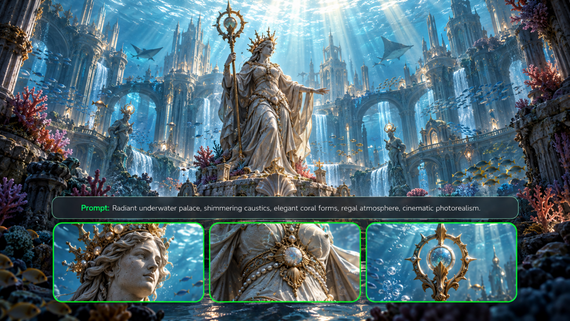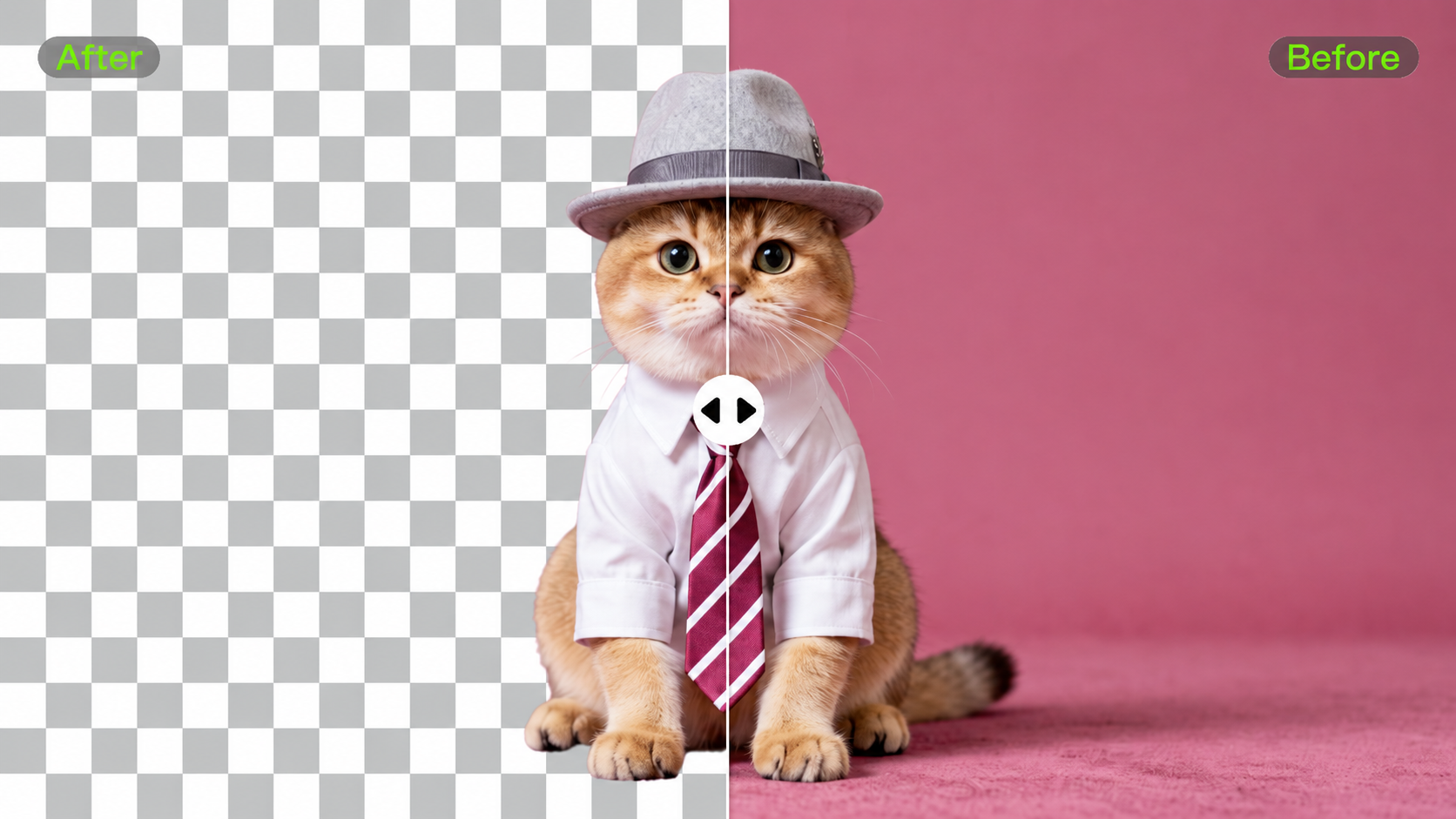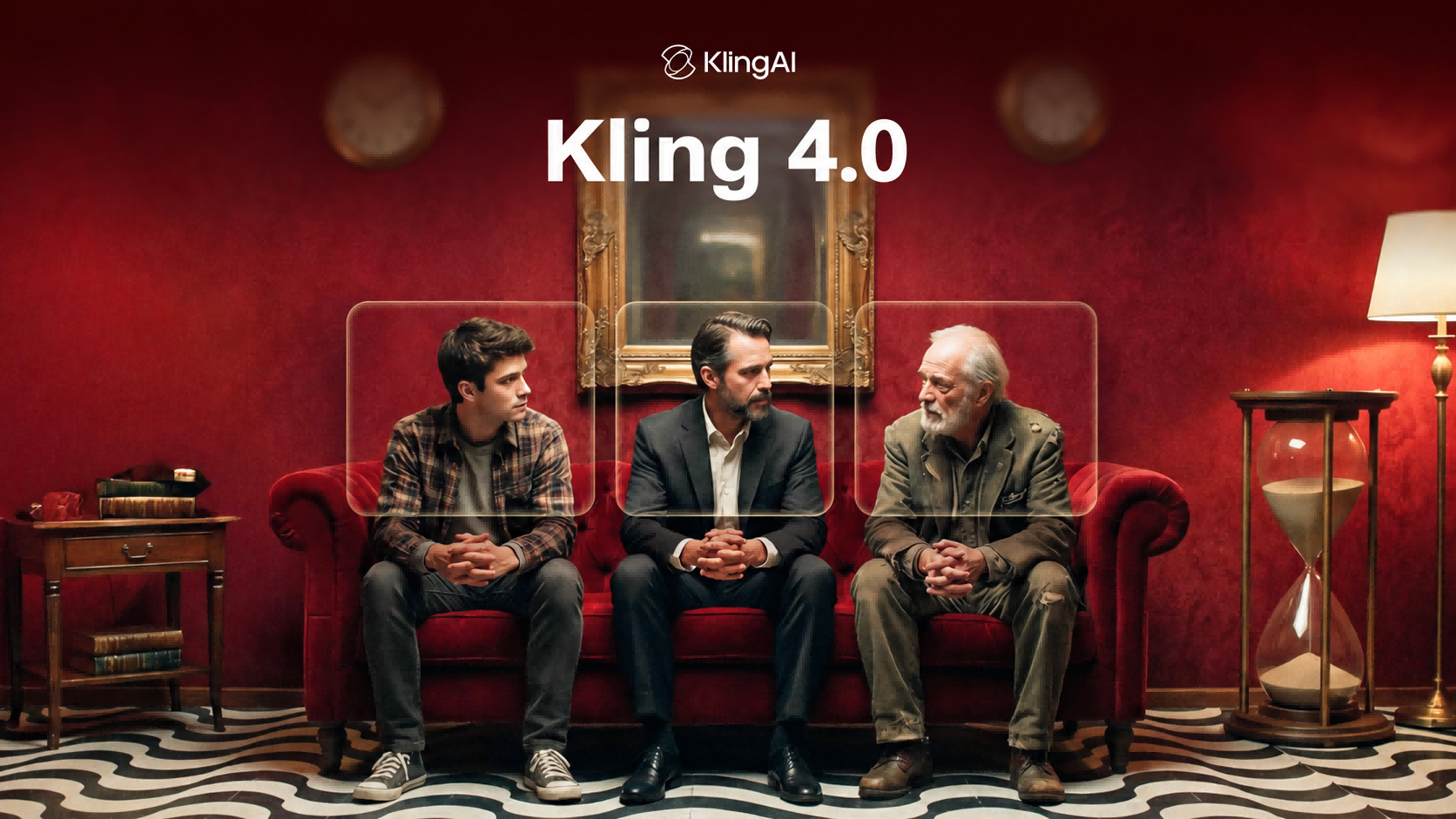
Cinematic quality goes beyond resolution. Natural motion, purposeful camera work, consistent characters, and well-integrated sound all shape the final result.
Kling 4.0 builds on these areas with major upgrades to audiovisual performance, multimodal references, and storytelling. The full model is coming in October 2026, with early access to the new creation experience gradually rolling out from September 28.
Here’s a closer look at what this generation brings to AI video creation.
Audiovisual Performance Upgrade: More Stable Motion, More Believable Scenes
Fast motion, complex camera work, character performance, and dialogue sync can expose several weaknesses in AI video at once. Kling 4.0 addresses these challenges together, improving motion stability, visual realism, and audiovisual quality to make scenes feel more natural and cohesive.
1. More Stable Large-Scale Motion and Complex Camera Work
Kling 4.0 further strengthens dynamic motion. Whether a scene involves fast movement, continuous action, tracking shots, or sweeping camera movements such as orbiting, it can better preserve subject structure, spatial relationships, and motion continuity.
This gives creators more freedom to plan ambitious character actions and camera movements without having to limit the scene simply to maintain stability.
Take a close-quarters fight scene as an example. As a character throws repeated punches, turns, and moves quickly through the frame, body posture, limb relationships, and camera rhythm can stay more naturally connected. Even with rapid action and changing shot scales, the sequence maintains a more coherent sense of motion.
Reference Image | Generated Result | |
.webp?x-oss-process=image/resize,w_1872) | .webp?x-oss-process=image/resize,w_1872) | 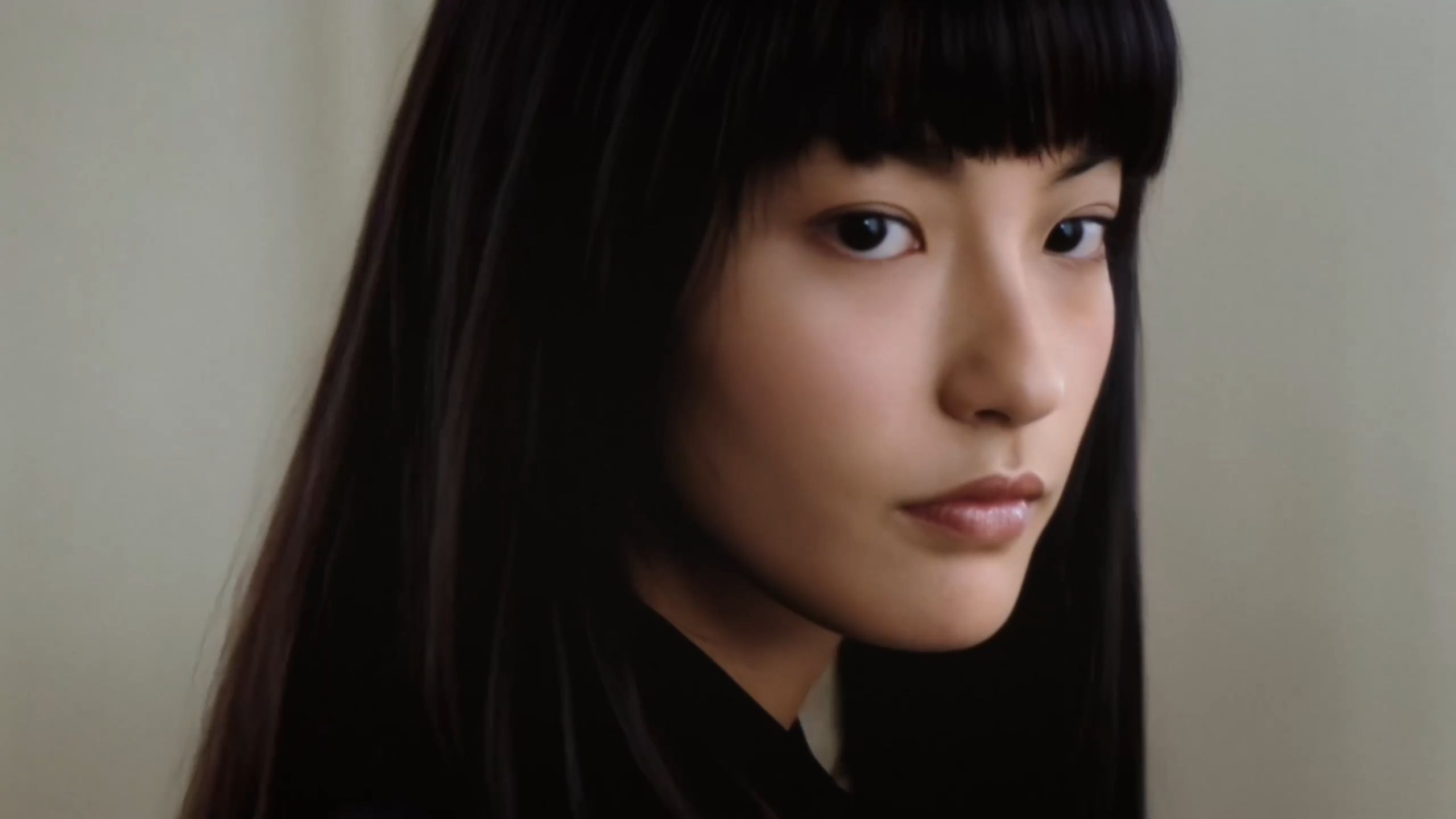  |
| Prompt: A woman defeats five men one after another in a hotel lobby. | ||
2. More Realistic Characters and Immersive Audiovisual Quality
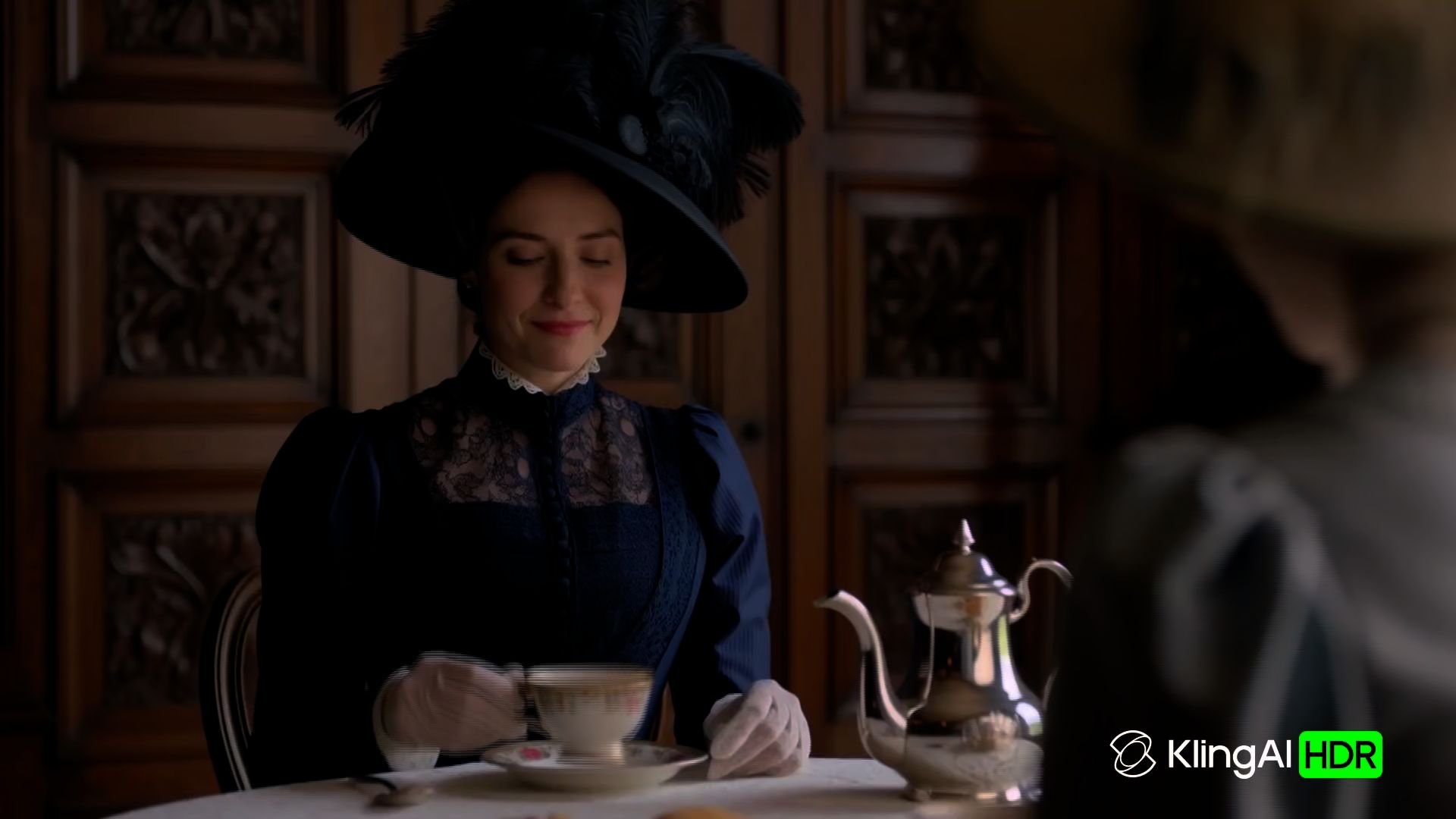
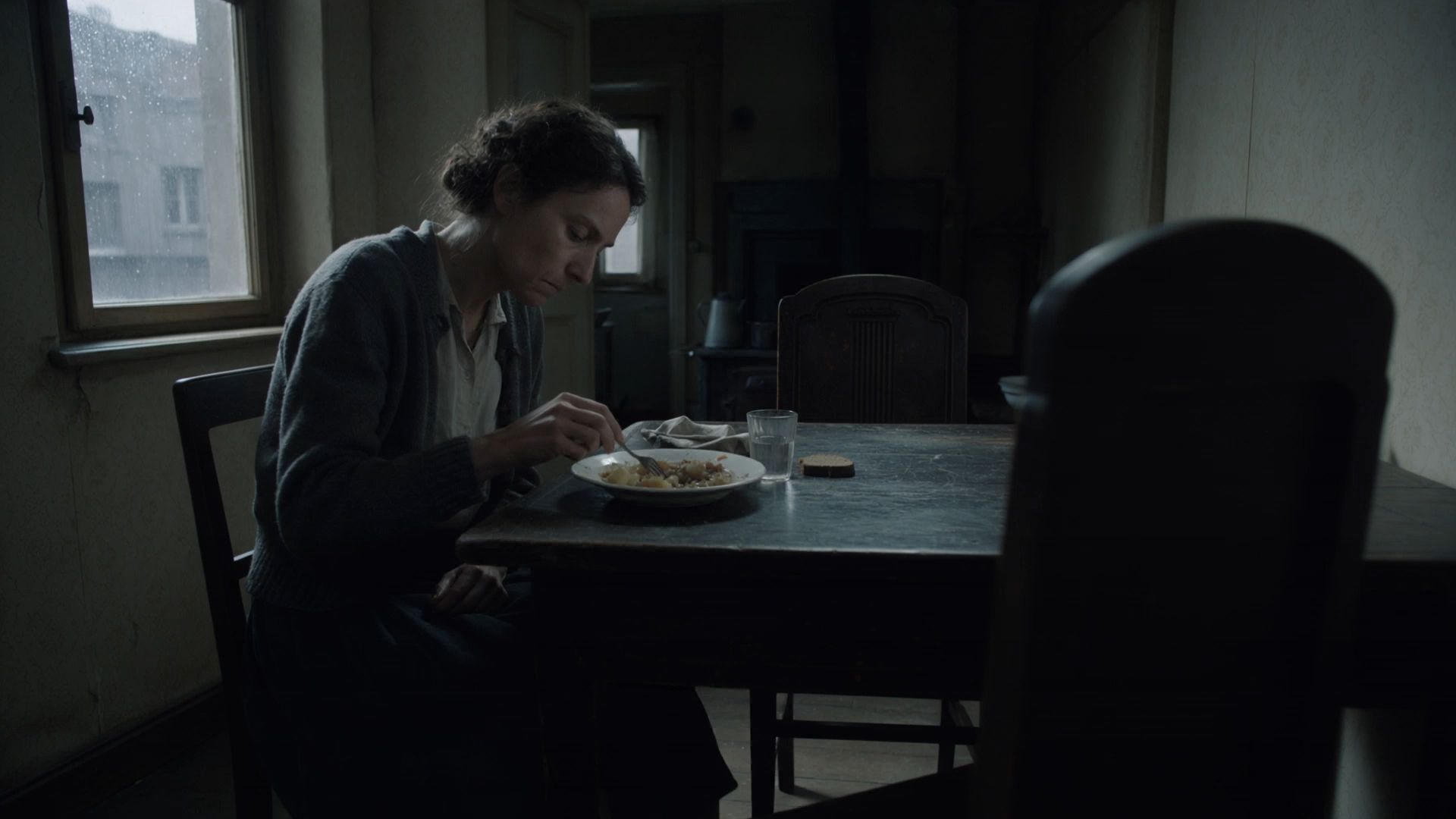
Kling 4.0 makes characters and scenes feel more grounded. Facial details, materials, and lighting look more natural, while expressions, posture, and emotional changes come through with greater nuance.
The model also supports higher-quality audio and two-channel stereo, alongside improved lip-sync accuracy. Dialogue, mouth movement, and character performance stay more closely aligned, while ambient sounds gain a clearer sense of space and presence.
For professional workflows, Kling 4.0 supports 4K output and 21:9 ultrawide video. Support for 10-bit HDR at 1080p and 4K is coming soon, bringing richer color information, smoother tonal transitions, and greater flexibility for post-production.
Omni Reference Upgrade: More Control, More Consistency
When you’re working with recurring characters, products, or a defined visual style, the challenge isn’t just generating a good first frame. It’s keeping those details consistent as the scene changes.
Kling 4.0 expands Omni Reference so images, videos, and subjects can work together within the same generation. You can use different references to guide appearance, motion, camera work, and style, giving you more control without having to explain every detail in a prompt.
1. More Ways to Reference, Without Having to Explain Everything in Words
Kling 4.0 supports up to 15 combined reference assets in a single generation, including:
- Image references: Up to 10 images, including subject images, character turnarounds, image grids, storyboards, and wireframes. These can define character appearance, product details, composition, lighting, and visual style.
- Video references: Up to 5 videos, with a combined duration of up to 30 seconds. Videos can guide performance, movement, camera direction, and narrative pacing. White-model and depth-map videos are also supported.
- Subject references: Up to 7 subjects, including up to 3 video-based subjects. Voice references can also help define a character’s vocal identity.
Individual input limits apply within the combined total of 15 reference assets.
Rather than using one prompt to describe everything, creators can give each reference a specific role across identity, movement, camera direction, pacing, and visual style.
Multi-Character Reference Images | Generated Result |
.webp?x-oss-process=image/resize,w_1872) | 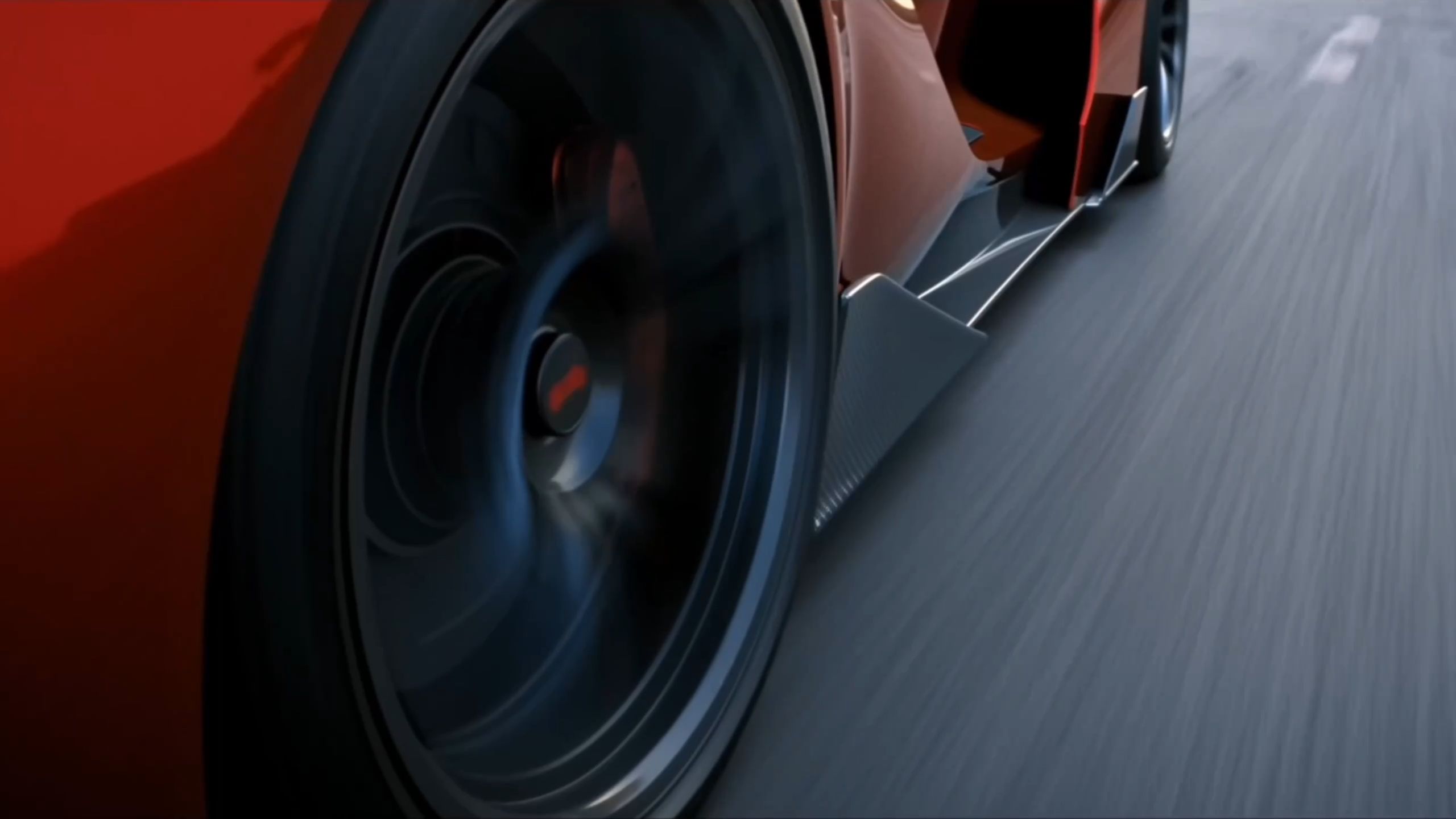 |
| Prompt: A director guides the actors while filming a high-speed chase between a supercar and a motorcycle. | |
2. More Consistent Characters, Products, and Scenes
Omni Reference does more than make the first frame look right. By combining different types of references, it helps preserve the defining details of characters, products, and environments as shots change.
For example, the same woman can appear in different settings and camera angles, moving from a table-side shot to a bedroom scene and then an overhead view. Even as lighting, framing, and shot size change, her facial features, hairstyle, clothing, and overall appearance remain recognizable.
The same consistency applies to products. A product can appear from different angles or under different lighting while maintaining its structure, materials, colors, and brand details.
Reference Image | |||
.png?x-oss-process=image/resize,w_1872) | .png?x-oss-process=image/resize,w_1872) | .png?x-oss-process=image/resize,w_1872) | .png?x-oss-process=image/resize,w_1872) |
Video | |||
 | |||
3. Recreate Trending Videos and Refine Existing Footage
Kling 4.0 also makes it easier to build on existing creative ideas. Use a reference video to guide pacing, shot composition, and camera movement, then introduce your own characters, products, or other assets to recreate popular video formats.
For example, you can take inspiration from a trending product advertisement, replace the featured product with your own, and adapt the characters and setting to fit your brand.
Reference Image | Reference Video | Generated Result |
.png?x-oss-process=image/resize,w_1872) | 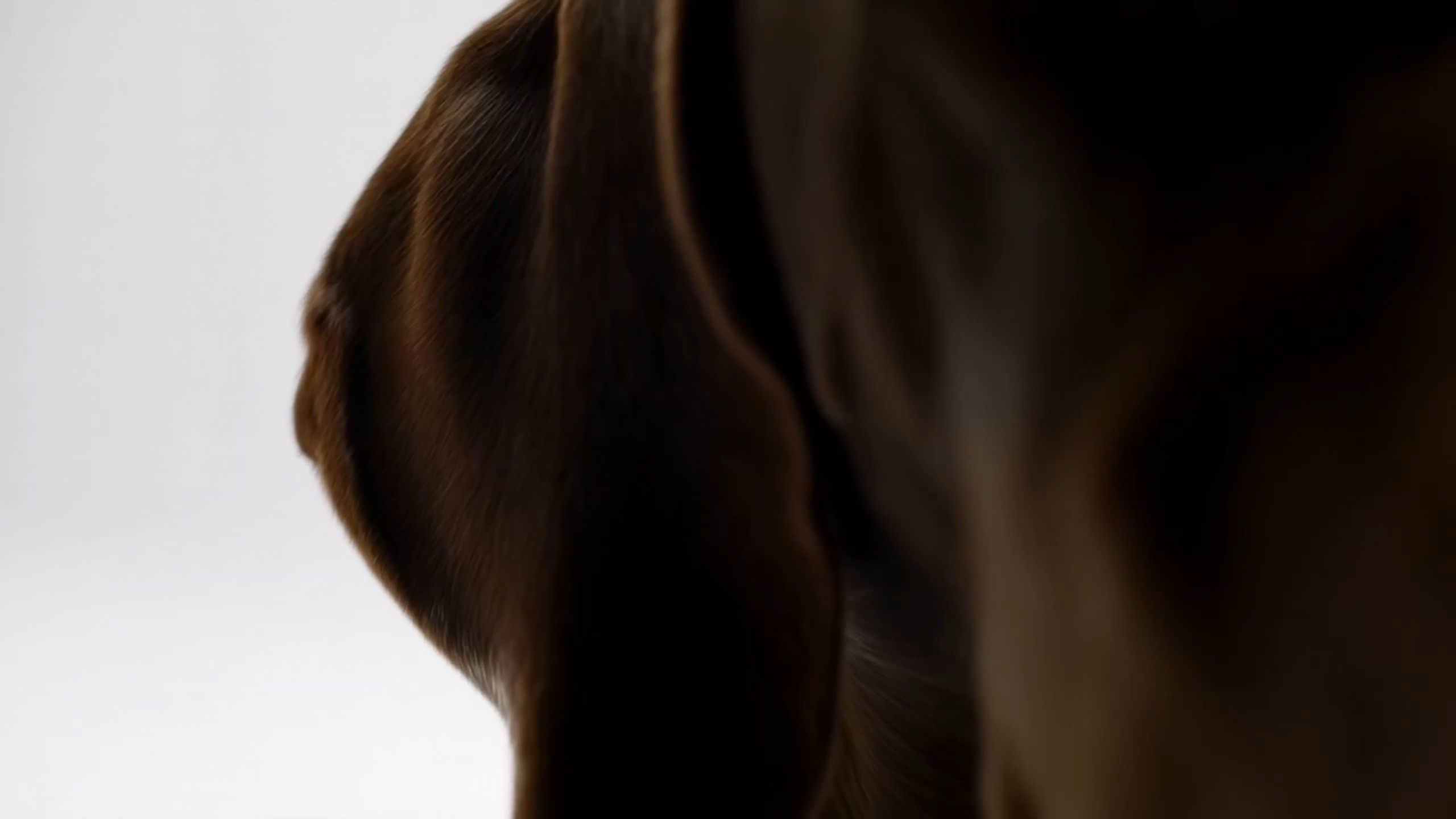 | 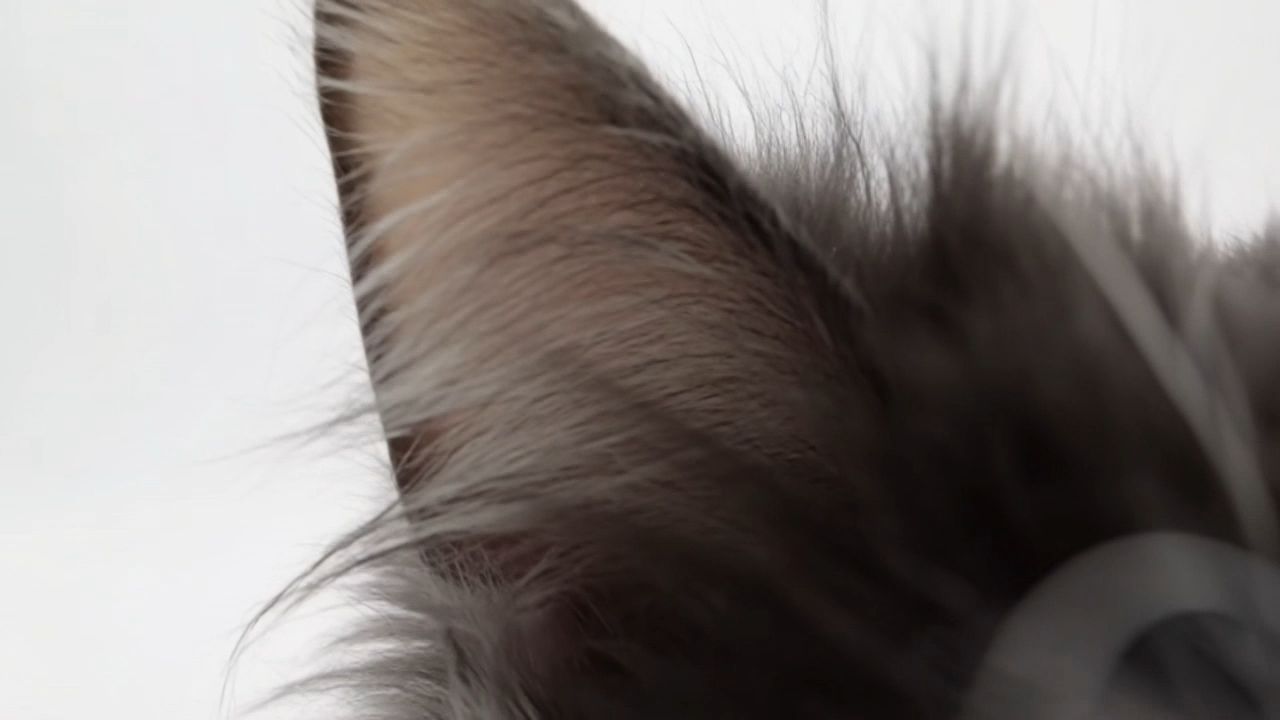 |
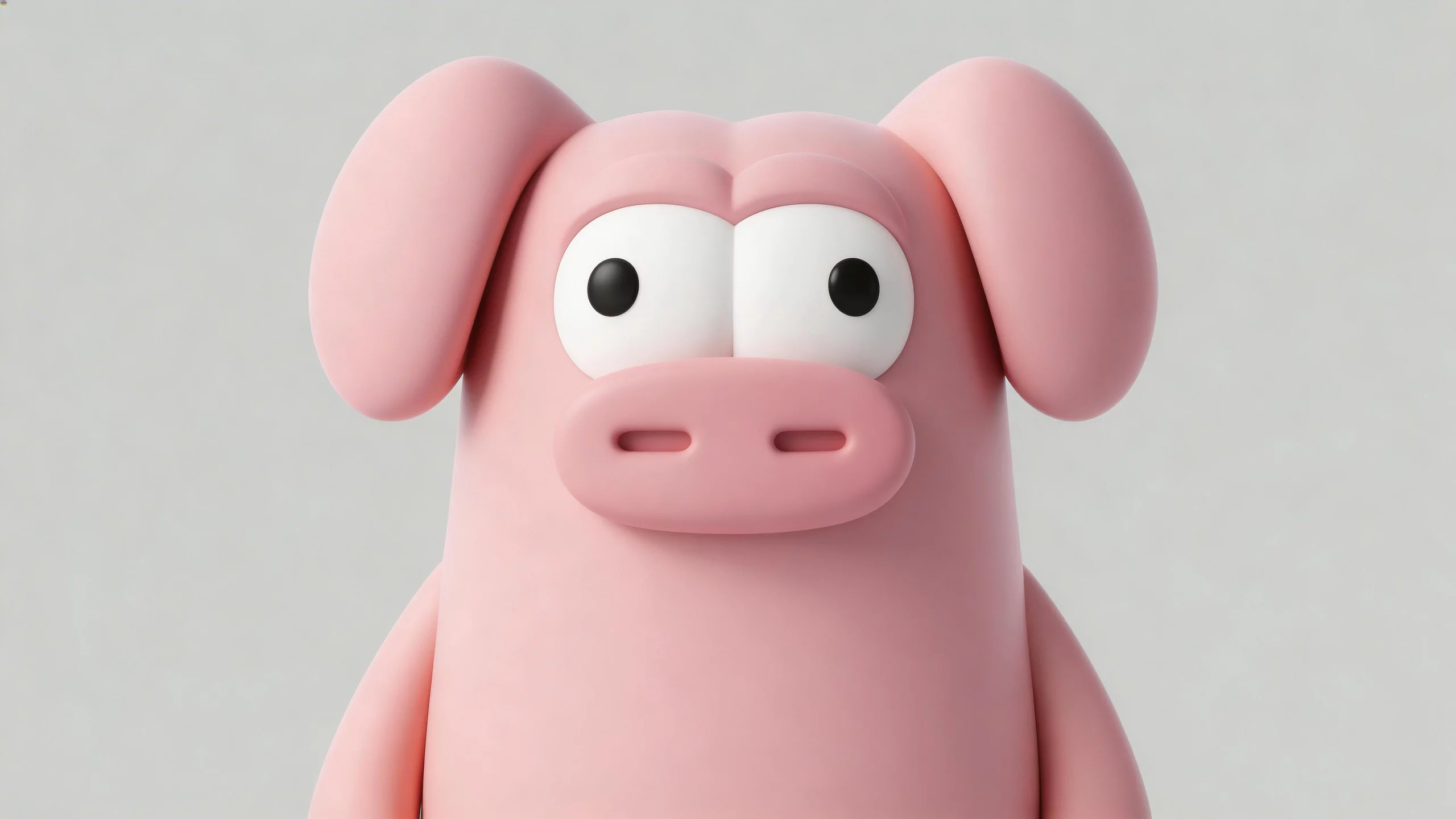
You can also refine existing footage using text and visual references. Add, replace, or remove elements, change backgrounds, or adjust details such as expressions, colors, materials, and camera angles while preserving the parts of the scene you want to keep.
The full model supports up to five video inputs in an editing task, including one primary video, with a combined duration of up to 30 seconds.
These capabilities make it easier to adapt creative concepts, produce social media variations, and update existing commercial content without starting from scratch.
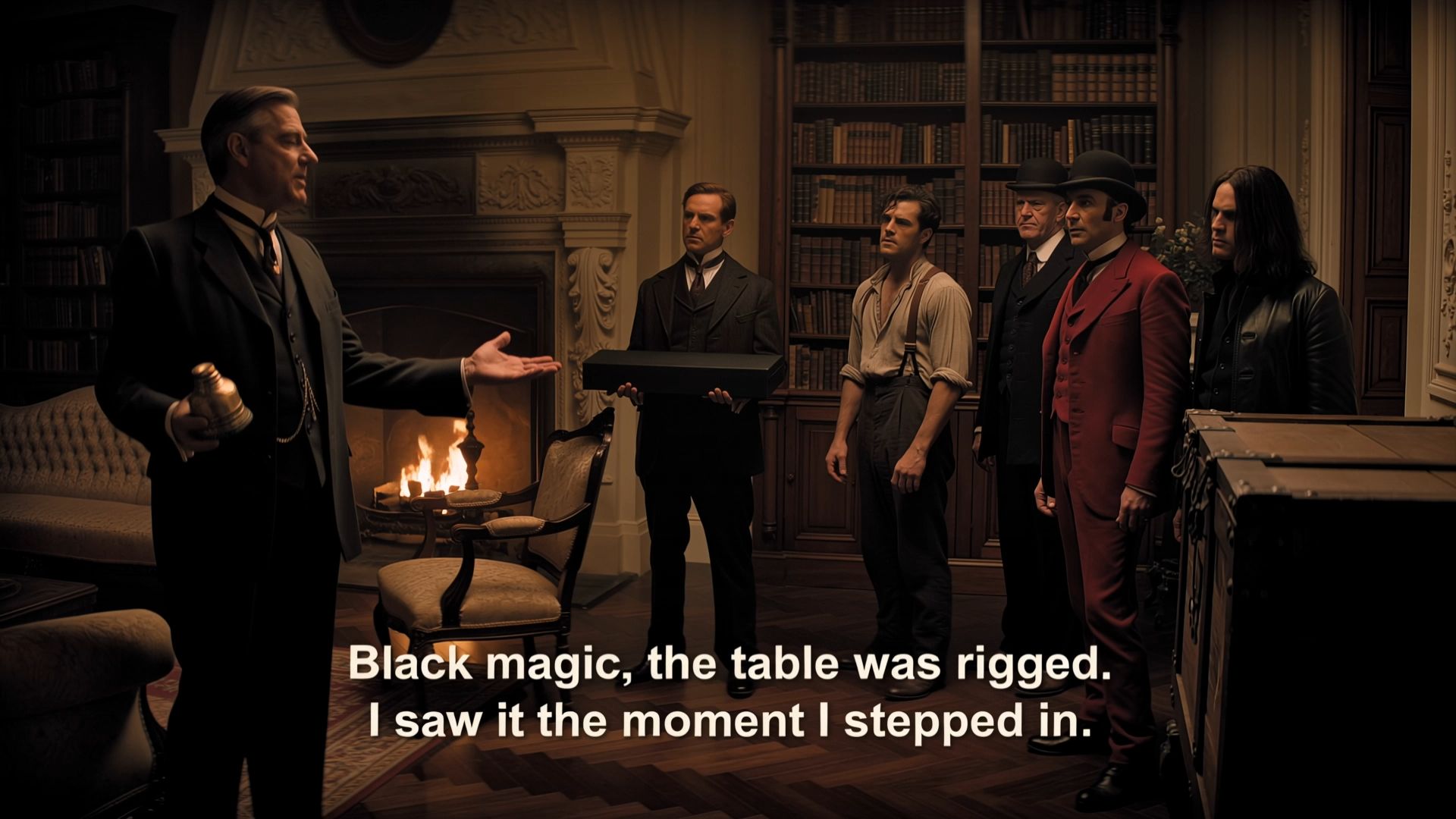
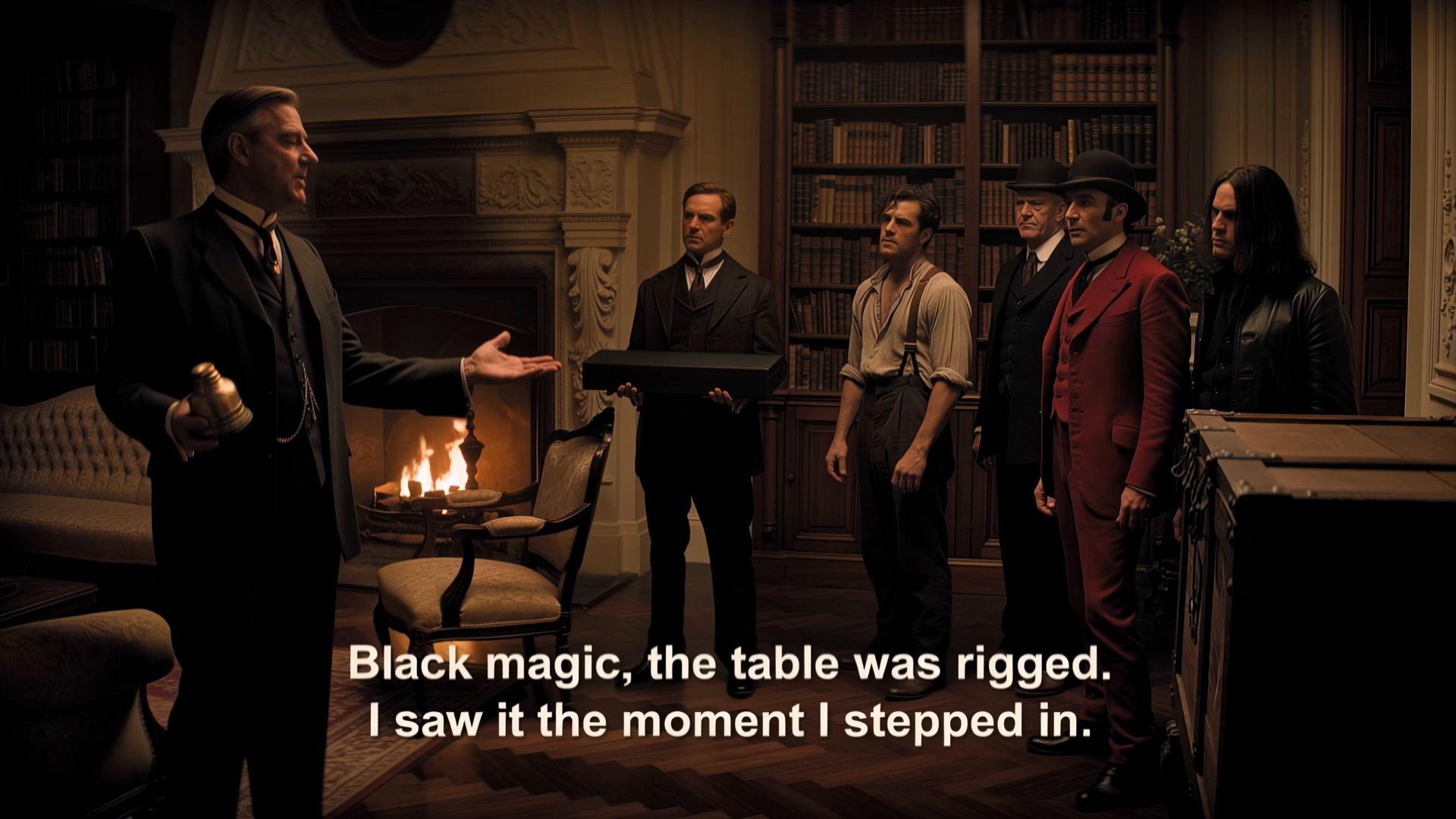
Add a main subject and modify the dialogue | ||
Reference Image | Reference Video | Generated Result |
   | 
|  |
Storytelling Upgrades: Give Longer Scenes More Room to Unfold
A longer video is not just about adding more seconds. It gives the story more room to develop, while also requiring greater control over what happens, when it happens, and how each moment connects.
Kling 4.0 combines native 30-second generation, Multiple Keyframes, and improved prompt understanding to give creators more control over narrative progression, pacing, and camera direction.
1. Native 30-Second Generation for Longer Story Beats
Kling 4.0 supports native video generation from 3 to 30 seconds, giving long takes, multi-shot sequences, and continuous scenes more room to develop.
Instead of compressing an idea into a few seconds, you can give actions, dialogue, character interactions, scene changes, and emotional moments enough time to unfold naturally.
For ads, short narratives, and cinematic scenes, the additional duration also creates more room to build a complete sequence, from establishing the scene and introducing the subject to developing the action and reaching a clear ending.
Reference Image | Generated Result |
.webp?x-oss-process=image/resize,w_1872) .webp?x-oss-process=image/resize,w_1872) |
 |
| Prompt: A giant dragon stands atop a cliff, roaring at the burning city below. | |
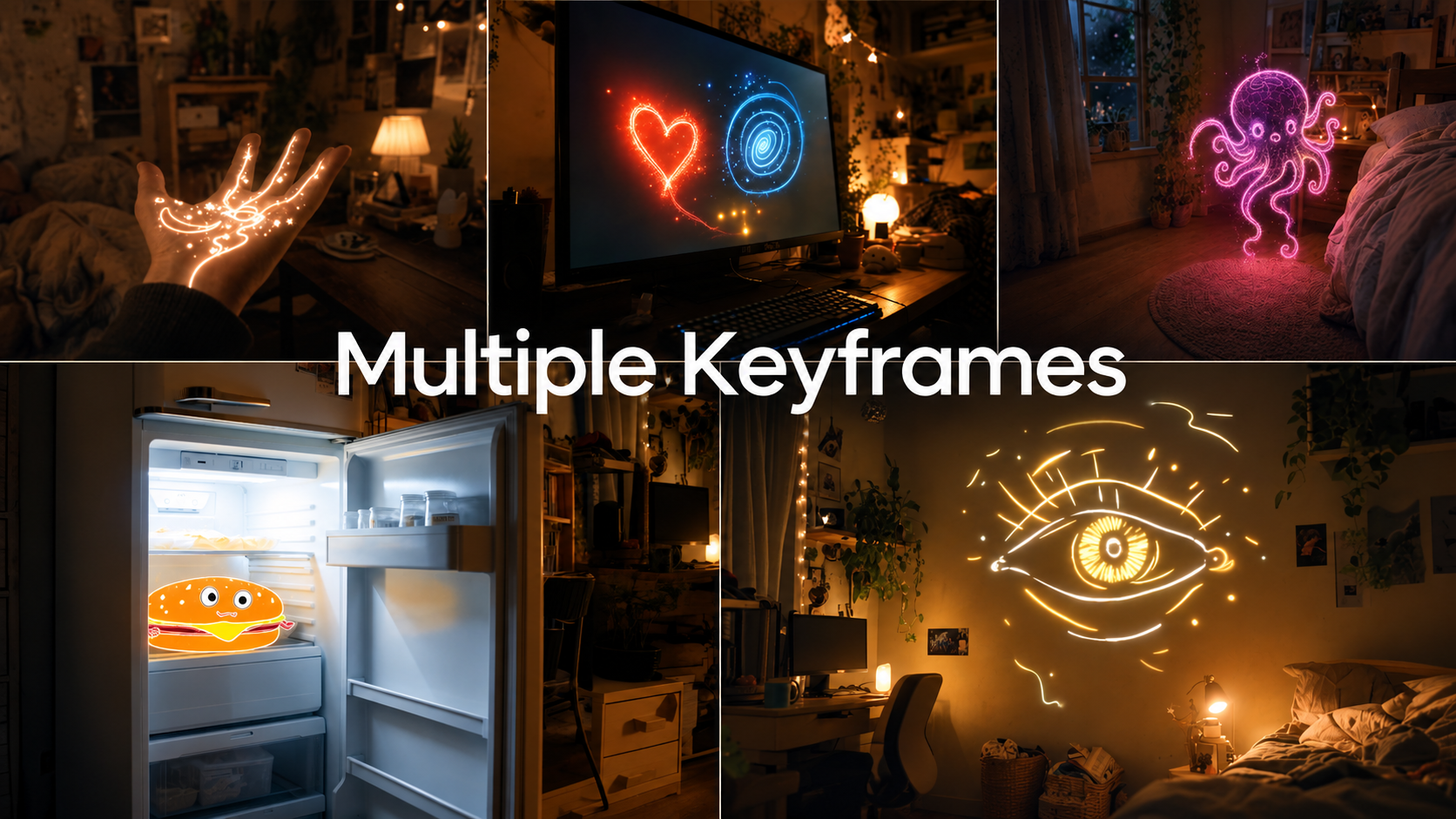
2. Multiple Keyframes for Tighter Control Over Timing and Story Progression
As scenes get longer, the question is no longer just how much video you can generate, but whether each event happens at the right moment.
Kling 4.0 supports up to 10 flexible keyframes, allowing you to define important visual states at different points on the timeline.
You can specify when characters appear, scenes change, products are revealed, or story turns take place, giving the model clearer direction over how the narrative should progress.
Keyframe | Generated Result |
.png?x-oss-process=image/resize,w_1872) | 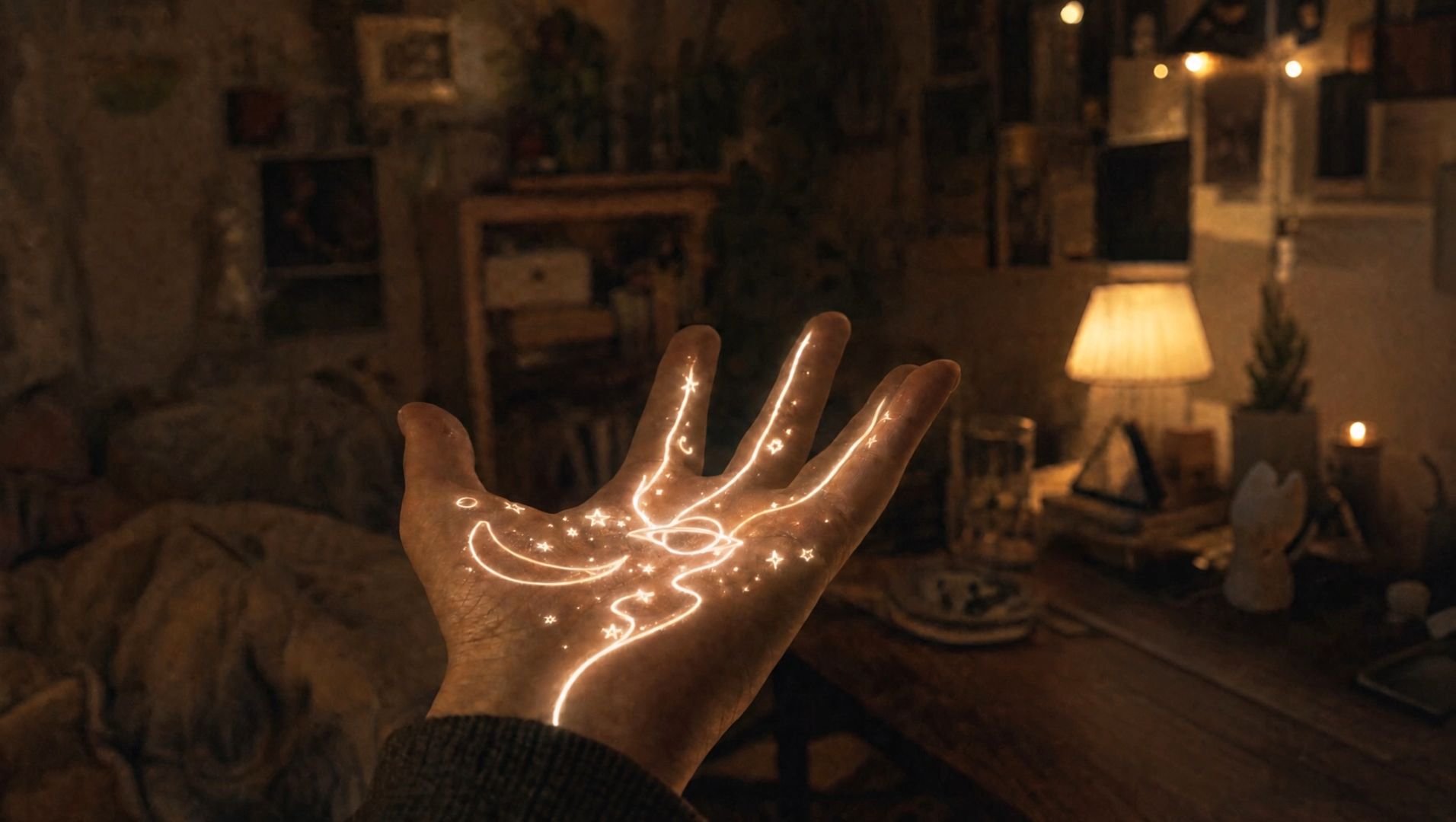 |
3. Smarter Prompt Understanding and Clearer On-Screen Text
Kling 4.0 supports prompts up to 8,000 tokens, giving creators more room to describe actions, dialogue, camera movement, scene changes, pacing, and sound. It can also expand and refine instructions to help develop a creative idea further.
The upgrade extends to on-screen text generation. Multilingual text, logos, and emojis remain clearer and more stable during camera movement and scene transitions, making them easier to incorporate into product ads, branded content, and other videos with graphic elements.
It supports text generation in Chinese, English, Japanese, Korean, Spanish, Portuguese, German, French, Hindi, and more.
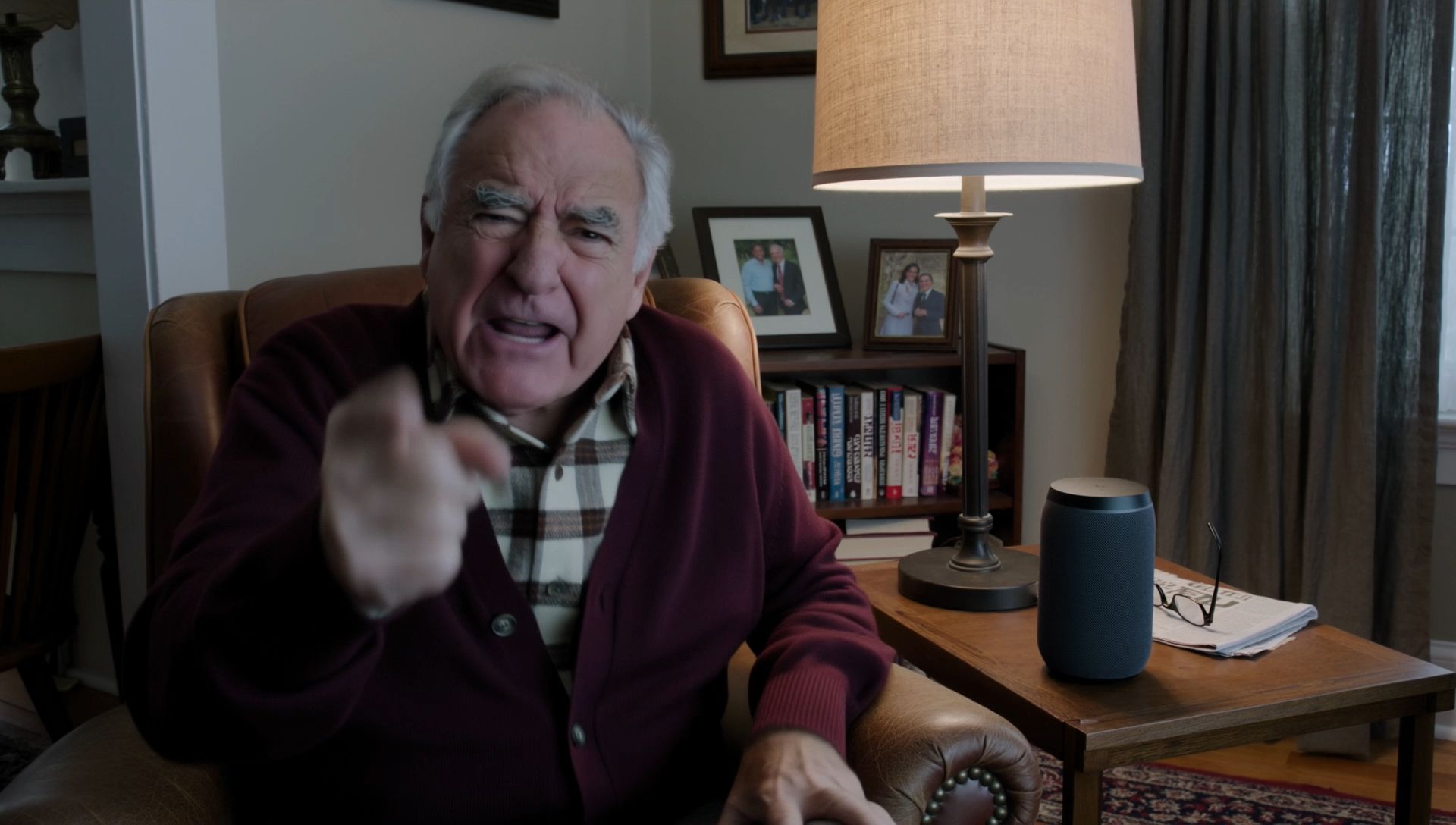
| 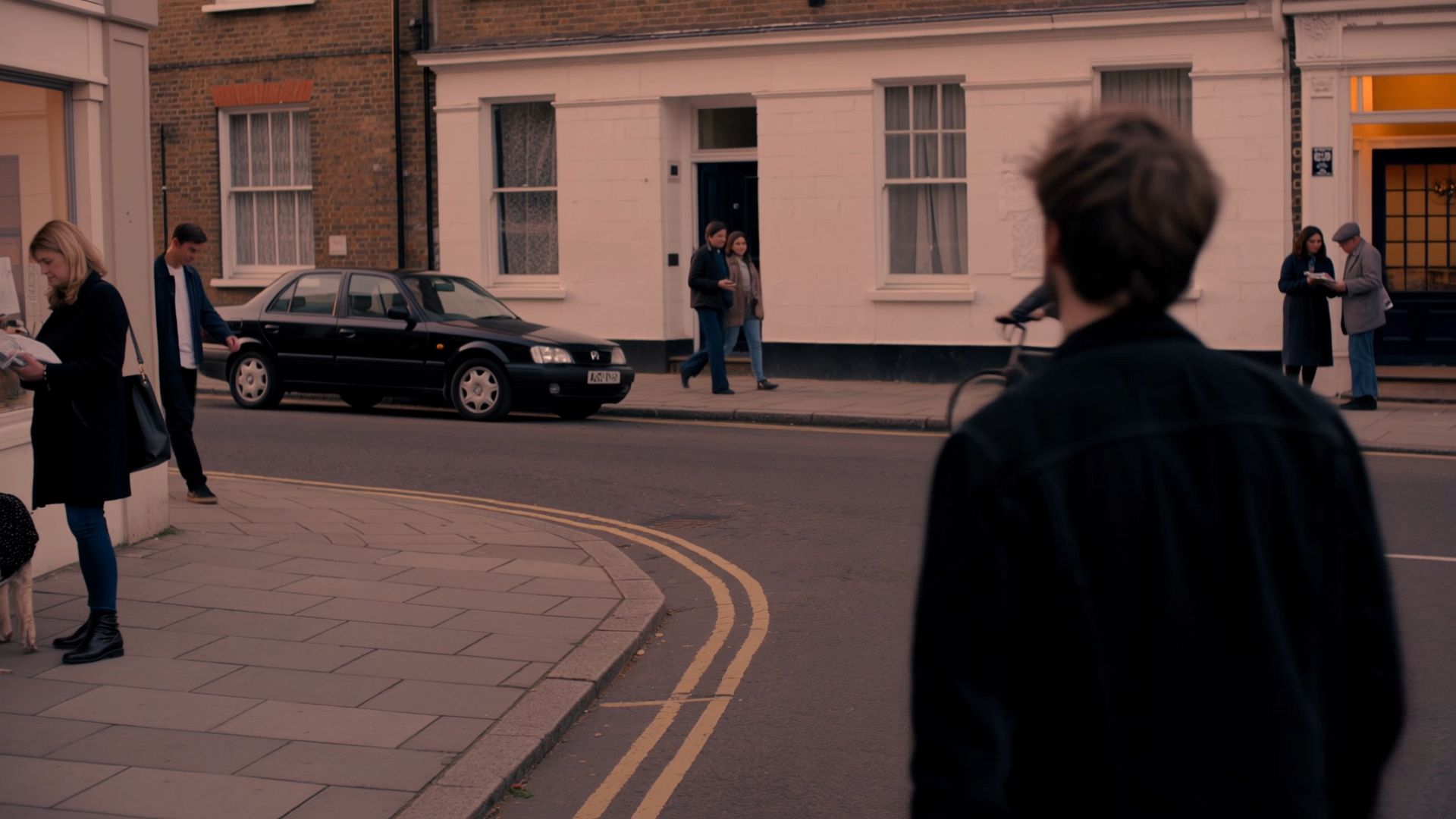 |
| Prompt: An old man ranting about AI. | Prompt:A single continuous 7-second shot set in the UK. At dusk, two friends who haven’t seen each other in a long time meet at the corner of a quiet street, with people going about their everyday lives around them. They smile, walk quickly toward each other, and share a warm embrace. Their expressions and body movements feel natural. The handheld camera follows them with a slight, natural shake. Soft, warm lighting and a nostalgic film look. Include natural footsteps, street ambience, background music, and dialogue in English. |
A Redesigned Creation Page for a Smoother Workflow
Alongside Kling 4.0, we’ve redesigned the creation page to make video production more intuitive and connected. The new workspace brings multimodal inputs into one place, with flexible viewing options, timeline-based editing, and Canvas and Agent to help creators develop and refine their ideas without breaking their creative flow.
1. One Input Box for Different Creative Assets
The new creation page brings previously separated input options into a unified interface. Combine text, images, videos, and supported audio references in one place.
You can also switch between Grid and List views to compare multiple generations at a glance or focus on individual creations.
.png?x-oss-process=image/resize,w_1872)
Suggested asset: New creation interface and Grid/List views.
2. Keep Creating on a Connected Timeline
Preview, edit, and add new materials within the same timeline without starting over. Make changes or insert assets at different points as your ideas develop.
Canvas helps you organize assets and connect creative steps visually, while Agent can assist with creative tasks through conversational instructions.
.png?x-oss-process=image/resize,w_1872) | .png?x-oss-process=image/resize,w_1872) |
Suggested asset: Timeline and Canvas & Agent interface.
What Can You Create With Kling 4.0?
From commercial advertising to short-form storytelling, Kling 4.0 supports different creative workflows with more flexible reference inputs, generation, and editing capabilities.
Use Case | How Kling 4.0 Helps | Typical Content |
Brand Ads & Commercials | Recreate creative concepts, maintain product details, and develop longer promotional sequences. | Product ads, brand films, campaign videos |
Short Films & Narrative Video | Combine longer generation, character performance, and keyframe control for more cohesive storytelling. | Short dramas, cinematic scenes |
E-commerce & Product Marketing | Keep product details consistent across changing compositions and develop campaign variations. | Product demos, social ads |
UGC & Social Content | Create videos with natural performances, dialogue, and reference-based generation. | Reviews, unboxings, creator ads |
Music & Performance | Guide body movement, camera direction, timing, and audiovisual expression. | Music videos, dance videos |
Pre-production | Turn storyboards and visual references into concept videos and scene previews. | Previsualization, concept development |
How to Get More Cinematic Results With Kling 4.0?
A clear creative plan helps you make the most of Kling 4.0’s capabilities.
Step 1. Start With the Purpose
Decide what you’re making: an advertisement, short narrative, UGC video, product demonstration, or brand film. This will shape the pacing, references, and prompt.
Step 2. Break the 30 Seconds Into Story Beats
Plan what should happen at each point. For example, a product video might move from an opening scene and product close-up to product use, dialogue, and a final hero shot.
Use Multiple Keyframes to guide important actions, camera changes, and story turns along the timeline.
Step 3. Give Each Reference a Clear Job
With Omni Reference, adding more assets isn’t the goal. Each reference should have a specific purpose:
- Character reference: Face, clothing, identity.
- Product reference: Shape, color, logo.
- Scene reference: Layout and atmosphere.
- Style reference: Lighting, color, visual treatment.
- Video reference: Motion, camera movement, pacing.
Step 4. Write the Prompt Like Shot Direction
Focus on the elements that actually shape the scene:
Subject + Action + Setting + Camera + Lighting + Pacing + Sound
If there’s dialogue, describe the character’s expression, movement, and tone to help connect the words with the performance.
Step 5. Check Continuity From Start to Finish
Review the complete sequence rather than judging individual frames. Check whether characters and products remain consistent, motion feels natural, shots connect smoothly, and dialogue stays aligned with the visuals.
Refine the elements that need adjustment instead of rebuilding the entire video unnecessarily.
The full Kling 4.0 model is coming soon. Feature availability may vary during the initial rollout.
Final Thoughts
A compelling AI video depends on clear storytelling, consistent subjects, purposeful camera work, natural motion, synchronized sound, and visual continuity.
Kling 4.0 brings these elements together through stronger audiovisual performance, richer multimodal references, more controlled storytelling, and flexible video editing. Alongside the redesigned creation page, it gives creators a more connected way to develop ideas and refine their work—from the first reference to the final video.
Kling 4.0 is coming soon. Sign in to discover the all-new creation experience and check early-access availability.
Frequently Asked Questions
When will Kling 4.0 be available?
The full Kling 4.0 model is scheduled to launch in October 2026. Early access to the new creation experience began rolling out to a limited group of users on September 28.
How long can Kling 4.0 generate videos?
Kling 4.0 supports native video generation from 3 to 30 seconds, with up to 10 flexible keyframes for greater control over important visual moments.
Can Kling 4.0 recreate trending videos?
Yes. Kling 4.0 can use an existing video as a reference for pacing, shot composition, and camera movement while incorporating your own characters, products, and other visual assets.
Can Kling 4.0 edit existing videos?
Yes. The full model supports multimodal editing, allowing creators to modify subjects, backgrounds, visual styles, and other elements using text and visual references.
Does Kling 4.0 support text and logo generation?
Yes. Kling 4.0 improves multilingual text, logo, and emoji generation, helping these elements remain clearer during camera movement and scene transitions.
What is new about the Kling AI creation page?
The redesigned creation page introduces unified multimodal input, Grid and List views, timeline-based editing, and a Canvas and Agent experience for organizing and developing creative projects.