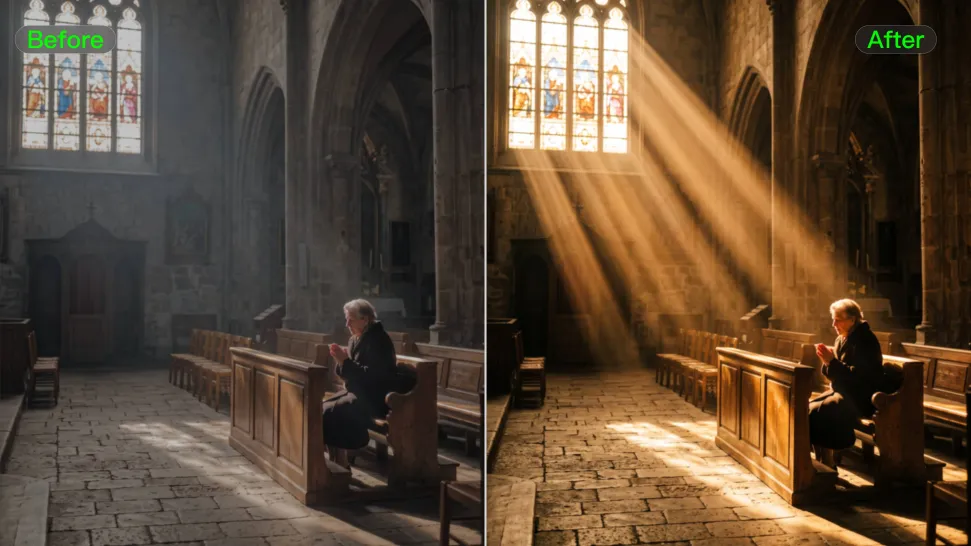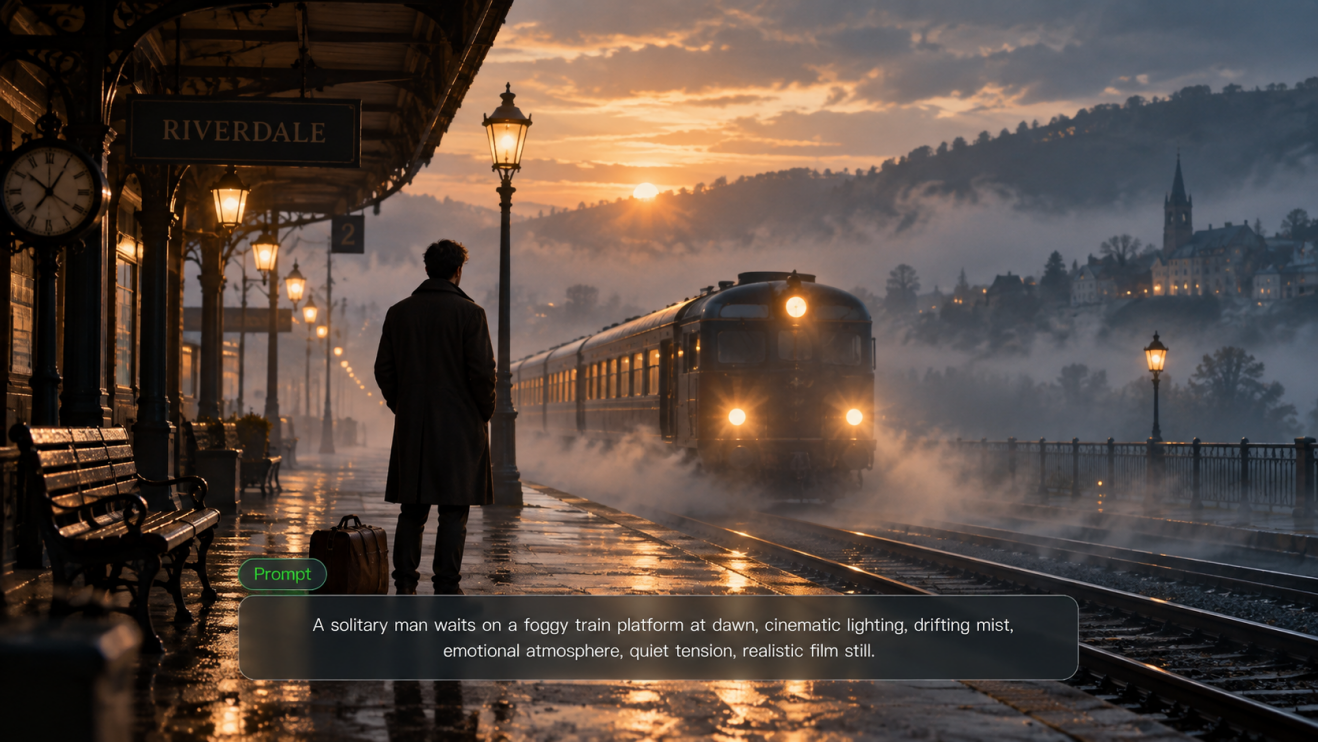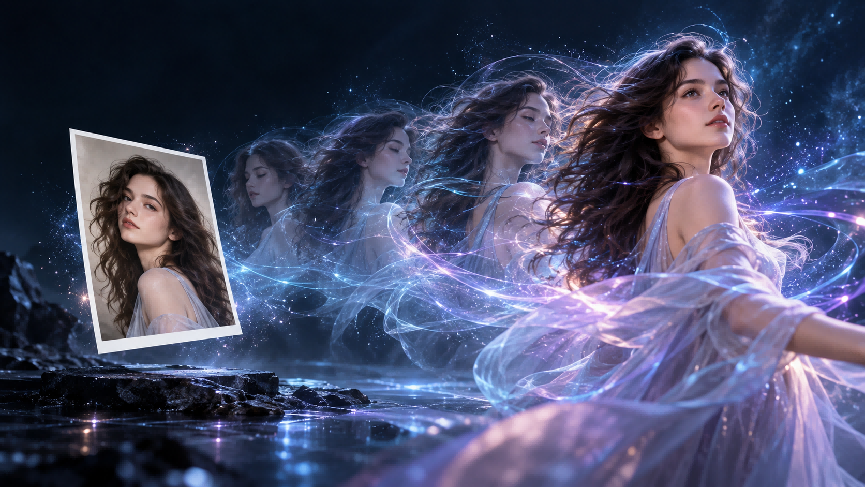
Kling 3.0 marked a major step forward for AI video creation, bringing Multi-Shot storytelling, Native Audio, stronger subject consistency, multilingual dialogue, and up to 15 seconds of video generation into one model family. Kling 4.0 builds on that foundation with a broader upgrade to how creators control motion, references, timing, and story development.
The biggest change is not simply higher output quality. Kling 4.0 gives creators more room to direct what happens across an entire video—from complex movement and camera work to multiple key moments, richer reference inputs, and post-generation editing.
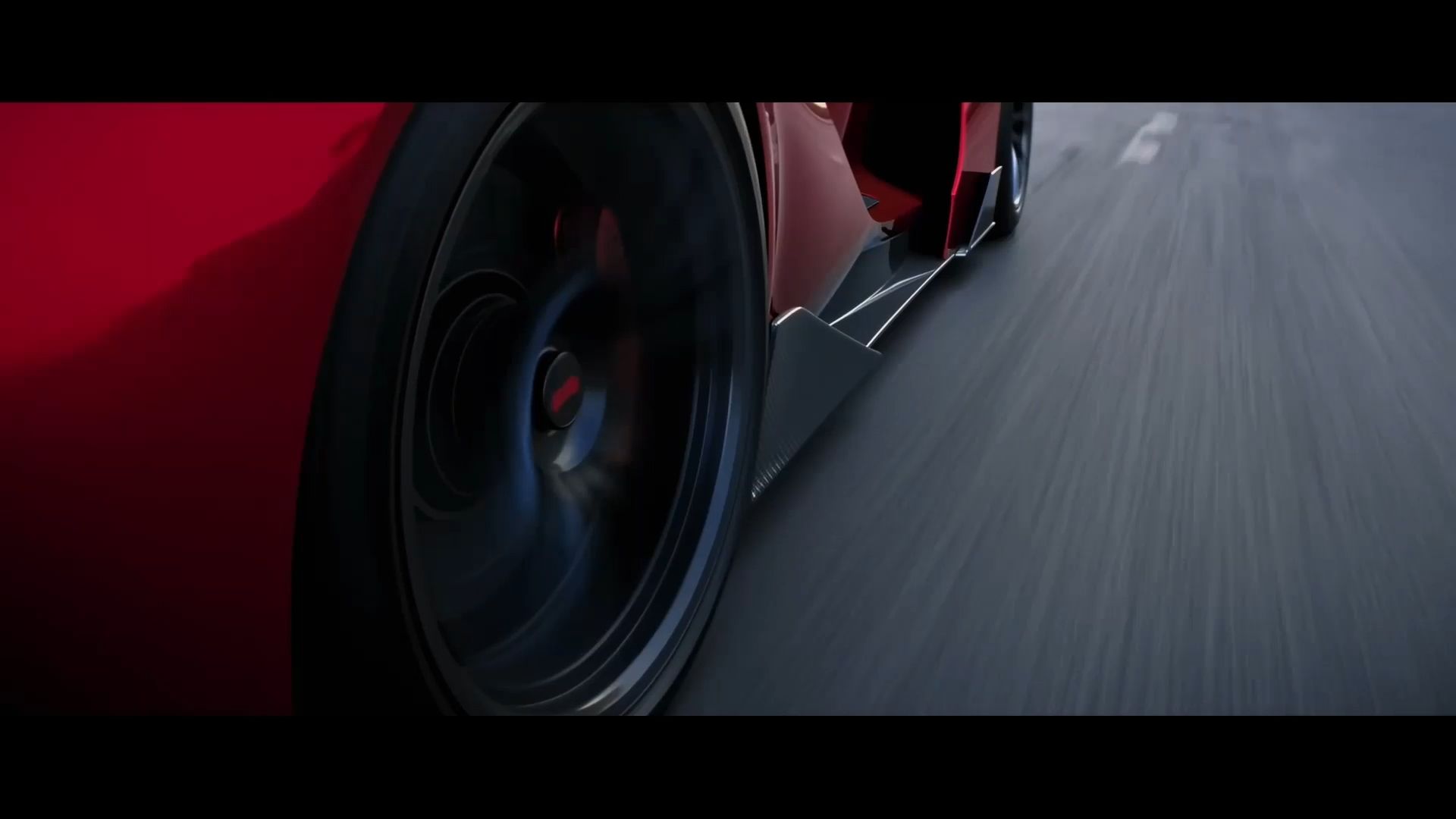

The all-new Kling 4.0 will officially launch in October. As part of the Kling 4.0 lineup, Kling 4.0 Flash became available to a limited group of users for early access on September 28.
Kling 4.0 vs 3.0: Key Differences at a Glance
Here’s how Kling 4.0 compares with Kling 3.0.
Capability | Kling 3.0 Series | Kling 4.0 |
Text-to-Video | Supported | Supported |
Image-to-Video | Supported | Supported |
Start & End Frames | Supported | Supported |
Multiple Keyframes | Not supported | Up to 10 keyframes |
Video Duration | 3–15 sec | 3–30 sec |
Resolution | 720p / 1080p / 4K | 720p/1080p/4K |
Dynamic Range | 8-bit SDR | 10-bit HDR at 1080p/4K |
Audio Output | Single-channel | Two-channel stereo |
Main Languages | Chinese, English, Japanese, Korean, Spanish | Adds Portuguese, German, French, Hindi, and more |
Reference Images/Subjects | Up to 7 without video; up to 4 with video | Up to 10 images and 7 subjects |
Reference Videos | Up to 1 video, max. 15 sec | Up to 5 videos, 30 sec combined |
Combined Reference Assets | Up to 7 images/subjects, or 1 video + 4 images/subjects | Up to 15 assets |
Video Editing | Available through 3.0 Omni workflows | Integrated into the Kling 4.0 multimodal workflow |
Kling 3.0 already introduced a strong foundation for prompt-led and reference-driven video creation. Kling 4.0 expands that foundation with longer generation, finer timeline control, richer multimodal input, and more flexible editing.
1. From 15 Seconds to Native 30-Second Generation
One of the clearest differences is video duration.
Kling 3.0 supports flexible generation from 3 to 15 seconds. Kling 4.0 extends native generation to 30 seconds in a single pass. That extra time changes more than the length of the final clip. A 15-second video is often enough for one main action, a short dialogue moment, or a compact product sequence. At 30 seconds, creators have more space to establish a scene, develop an action, introduce character interaction, and bring the sequence to a more deliberate ending.
Kling 4.0 is also designed to maintain narrative continuity across that longer duration, so actions, camera movement, and emotional beats have more room to develop naturally.

The all-new Kling 4.0 will officially launch in October. As part of the Kling 4.0 lineup, Kling 4.0 Flash became available to a limited group of users for early access on September 28.
2. From Start and End Frames to Up to 10 Keyframes
Kling 3.0 supports Start & End Frames, giving creators control over how a video begins and finishes. Kling 4.0 adds Multiple Keyframes, supporting up to 10 keyframe images. This gives creators more control over what happens between the opening and ending frames. Instead of defining only Point A and Point B, you can set several visual milestones along the timeline. For example:
Time | Key Visual Moment |
0s | Character enters the scene |
6s | Product appears |
12s | Camera moves into a close-up |
20s | Scene shifts to product use |
28s | Final campaign composition |
For storyboard-led work, product demos, short narratives, and multi-stage sequences, this gives creators a much more direct way to control timing and progression. The change matters most as videos get longer: more duration creates more creative space, but it also requires more control over when key events happen.
| Keyframes | Generated Result |
.png?x-oss-process=image/resize,w_1872) |  |
3. Omni Reference Expands From Reference-Led Creation to a Richer Multimodal Workflow
Reference-based creation was already an important part of the Kling 3.0 series, particularly in Kling VIDEO 3.0 Omni. Kling 3.0 can work with images, elements, video references, and voice controls, but its reference limits are smaller. Without a video input, images and subjects share a limit of up to seven. With video, Kling 3.0 supports one video plus up to four images or subjects.
Kling 4.0 expands that system significantly. A single generation can use up to 15 combined reference assets, including:
- Up to 10 images
- Up to 5 videos, with a combined duration of up to 30 seconds
- Up to 7 subjects
- Up to 3 video-based subjects
- Voice references
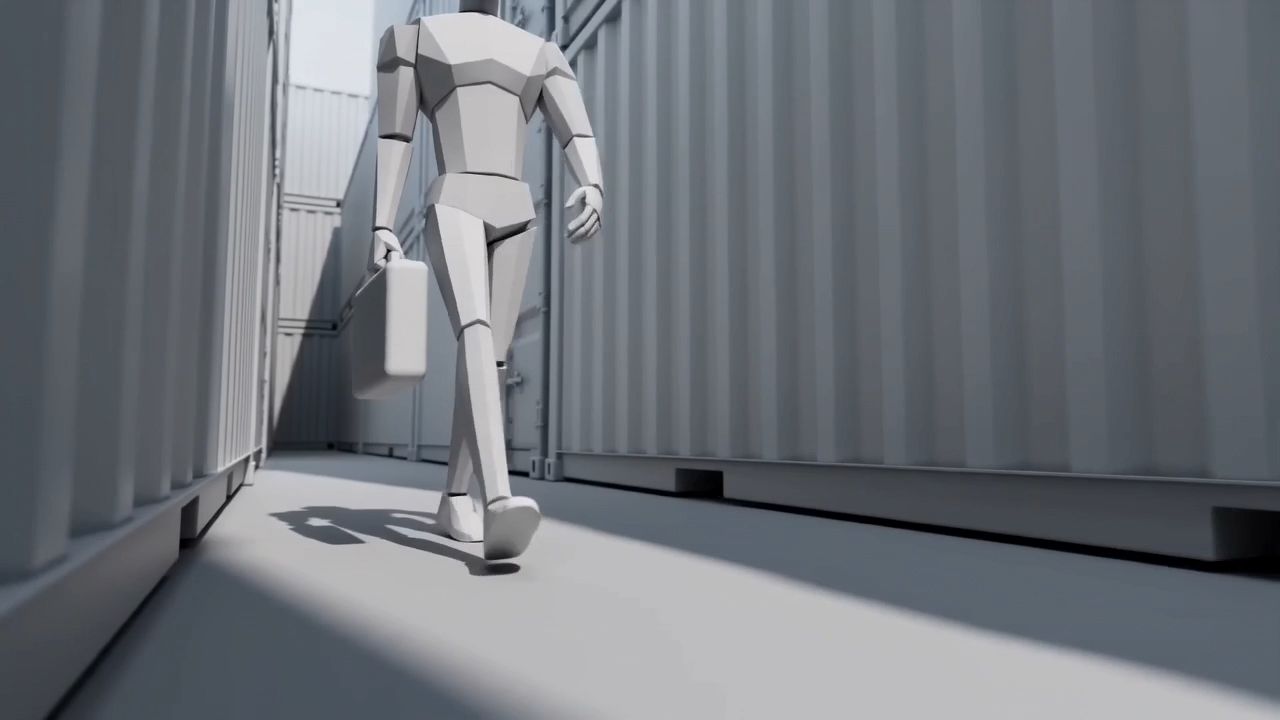
Different references can also perform different creative jobs. An image can define character appearance or product details. A video can guide performance, camera movement, or pacing. A storyboard can establish important visual moments. A depth-map or white-model video can transfer motion and spatial information. This makes Kling 4.0 particularly useful when several creative constraints need to work together in the same generation.
| White-Model Reference Video + Reference Image | Generated Result |
 .png?x-oss-process=image/resize,w_1872) .png?x-oss-process=image/resize,w_1872) | 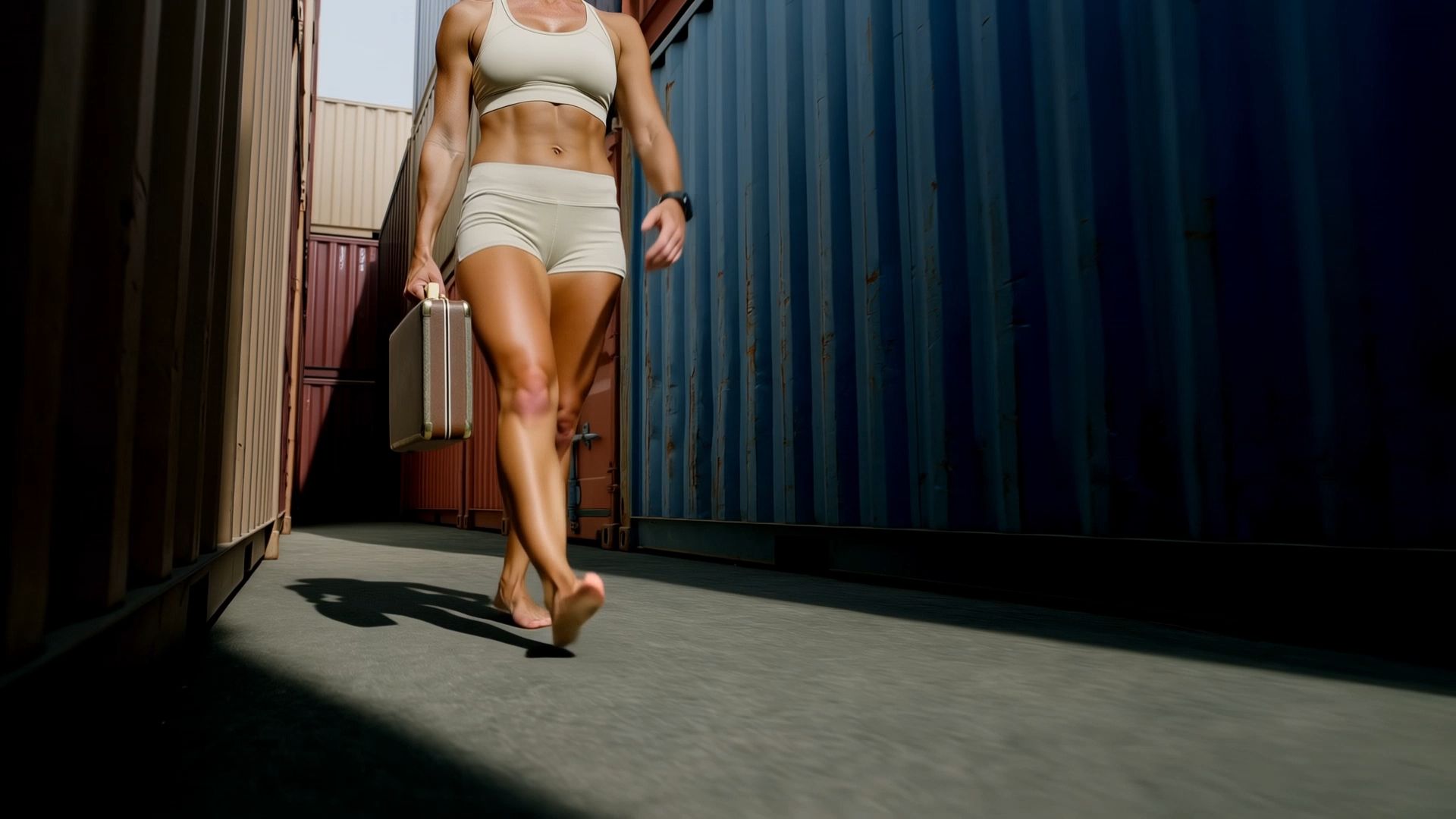 |
4. More Stable Dynamic Motion and Complex Camera Work
Kling 3.0 already introduced stronger Multi-Shot creation and camera control. Kling 4.0 pushes further into dynamic motion. The upgrade focuses on scenes where AI video models are often under the most pressure: fast movement, continuous action, multiple moving subjects, and large camera movements. Tracking shots, orbit shots, rapid action, and continuous body movement are designed to remain more stable and connected. That matters for content such as:
- Fight and action scenes
- Sports
- Dance and performance
- Vehicle shots
- Large-scale cinematic movement
Instead of reducing movement to keep the shot stable, creators can push character movement and camera direction further while maintaining clearer spatial relationships and motion continuity.
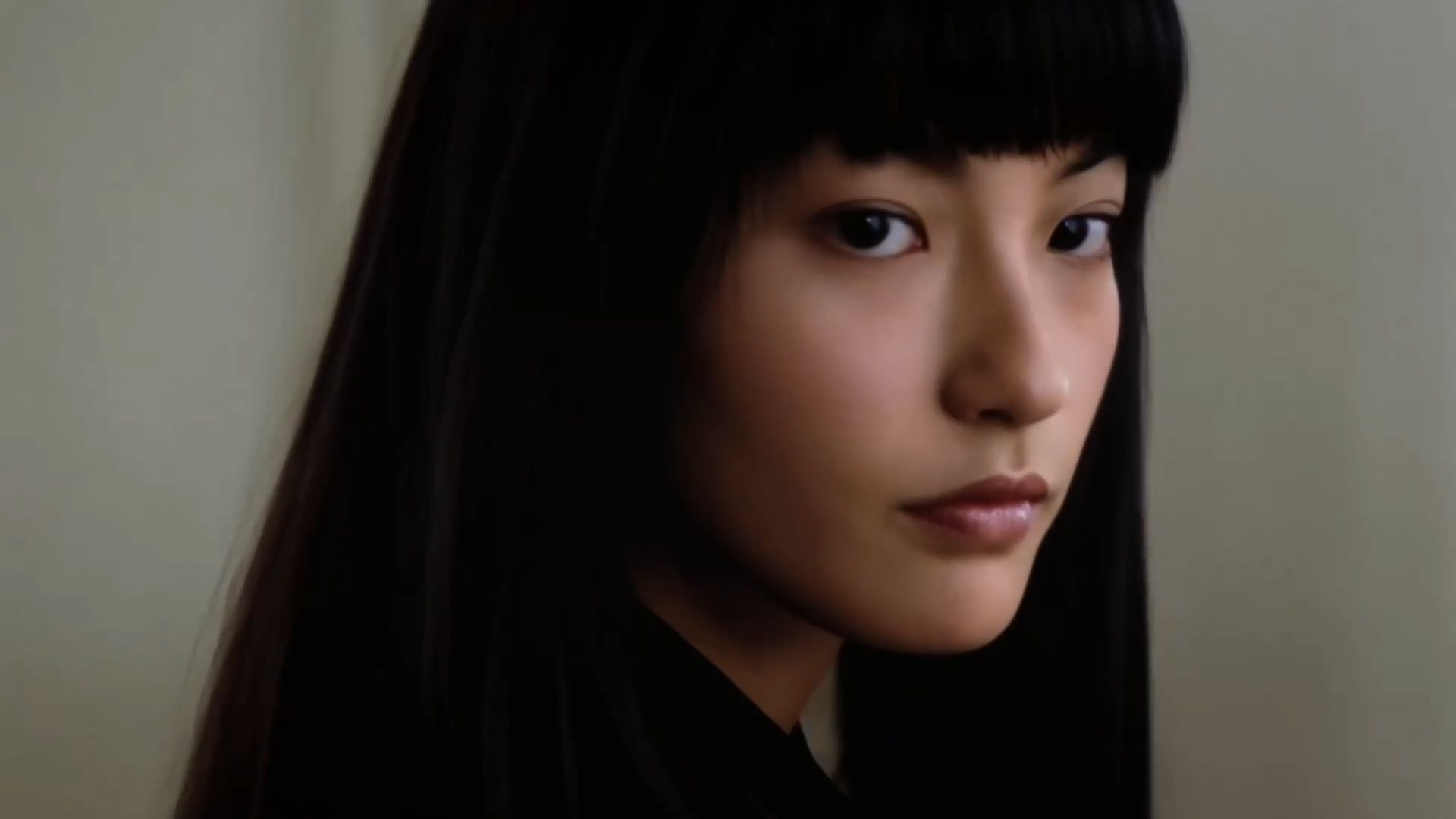
The all-new Kling 4.0 will officially launch in October. As part of the Kling 4.0 lineup, Kling 4.0 Flash became available to a limited group of users for early access on September 28.
5. Audio Moves From Native Sound to a More Immersive Audiovisual Experience
Kling 3.0 already supports Native Audio, including dialogue, ambience, sound effects, multilingual speech, and lip-sync. Kling 4.0 expands the audiovisual side with two-channel stereo audio and improved lip-sync accuracy. The goal is tighter alignment between dialogue, mouth movement, performance, and the surrounding soundscape.
Language support also expands. Kling 3.0 supports Chinese, English, Japanese, Korean, and Spanish. Kling 4.0 adds Portuguese, German, French, Hindi, and more, while continuing to support accents and dialects such as American, British, and Indian English, Cantonese, Sichuanese, and other Chinese regional speech.
For dialogue-heavy storytelling, UGC, advertising, and international content, this gives creators a broader audiovisual toolkit.
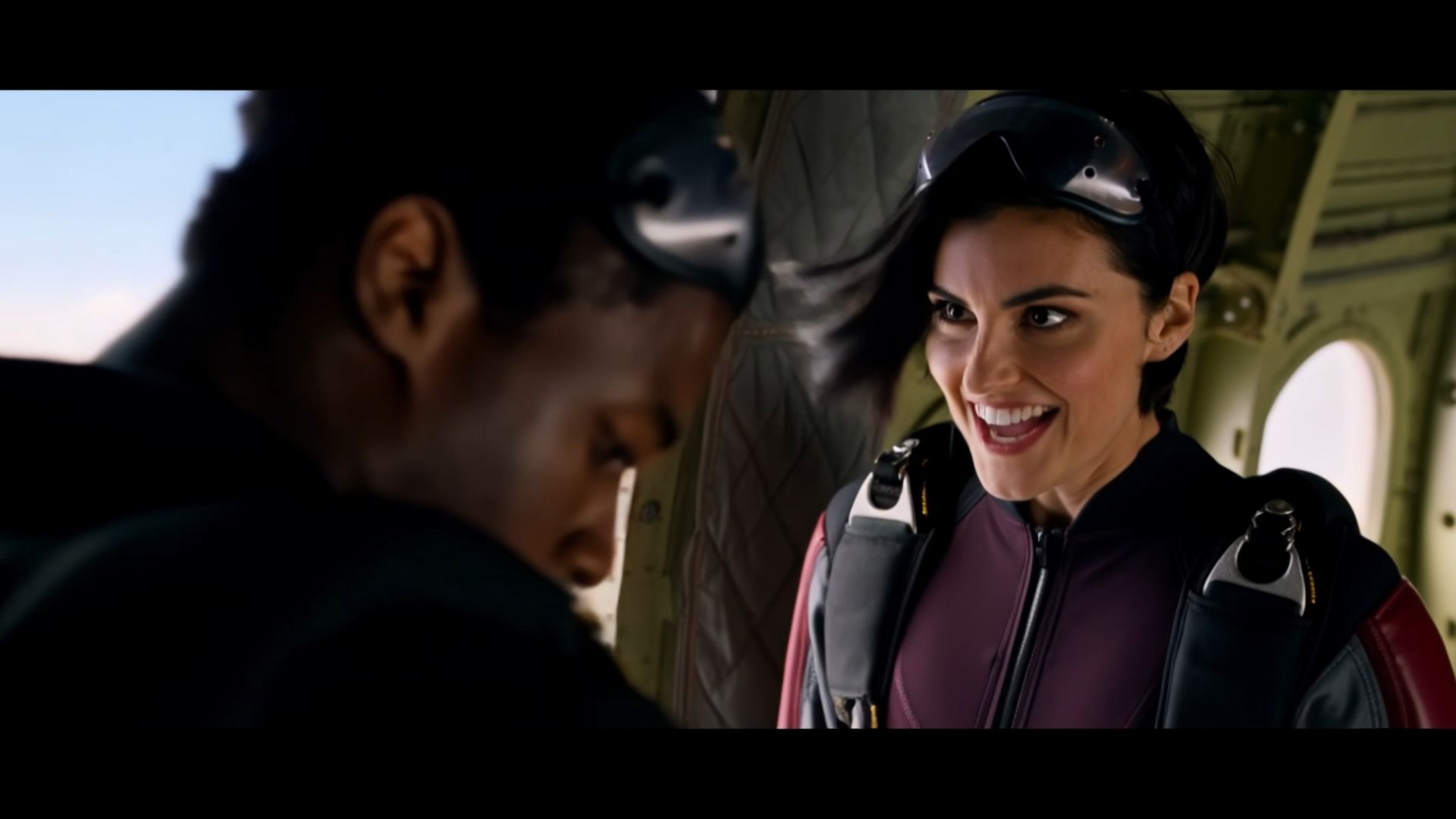
6. The Difference Is Not Just 4K
Both Kling 3.0 and Kling 4.0 support 4K output. That means the move from 3.0 to 4.0 should not be understood simply as a resolution upgrade.
Kling 3.0 already introduced native 4K video generation. The new generation focuses more heavily on how the full image holds together during demanding scenes. Kling 4.0 improves character detail, materials, lighting, facial expressions, and complex motion, while also introducing 10-bit HDR output at 1080p and 4K. Compared with the 8-bit SDR output of Kling 3.0, 10-bit HDR is designed to retain richer color information and smoother transitions between highlights and shadows. Kling 4.0 also supports 21:9 ultrawide output for more cinematic compositions.

7. Video Editing Becomes a Bigger Part of the Model Workflow
Video editing is another important difference, but it requires some context.
Kling VIDEO 3.0 Omni already supports reference-driven video workflows, so editing is not entirely new to the 3.0 generation. Kling 4.0 goes further by making targeted video editing a more explicit part of its native multimodal workflow. Creators can use text, images, and subject references to modify existing footage, including:
- Character expressions
- Body movement
- Characters and objects
- Backgrounds
- Camera position
- Camera movement
- Style
- Weather
- Colors and materials
The full model supports up to five input video clips in an editing task, including one primary video, with a combined duration of up to 30 seconds. The practical difference is that creators can revise more of the video without rebuilding the entire scene from scratch.
| Character and Scene Replacement | Generated Result |
Prompts: Replace the video's environment and characters entirely with the content from the image. 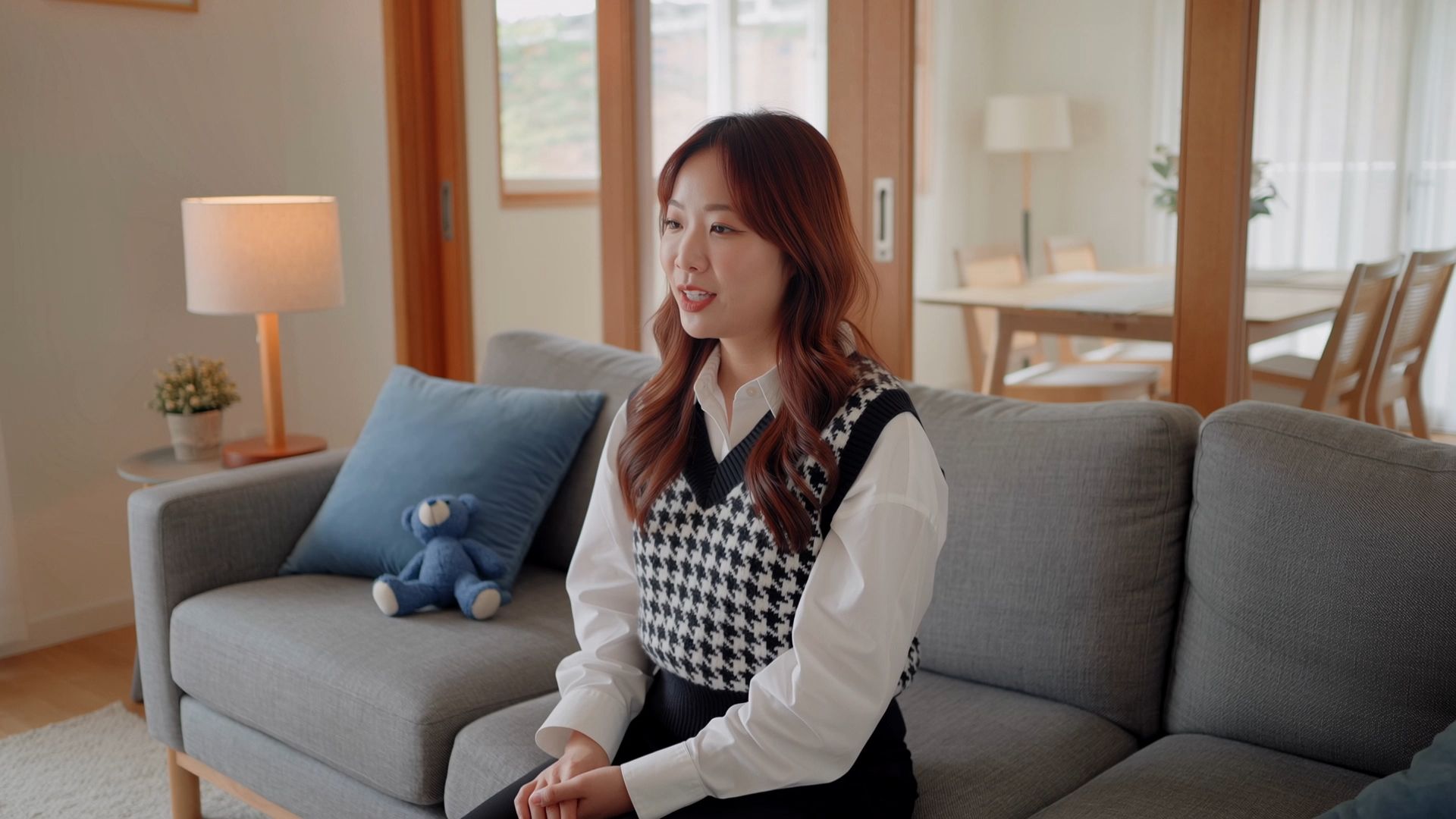 .png?x-oss-process=image/resize,w_1872) | 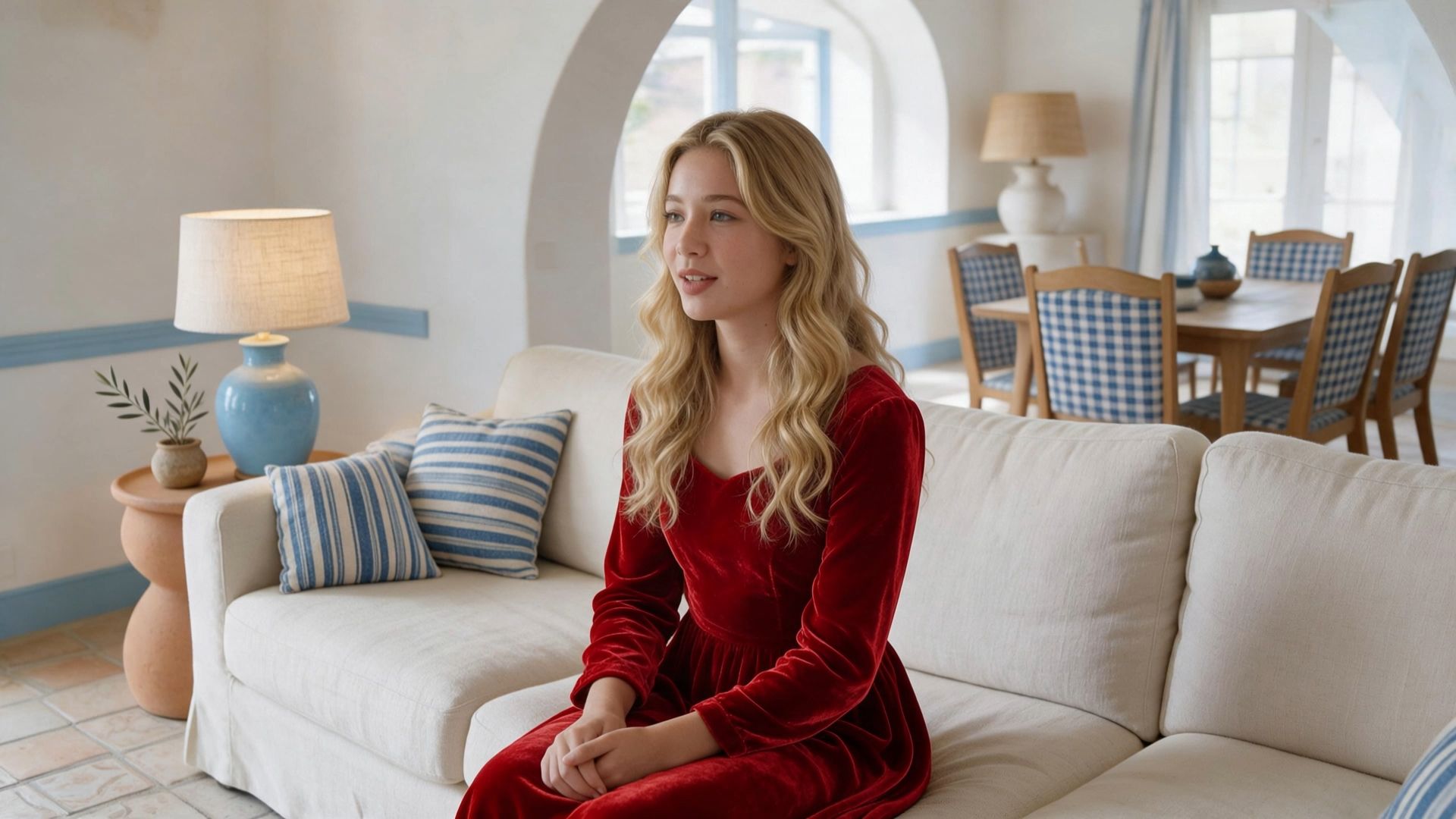
|
8. Creative Recreation Makes Reference Videos More Useful
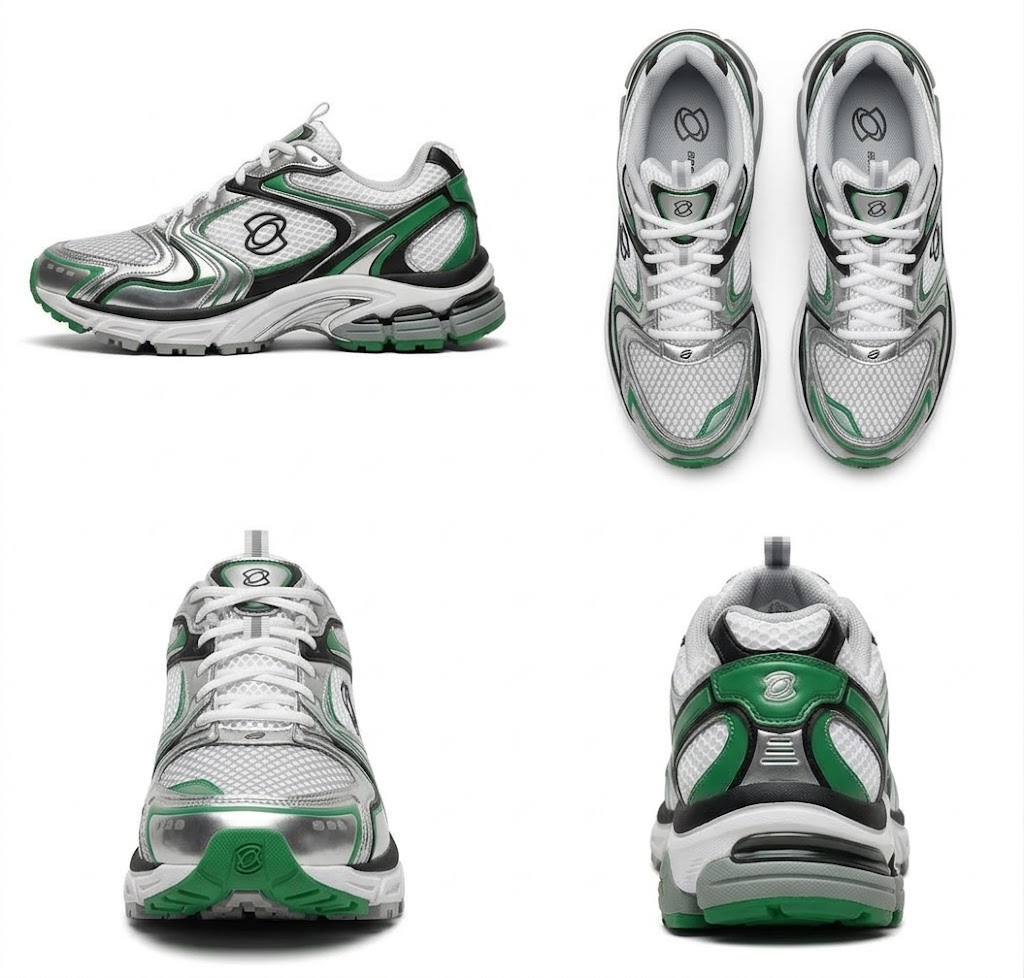
Another new area in Kling 4.0 is Creative Recreation. Instead of using an existing video only as a motion or visual reference, creators can also borrow its pacing, shot structure, and presentation style, then replace the original characters, products, or other assets. For example, a brand could take the structure of a trending product video and rebuild it around its own product and visual identity. This workflow is useful for:
- Social media trends
- Performance ads
- Product advertising
- Fashion and beauty
- Consumer electronics
- Campaign variations
For teams producing high volumes of creative, it creates a faster route from an existing concept to a new branded execution.
| Product and Model References | Product Advertisement Video |
 .jpeg?x-oss-process=image/resize,w_1872) .jpeg?x-oss-process=image/resize,w_1872) |  |
9. Prompting Shifts Toward More Complete Creative Direction
Kling 3.0 already supports structured prompting and Multi-Shot storytelling. Kling 4.0 expands prompt input to as much as 8,000 tokens and improves how the model interprets and develops creative instructions. A creator can describe actions, dialogue, camera direction, scene changes, sound, pacing, and emotional beats in greater detail.
At the same time, Kling 4.0 is designed to work with simple prompts too. The model can expand and refine a short creative idea rather than requiring every shot to be manually specified.
This gives creators two approaches: Simple prompt → let the model develop the idea, or Detailed direction → specify more of the scene yourself
Combined with Multiple Keyframes and Omni Reference, prompting becomes one part of a broader directing workflow rather than the only way to control the result.
The all-new Kling 4.0 will officially launch in October. As part of the Kling 4.0 lineup, Kling 4.0 Flash became available to a limited group of users for early access on September 28.
10. Text Generation and Multilingual Content Also Improve
Kling 3.0 already introduced stronger text rendering, but Kling 4.0 expands support for multilingual text, logos, and emojis. Text is designed to remain clearer and more stable even during camera movement and scene transitions. That matters for commercial content where text is part of the visual itself, including:
- Product packaging
- Advertising copy
- Signs
- Logos
- Interface elements
- Multilingual brand content
Kling 4.0 supports text generation in Chinese, English, Japanese, Korean, Spanish, Portuguese, German, French, Hindi, and more.
The all-new Kling 4.0 will officially launch in October. As part of the Kling 4.0 lineup, Kling 4.0 Flash became available to a limited group of users for early access on September 28.
What Does the Upgrade Mean for Different Creators?
The difference between Kling 3.0 and Kling 4.0 becomes clearer when viewed through real production needs.
Creative Need | Kling 3.0 | What Kling 4.0 Adds |
Short AI videos | Up to 15 sec | Up to 30 sec native generation |
Start-to-end image control | Start & End Frames | Up to 10 keyframes |
Reference-led creation | Image, subject, and video references | Up to 15 combined multimodal references |
Dynamic action | Multi-Shot and camera control | More stable large-scale motion and camera movement |
Audio | Native Audio | Stereo audio and stronger lip-sync |
Product / character consistency | Strong reference workflows | More references working together in one task |
Video revisions | Reference-based workflows through 3.0 Omni | More targeted multimodal editing |
Trend recreation | Reference-driven creation | Dedicated Creative Recreation workflow |
Longer storytelling | Up to 15 sec | Up to 30 sec with keyframe control |
Kling 4.0 or Kling 3.0: Which Workflow Fits Your Project?
Kling 3.0 remains useful for shorter generations, prompt-led scenes, Multi-Shot content, native audio, and projects where a 15-second sequence already covers the creative goal.
Kling 4.0 expands the workflow when a project needs more time, more references, more timeline control, or more complex revisions. Examples include:
- A 30-second product advertisement with multiple story beats
- A short narrative built around several planned keyframes
- A branded video using character, product, motion, and camera references together
- A trending social video recreated with new brand assets
- Existing footage that needs targeted changes rather than a full regeneration
The difference is less about replacing every 3.0 workflow and more about giving creators more room to direct a complex production within one model.

When Is Kling 4.0 Available?
Kling 4.0 is coming soon, with a wider rollout planned for October 2026. Kling 4.0 Flash began rolling out to a limited group of users on September 28, alongside the new creation experience.
Sign in to Kling AI to check availability and explore the latest creation workflow.
FAQs
What is the main difference between Kling 4.0 and 3.0?
Kling 4.0 expands the Kling 3.0 workflow with up to 30-second native generation, up to 10 keyframes, richer multimodal references, more stable Dynamic Motions, two-channel stereo, expanded multilingual support, targeted video editing, and Creative Recreation.
Is Kling 4.0 longer than Kling 3.0?
Yes. Kling 3.0 supports video generation from 3 to 15 seconds, while Kling 4.0 supports native generation from 3 to 30 seconds.
Does Kling 4.0 support more reference inputs?
Yes. Kling 4.0 supports up to 15 combined reference assets, including images, videos, subjects, and voice references. Kling 3.0 supports smaller reference combinations depending on whether a video reference is used.
Do Kling 3.0 and Kling 4.0 both support 4K?
Yes. Kling 3.0 already supports native 4K output. Kling 4.0 continues to support 4K and adds 10-bit HDR output at 1080p and 4K.
Does Kling 4.0 support video editing?
Yes. Kling 4.0 supports targeted multimodal video editing, including changes to subjects, backgrounds, movement, camera direction, visual style, and other scene elements.
Can Kling 4.0 recreate trending videos?
Yes. Creative Recreation allows creators to reference the pacing, shot composition, and presentation of an existing video while replacing products, characters, and other assets.
Is Kling 4.0 available now?
The all-new Kling 4.0 will officially launch in October. As part of the Kling 4.0 lineup, Kling 4.0 Flash became available to a limited group of users for early access on September 28.