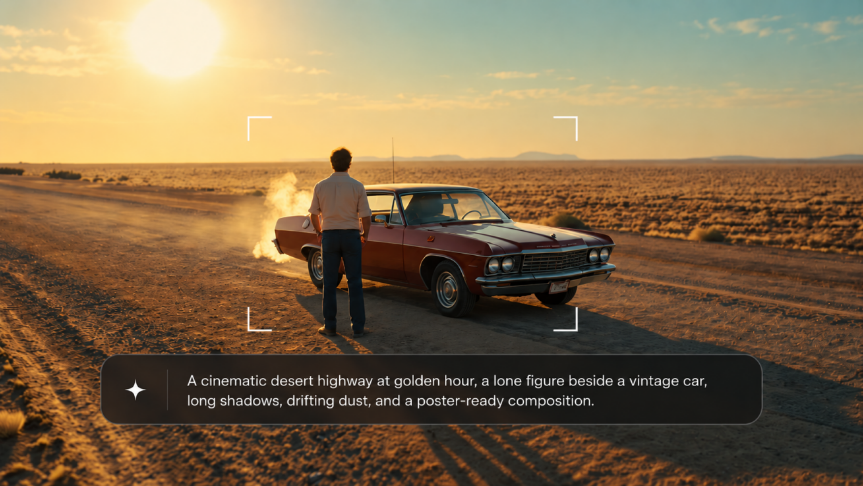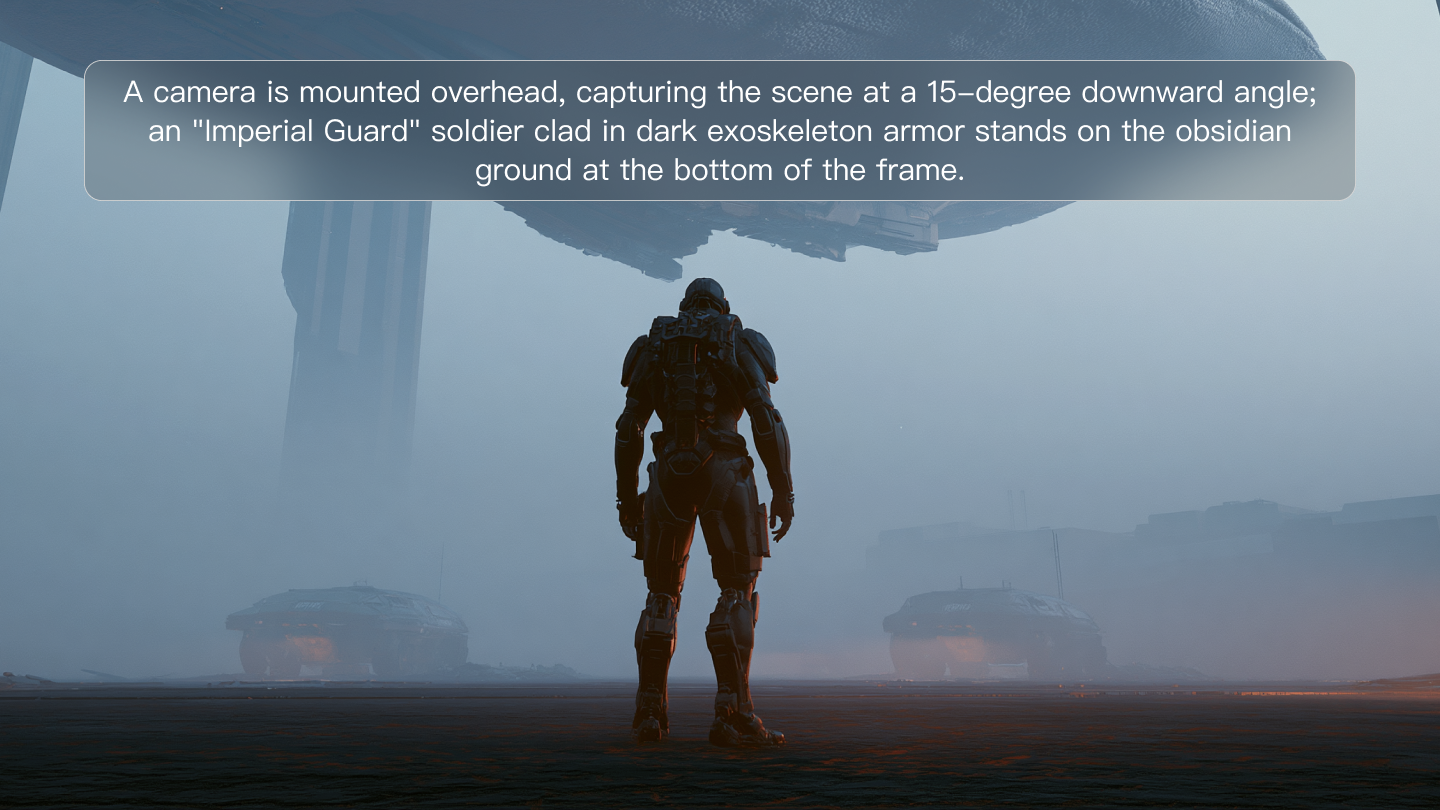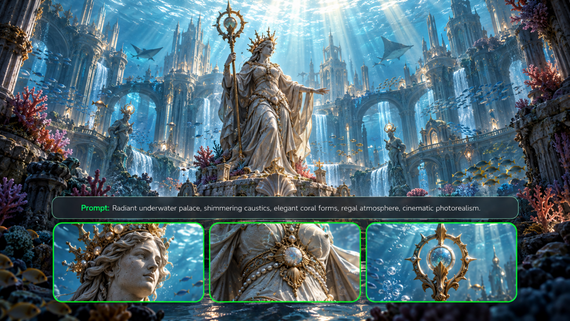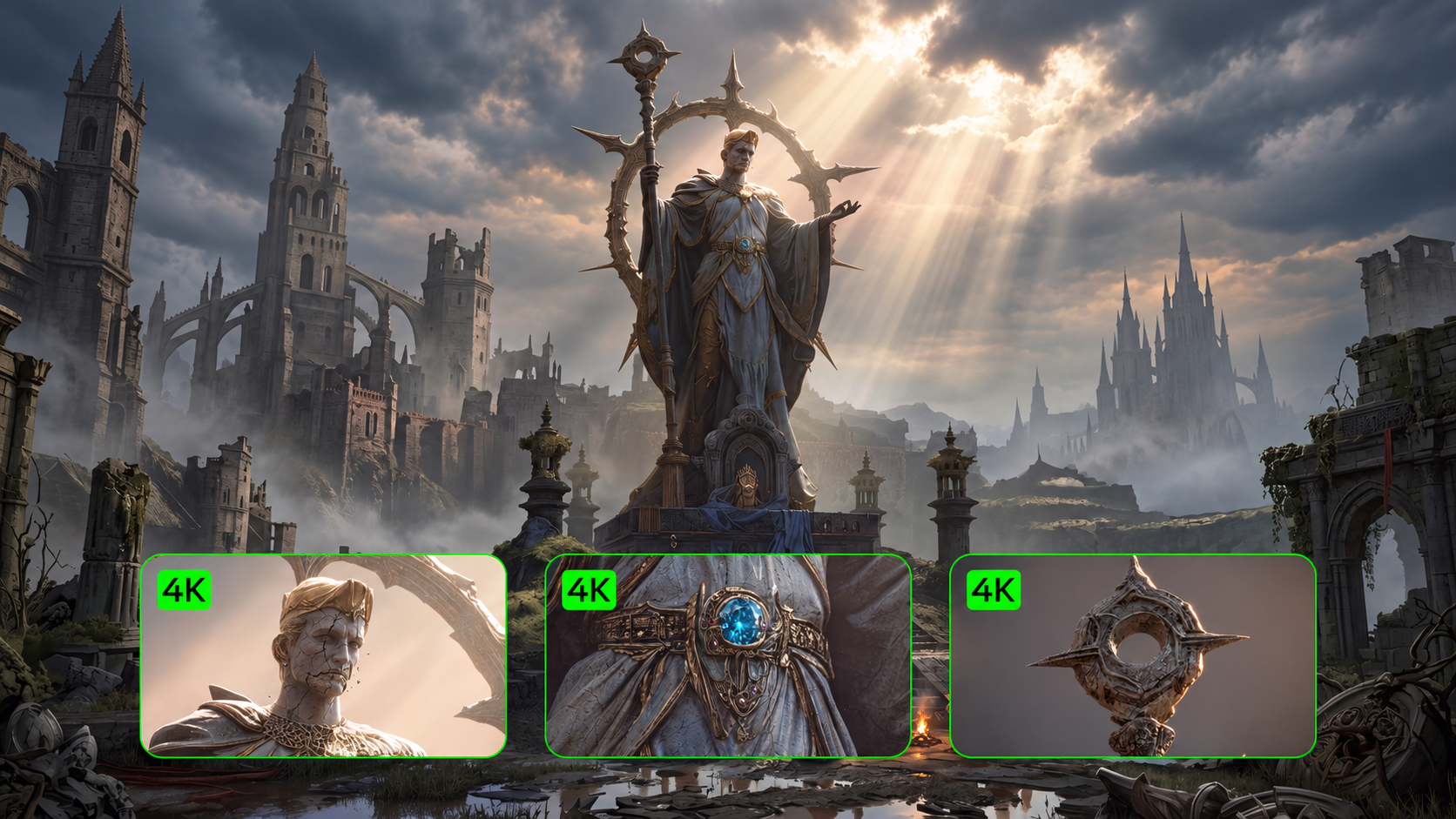
High-quality video production reaches a new peak through native intelligence. Visual detail and stable characters now define the creative process. The ability to lock features across frames turns an idea into a cinematic reality. Narrative control becomes accessible for all creators without the need for traditional manual fixes.
Understand Subject Binding AI and the Spatial Anchor
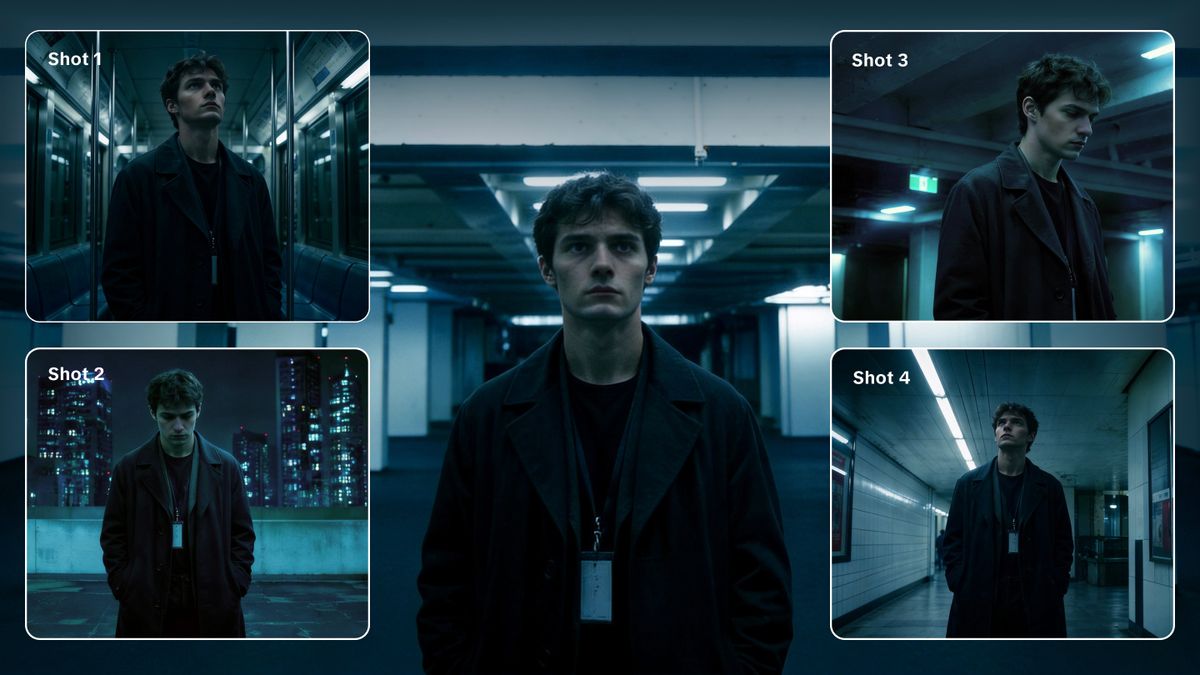
At the heart of Kling 3.0 character consistency lies a feature known as subject binding AI. That specific tool allows a creator to lock the visual DNA of a character across multiple frames and camera angles. When you activate the "Bind Subject to Enhance Consistency" toggle in the settings, the model creates a reference that it uses to maintain visual stability.
The mechanism works via the Identity Consistency deep learning architecture. The system extracts high-dimensional vectors representing the facial structure, hairstyle, and even specific clothing textures of the character. Such a process anchors the traits within the generation pipeline. Even if the camera performs a complex orbit or a dramatic zoom, the character remains recognizable and stable.
The subject binding AI is particularly useful for commercial projects or serialized stories. In a professional setting, a character-changing appearance halfway through a scene is unacceptable. Kling VIDEO 3.0 Omni prevents that error through its structural binding depth. The model analyzes the relationship between the character and the environment, allowing for realistic interactions while protecting the identity of the subject.
Elements 3.0: Building the Character DNA
Elements 3.0 serves as the primary asset management system for Kling VIDEO 3.0 Omni. It allows creators to build a library of characters, items, and scenes that the AI can remember. The system supports two main ways to create an element for video generation.
First, you can upload up to four reference images. These images should ideally show the character from different perspectives: front, side, back, and a detail shot. Providing those different angles allows the model to construct a more accurate representation of the subject. If only a single photo is available, the AI must guess the unseen parts of the character. Using four images removes that guesswork and stabilizes the look.
Second, Kling VIDEO 3.0 Omni introduces video character references. A creator can upload a video clip between 3 and 8 seconds long featuring a single character. The system extracts the appearance, movement patterns, and even the voice of the person in the video. That feature creates a more vivid and informative element compared to static images.
Element Type | Input Requirements | Technical Benefit |
Multi Image | Up to 4 Images (Front, Side, Back, Detail) | Full 360-degree visual consistency |
Video Reference | 3 to 8 Seconds Clip | Extracts motion and facial dynamics |
Voice Reference | 5 to 30 Seconds Audio | Binds a unique voice tone to the subject |
Reference Image | Element | Output with Element Binding | Output without Element Binding | |
|---|---|---|---|---|
 |  |  |   |  |
 |  | |||
The Multi Shot AI Director
A major breakthrough in Kling VIDEO 3.0 Omni is the ability to generate multi-shot narratives in a single pass. Earlier AI models typically produced a single, continuous shot from a prompt. Creators had to generate many separate clips and join them together manually. The new AI Director feature automates that workflow.
The system understands cinematic language and can handle complex transitions like shot reverse shot patterns or cross-cutting dialogue. You can specify up to six distinct camera cuts per 15-second generation. The model manages the camera angles and compositions automatically to match the creative direction.
Because the subject-binding AI is active during those transitions, the character stays identical across all six shots. For example, a scene might start with a wide shot of a woman in a park, cut to a close-up of her face as she speaks, and then transition to a view over her shoulder. Kling VIDEO 3.0 Omni handles the changes in perspective while protecting the Kling 3.0 character consistency throughout the entire sequence.
Prompt | First Frame | Output |
|---|---|---|
| Shot 1: The woman gazes into the distance and says, “今日本座在此!” Then she looks at the man and continues looking forward, saying, “看谁能欺负我家乖乖大人!” Shot 2: Close-up of the man shyly and weakly leaning against the woman, saying very tenderly, “幸亏有你”. Shot 3: The man and woman are in the foreground, slightly out of focus. A rapid zoom-in pushes through to a close-up of an elderly bystander's surprised eyes. | 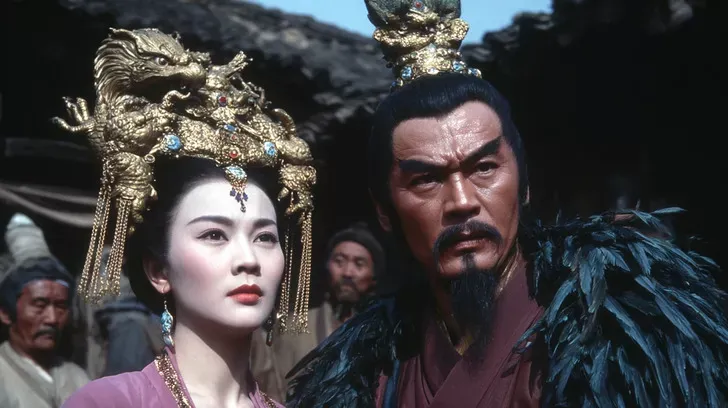 | 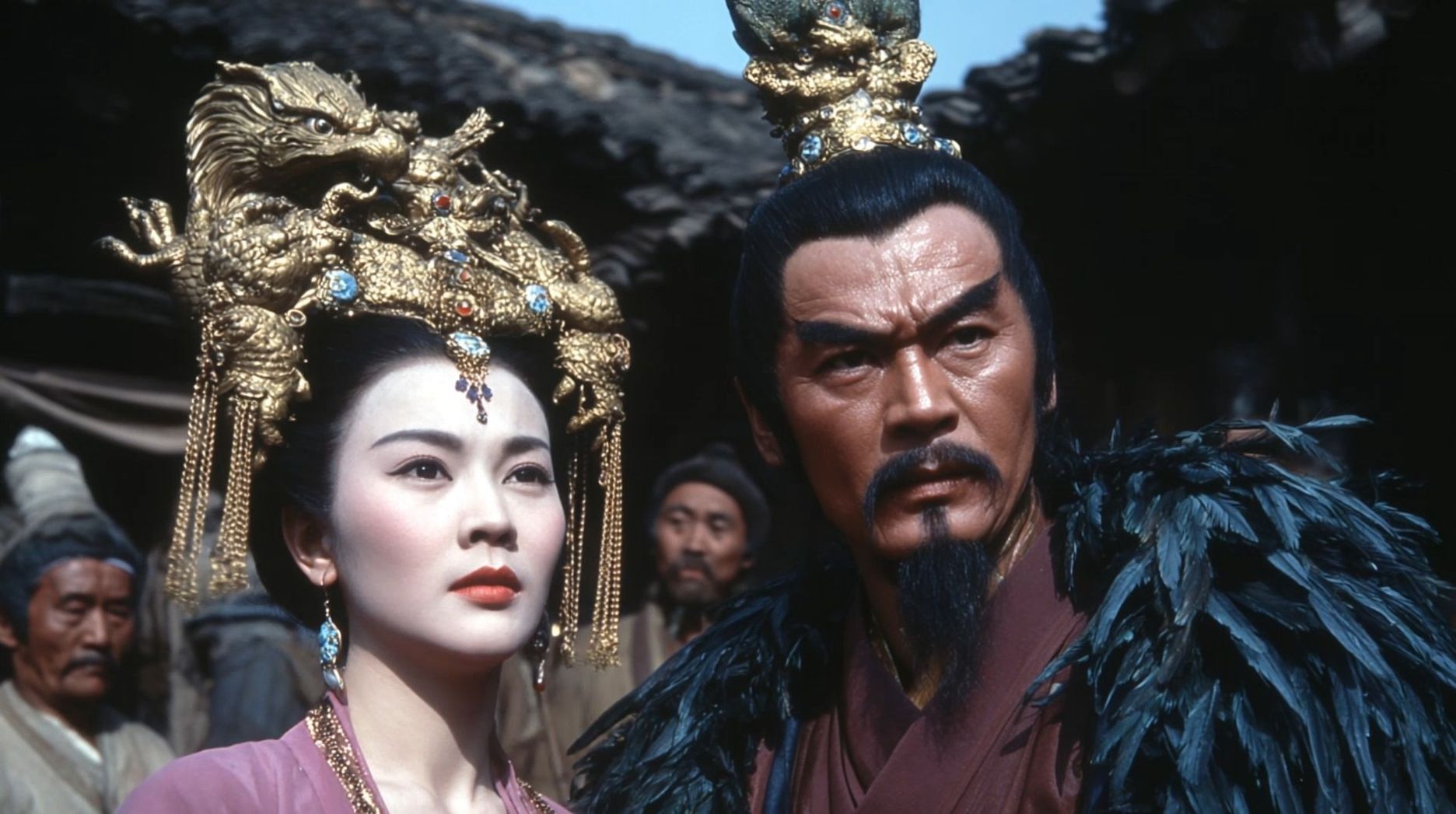 |
Native Audio and Voice Binding
Kling VIDEO 3.0 Omni is a unified multimodal model, meaning it generates audio and video simultaneously. That integration eliminates the need for external tools to add sound effects or synchronize voices. The system produces spatial sound based on the action in the prompt.
A key part of that system is voice binding. When creating a character element, you can upload a voice recording of 5 to 30 seconds. The model extracts the unique tone, pitch, and emotion of the voice. When the character speaks in a generated video, the system uses that specific voice asset. The lip movements and facial expressions align perfectly with the audio in five different languages.
The following table summarizes the audio and language capabilities of the Kling VIDEO 3.0 series.
Feature | Specification | Supported Details |
Audio Sync | Native | Integrated during the generation process |
Languages | 5 Major Languages | Chinese, English, Japanese, Korean, Spanish |
Voice Binding | Custom Audio | 5 to 30 seconds of speech input |
Dialects | Accents Supported | American, British, and regional dialects |
Multi Character | Support for multiple speakers in one scene |
Prompt | First Frame | Output |
|---|---|---|
| Sunlight floods an old street in Madrid in front of a bakery where a female Chinese tourist and a male in a grey hoodie walk toward the clerk with polite smiles; the female tourist asks at a slightly slow pace with a clumsy accent in Spanish, “Disculpe, ¿dónde está la plaza mayor?”; the white-haired Spanish clerk turns slightly and points forward, saying in a lighthearted tone in Spanish, “Por allí, a dos calles. Muy cerca.”; the female tourist nods in gratitude and the male tourist also nods and adds in Spanish, “Muchas gracias.”; the clerk nods back with a smile as the two turn and walk towards the indicated direction. | 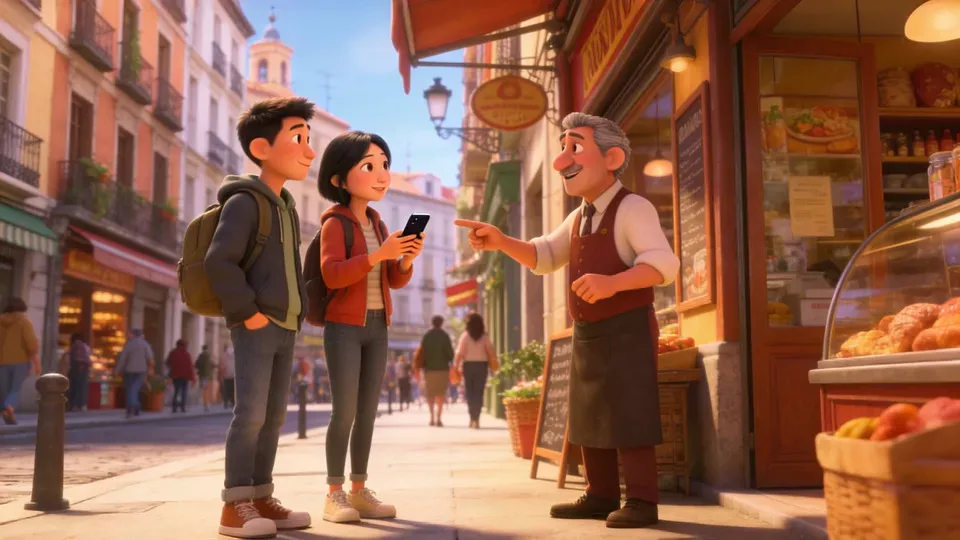 | 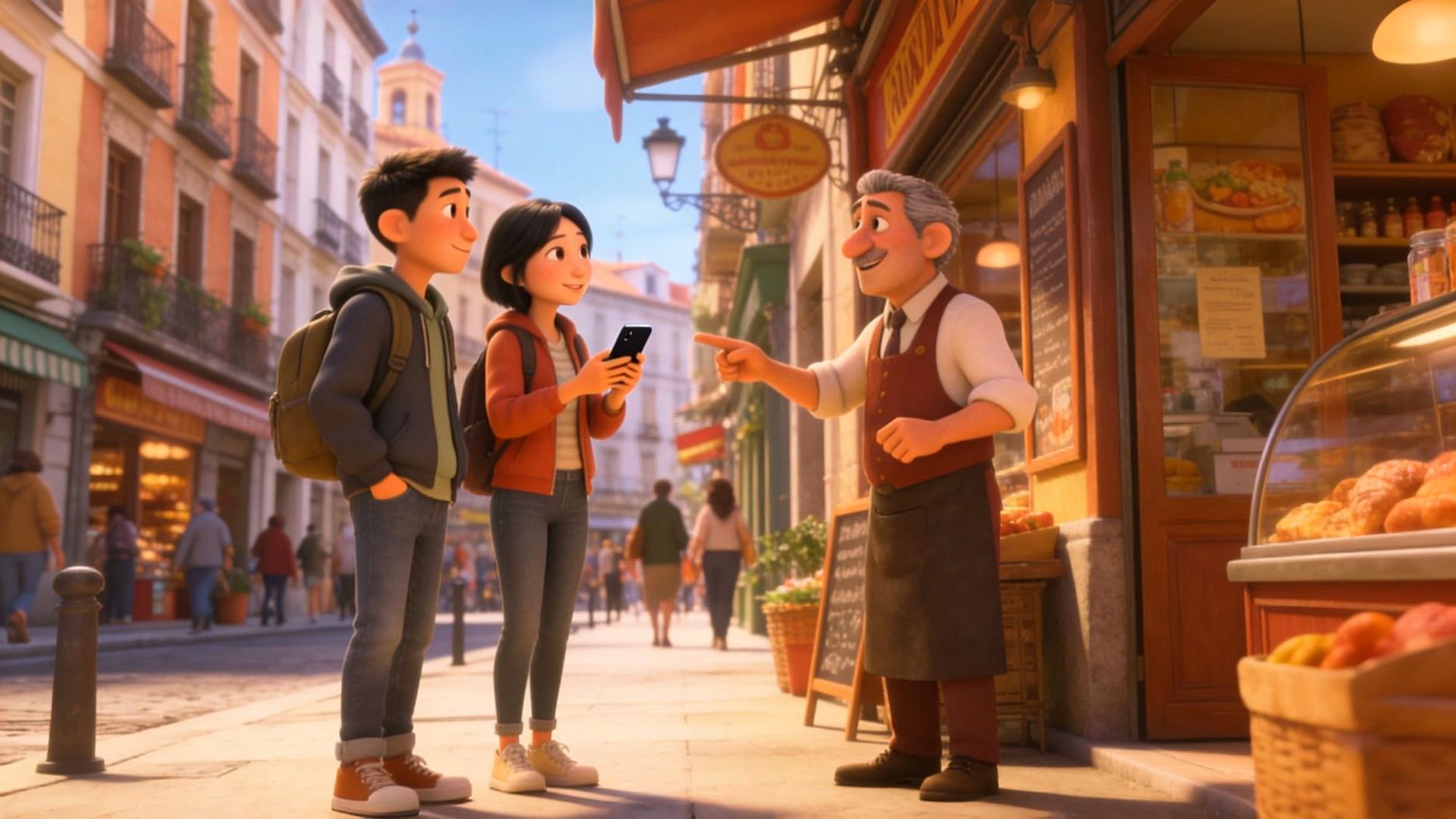 |
Precision Camera Control and Stability
Another strength of Kling VIDEO 3.0 and Kling VIDEO 3.0 Omni is the stability of the camera movement. The model provides precise control over professional cinematography techniques. You can specify movements like a dolly push-in, a lateral track, or a 360-degree orbit.
The system uses advanced motion capture technology to maintain fluidness and precision. It tracks body mechanics with high accuracy, rendering it suitable for action sequences or dance routines. Even during dramatic camera zooms or pans, the subject-binding AI keeps the character features locked.
The model also handles facial occlusions with high skill. If a character wears a hat or walks behind a tree, the system restores the facial details accurately the moment they reappear. That prevents the glitching or warping that often occurs in other AI video models when a face is partially blocked.
High Definition Professional Output
The latest architecture in the Kling Video/Image 3.0 & Omni series supports ultra-high definition output. Kling IMAGE 3.0 and Kling IMAGE 3.0 Omni produce images in native 2K and 4K resolution. That native generation preserves fine textures like skin pores, fabric weaves, and wood grain without the artificial smoothing caused by upscaling.
For video, the system creates native 1080p footage with high realism. It handles text rendering with industry-leading precision. Signs, logos, and captions appear clear and readable throughout the video. That is a major benefit for e-commerce and marketing, where brand logos must stay sharp even when a character is moving.
The physics engine in Kling VIDEO 3.0 also shows significant improvements. It accurately models gravity, deformation, and fluid dynamics. When a character pours water or runs down a beach, the motion feels weighted and natural. Such physical accuracy contributes to the cinematic quality of the final video.
Benchmarking Consistency and Performance
Kling VIDEO 3.0 and Kling VIDEO 3.0 Omni have set new benchmarks in the AI video industry. In objective comparisons, the models scored significantly higher than other mainstream tools in terms of motion stability and facial consistency.
The overall win rate for Kling VIDEO 3.0 Motion Control reached 404 percent compared to some other models. In tests of complex emotional reproduction and multi-angle facial stability, the system outperformed many current standards. The combination of the subject-binding AI and the unified multimodal framework allows for a level of control that was previously impossible.
Model Comparison | Motion Win Rate | Facial Stability | Native Audio |
Kling VIDEO 3.0 Omni | Baseline (Top) | High Consistency | Yes |
Runway | 1667 percent Lower | Low Consistency | No |
Wan2.2 | 404 percent Lower | Moderate | No |
Mimic | 343 percent Lower | Moderate | No |
Practical Applications for Modern Creators
The tools provided in Kling VIDEO 3.0 Omni open up new possibilities for many industries. In the marketing world, creators can produce social media ads using consistent virtual characters. A brand can build an element for a spokesperson and then generate dozens of videos with the same face and voice across different environments.
For education, the system allows for the creation of consistent digital tutors. An instructor can bind their own appearance and voice to a character element. They can then place that digital version of themselves into various historical or scientific settings to create engaging lesson modules. The readable text rendering allows for clear diagrams and captions within the scene.
In the film industry, the multi-shot storyboarding feature speeds up the pre-production process. Directors can visualize entire scenes with cinematic transitions and professional camera moves without the need for a physical crew. The subject binding AI guarantees that the actors stay consistent from the wide shot to the close-up.
Operational Workflow for Success
To get the most out of Kling 3.0 character consistency, creators should follow a structured workflow. The process starts with selecting a high-quality master image for the Element Library. Even lighting and clear facial geometry are essential for the best results.
Once the element is created, activate the "Bind Subject" button to lock the visual traits. During the prompting phase, it is better to use technical cinematography terms to guide the AI Director. Instead of broad descriptions, specific instructions about the camera path and the speed of the movement lead to smoother results.
The use of negative prompts serves as a secondary guardrail. Keywords like "morphing features" or "changing clothes" help the model stay strictly faithful to the reference image. That combination of positive direction and negative constraints protects the identity of the character during complex 15-second sequences.
Frequently Asked Questions
Q1. What Is Subject Binding AI in the Context of Generative Video?
Subject binding AI is a technology that anchors specific visual characteristics of a character or object to the generation pipeline. That mechanism ensures that features like facial structure, clothing textures, and accessories remain identical across different shots and camera angles. In Kling VIDEO 3.0 Omni, that feature solves the problem of character drift, providing the consistency required for professional storytelling and brand marketing.
Q2. How Does the Elements 3.0 System Support Character Consistency?
The Elements 3.0 system acts as a digital asset library where creators store the visual and audio DNA of their subjects. By uploading multi-angle reference images or short video clips, you provide the model with a comprehensive understanding of a character. The system remembers these traits and applies them to every new generation, allowing for the reuse of the same character across multiple projects with industrial-grade stability.
Q3. What Are the Benefits of Video Character References Over Static Images?
Video character references provide the AI with dynamic data about how a person moves and speaks. When a creator uploads a 3 to 8 second video clip to Kling VIDEO 3.0 Omni, the model extracts facial dynamics and voice characteristics. Such a process creates a more lifelike digital replica than static images, guaranteeing that motions like turning the head or expressing emotions remain smooth and consistent throughout the generated scene.
Q4. Can Kling VIDEO 3.0 Omni Synchronize Voice and Lip Movements Automatically?
Kling VIDEO 3.0 Omni features native audiovisual synchronization, which coordinates lip movements with spoken dialogue in real time. Through binding a voice recording to a character element, the system generates natural expressions that match the phonetic structure of the speech. That capability supports five major languages and various accents, allowing characters to perform realistic dialogue scenes without the need for external synchronization tools.
Q5. How Does the Multi-Shot Feature Improve the Storyboarding Process?
The multi-shot feature allows creators to generate up to six distinct camera cuts within a single 15-second video. That tool functions as an onboard AI Director, automatically managing transitions like wide shots and close-ups based on the text prompt. By producing a structured sequence in one go, the system maintains environmental and character consistency across every shot, removing the need for manual editing and stitching of separate clips.
Summary
The Kling VIDEO 3.0 series provides an integrated path for professional video production. Utilizing subject binding AI and the Elements 3.0 system allows creators to solve identity drift forever. Multi-shot features and native audio synchronization enable the creation of full narrative arcs in one pass. That technology makes high-tier generation accessible to all, ushering in an era where anyone can turn ideas into professional films.