Creating compelling video content for social media has never been easier. AI image-to-video technology is changing how we make content. This powerful tool turns static images into dynamic videos that grab attention and boost engagement. Let's explore how you can use this technology to level up your social media game.
Why Is Social Media Video Content So Important Today?
Video content dominates social media platforms. Users spend hours watching videos instead of reading text posts. This shift creates huge opportunities for brands and creators.
User Behavior Analysis
People scroll through their feeds quickly. They stop when something catches their eye. Videos have a better chance of stopping that scroll than static images. Research shows users engage with video content 10 times more than other formats.
Most people watch videos without sound first. This means your visuals need to tell the story. AI social media video tools help create content that works both ways. They make videos that look good with or without audio.
Impact of Social Media Platforms
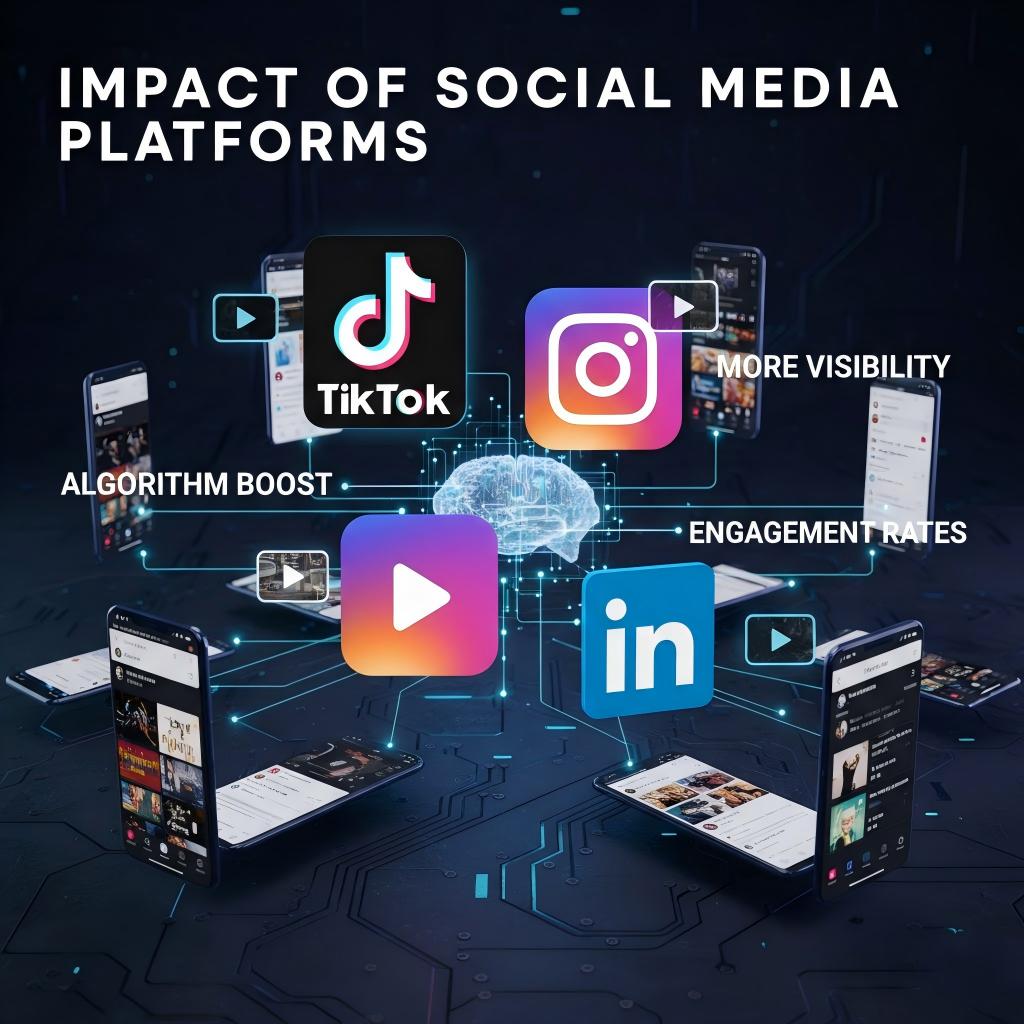
Each platform favors video content differently. Instagram Reels get more reach than regular posts. TikTok is built entirely around short videos. LinkedIn users engage more with video posts than text updates.
Platforms reward creators who use video. Their algorithms push video content to more users. This means more visibility for your brand or message. Using AI video tools helps you create content for multiple platforms quickly.
Video Content Growth Trends
Video consumption grows every year. Short-form videos are especially popular. People want quick, entertaining content they can watch anywhere. This trend isn't slowing down.
Live video is also gaining traction. But not everyone can go live regularly. AI Image-to-Video tools help create content that feels immediate and engaging. They bridge the gap between static posts and live content.
How Does AI Image-to-Video Creation Actually Work?
The process is simpler than you might think. You start with an image and end up with a video. AI handles the complex work in between.
Key Steps Explained
First, you upload your image to an AI video platform. The system analyzes your image. It identifies objects, people, and backgrounds. Then it decides how to add movement.
The AI creates motion based on what it sees. A person might blink or smile. Water might ripple. Clouds could drift across the sky. The tool generates frames between the start and end points.
You can guide the process with prompts. Tell the AI what kind of movement you want. Want the leaves to blow in the wind? Just ask. The more specific you are, the better results you get.
Tools and Resources Recommended
When building a short-form video workflow, creators must identify technical indicators that directly convert into click-through and completion rates. Kling AI sets industry standards in three core dimensions:
- Reels/TikTok Optimization and Rapid Generation: The window for social media trends is often only 24 to 48 hours. Kling AI’s Video 2.5 Turbo model is specifically designed for this fast-paced demand, capable of producing high-impact 9:16 vertical videos in record time. Unlike other tools, Kling’s 9:16 outputs provide an edge-to-edge "true full-screen" immersive experience, requiring no additional cropping or filling, which ensures assets are immediately ready for deployment.
- Lens Continuity and Absolute Motion Control: Viral success depends on the visual "hook" in the first 3 seconds. Kling’s Motion Brush allows creators to direct every element in the frame like a cinematographer. This micro-control, combined with the Start/End Frame feature, ensures narrative logic and precision. Whether it's smooth dolly movements or complex physical simulations like water ripples and fabric swaying, Kling provides superior motion fluidity, eliminating the "jello effect" often found in traditional AI videos.
- Industry-Leading Consistency and Success Rate: For long-term account growth, character stability is vital. Kling’s Face Reference and Subject Reference mechanisms ensure a character remains highly recognizable across diverse scenes. This allows creators to build serialized dramas or virtual IPs without the risk of "identity drift." This stability results in an exceptionally high success rate, meaning creators spend less time filtering through failed generations and more time scaling production.
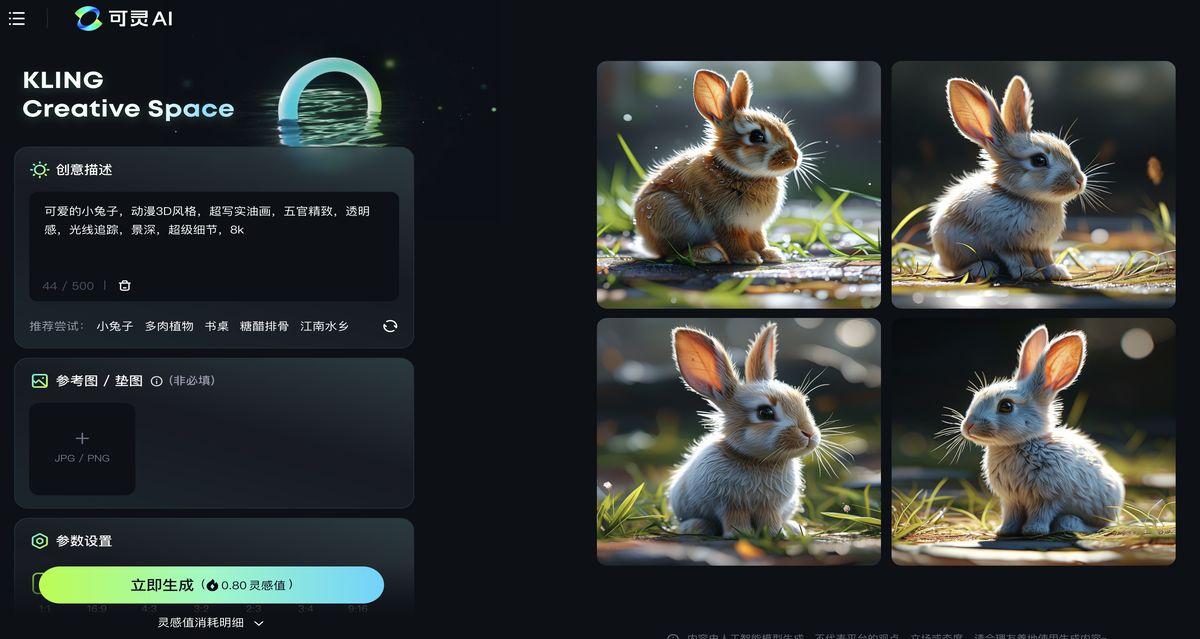
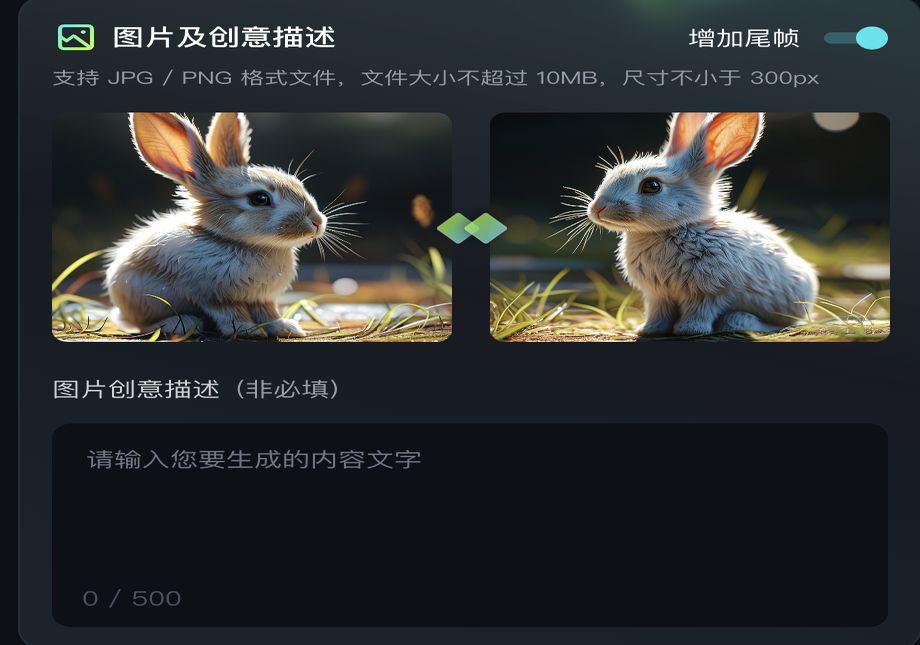
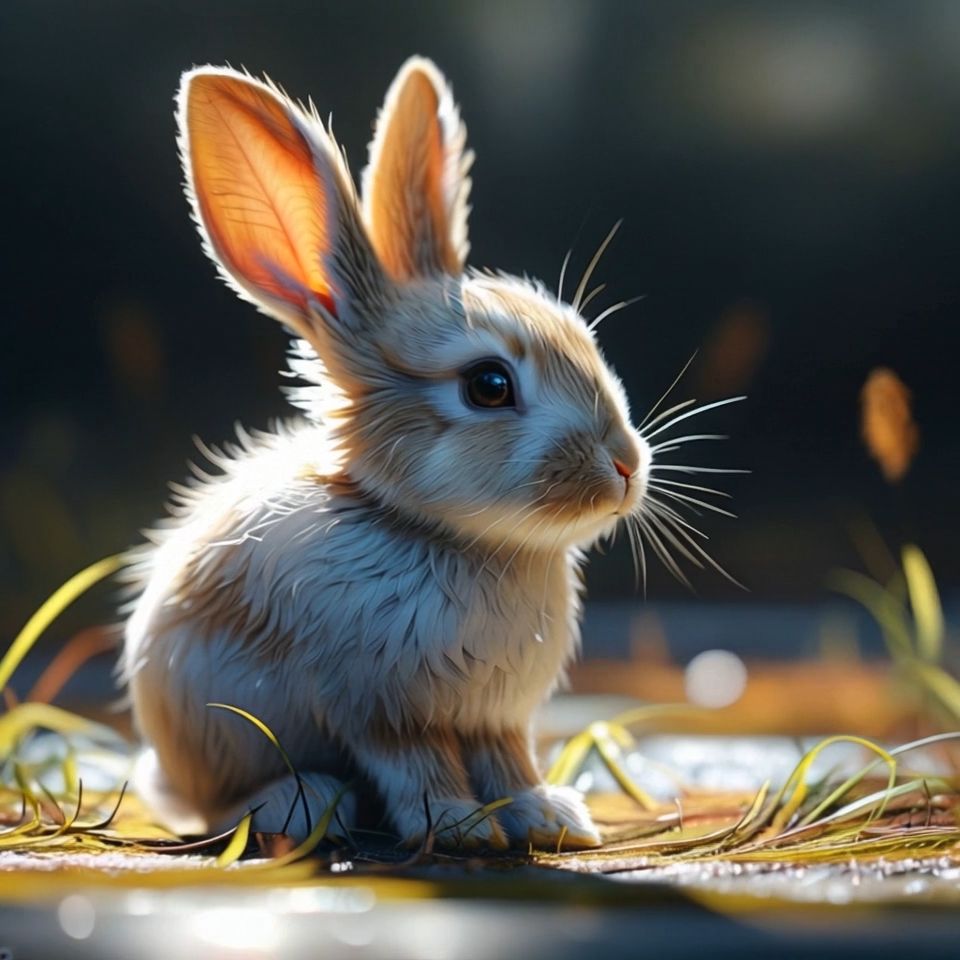
| Kling AI generates images | Select two images | Click to generate |
 |  |   |
Common Challenges and Solutions
Quality can vary between tools. Some create smooth motion, others look choppy. Test your chosen platform with different image types. Learn what works best.
Processing time is another issue. Complex animations take longer to generate. Plan ahead if you need content by a specific deadline. Some platforms offer priority processing for paid users.
Copyright is important to consider. Use your own images or stock photos with proper licenses. Don't animate copyrighted artwork without permission.
What Creative Strategies Make AI Video Content Stand Out?
Creating great AI social media video content requires strategy. It's not just about the technology. You need to understand your audience and what they want to see.
Listening to Audience Needs
Study your analytics. See which posts get the most engagement. Look for patterns in successful content. Are people drawn to faces? Do they prefer nature scenes? Use this data to guide your AI video creation.
Comments reveal what resonates with your audience. Read them carefully. People tell you what they like and want to see more of. Use their feedback to inform your next batch of AI videos.
Methods for Creative Execution
Start with strong source images. The quality of your input affects your output. Use high-resolution photos with good lighting. Clear subjects work better than busy, cluttered scenes.
Think about the story your video tells. Even a 3-second clip should have a beginning, middle, and end. Maybe a flower blooms, or a person turns to look at the camera. Simple movements can be powerful.
Add text overlays to enhance your message. Many AI video tools let you add titles and captions. This helps with accessibility and engagement. People often watch videos without sound initially.
How to Maintain Viewer Attention
Keep videos short for social media. Most platforms favor content under 15 seconds. AI Image-to-Video tools are perfect for creating these quick clips.
Use strong opening moments. The first second determines if someone keeps watching. Make sure your AI-generated movement starts immediately. Don't build up to the action.
Create series or themes. If one AI video performs well, make similar ones. This builds audience expectation and loyalty. They'll look forward to your next post.
How Can Real-time Interaction Boost Your AI Video Performance?
Modern social media is about conversation, not broadcasting. Your AI video content should encourage interaction and feel personal.
Leveraging Personalization Technology
Use AI tools that let you customize videos for different audience segments. Create versions that speak to specific demographics or interests. The same base image can become multiple targeted videos.
Respond to trending topics quickly. AI Image-to-Video tools work fast. You can create relevant content while topics are still hot. This increases your chances of going viral.
Enhancing Interactive Effects
Add polls, questions, or calls-to-action to your AI videos. Most social platforms support interactive features. Combine them with your AI-generated content for better engagement.
Use your AI videos to start conversations. Ask viewers what they think will happen next. Encourage them to share similar experiences. This builds community around your content.
Integrating Interactive Elements
Plan your AI videos with interaction in mind. Leave space for text overlays or stickers. Design movement that complements interactive features rather than competing with them.
Time your calls-to-action well. Don't overwhelm viewers with too many requests. One clear action per video works better than multiple asks.
How Do You Optimize AI Video Content for Maximum Reach?
Creating great AI video content is only half the battle. You need people to find and watch it. Optimization helps your content reach the right audience.
SEO Techniques
Use relevant keywords in your captions and descriptions. Include terms like "AI social media video" when appropriate. But don't stuff keywords unnaturally. Write for humans first, algorithms second.
Post consistently and at optimal times. AI video tools make it easier to maintain a regular posting schedule. You can batch-create content when you have time.
Cross-post adapted versions to multiple platforms. Each social media site has different requirements. Adjust your AI videos to fit each platform's format and culture.
Title and Thumbnail Design
Your video thumbnail is crucial on platforms like YouTube and Facebook. Use clear, compelling images from your AI video. Faces and bright colors often perform well.
Write descriptive titles that promise value. "Watch this flower bloom in seconds" works better than "AI video test." Be specific about what viewers will see.
Test different thumbnails and titles. Most platforms provide analytics on click-through rates. Use this data to improve future posts.
User Feedback and Improvement
Monitor comments and engagement metrics closely. Look for patterns in successful AI videos. What movements, subjects, or styles get the best response? Ask your audience directly what they want to see. Run polls about future AI video topics. This gives you content ideas and makes followers feel heard----iterate based on feedback. If people love your AI-generated nature scenes, make more. If face animations don't work well, try different approaches.
| Scene | Example | ||
| Portrait |  | 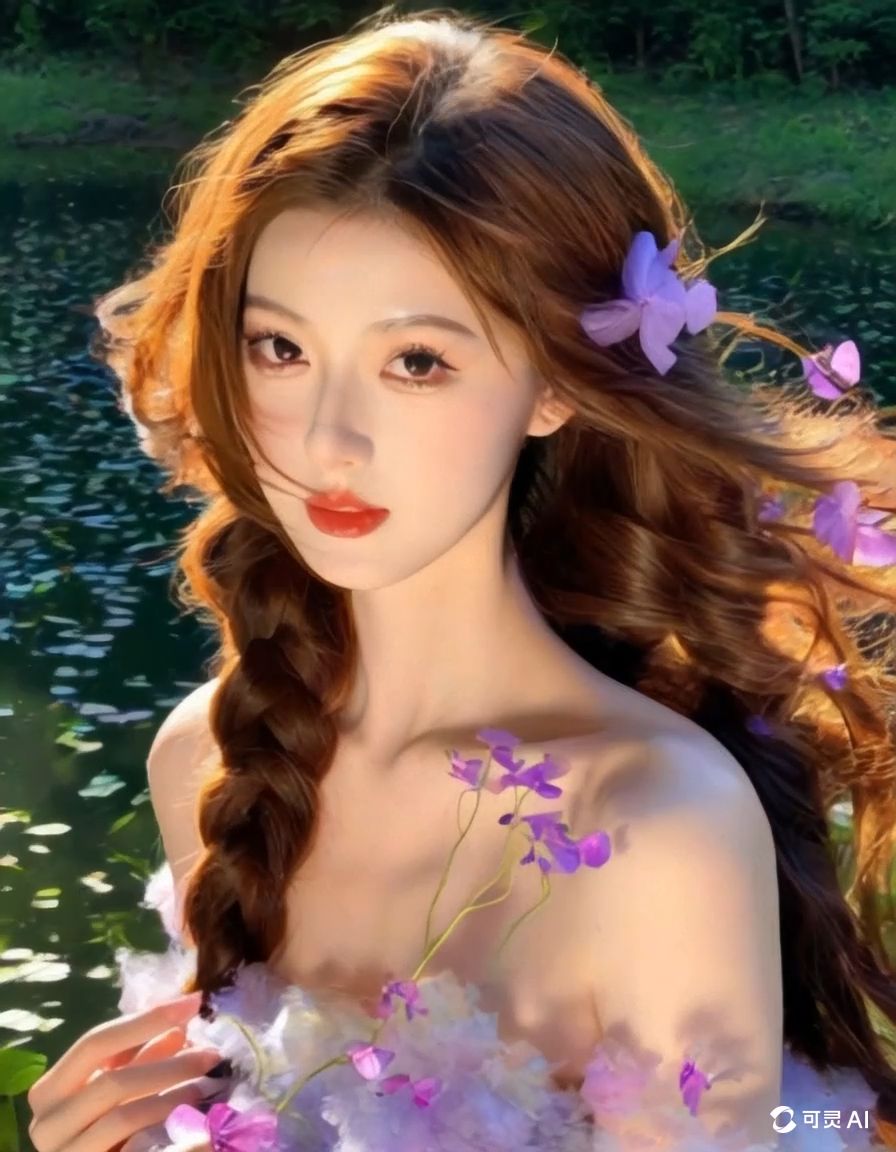 |  |
Frequently Asked Questions
Q1. How Much Does AI Image-To-Video Technology Cost for Social Media Creators?
Pricing varies widely depending on the platform and features you need. Basic plans often start around $10-20 per month for limited video generation. Professional tiers can cost $50-100+ monthly but offer higher quality, faster processing, and more customization options. Many platforms offer free trials or limited free generations, which is perfect for testing before committing to paid plans.
Q2. Can AI-Generated Videos Work for All Types of Businesses and Content?
AI video technology works best with certain types of content. Product showcases, lifestyle imagery, and educational content often perform well. However, highly technical demonstrations or content requiring precise human expressions might need more traditional video creation methods. The key is matching your content goals with AI capabilities and testing what resonates with your specific audience.
Q3. What Legal Considerations Should I Keep in Mind When Using AI Image-To-Video Tools?
Always use images you own or have proper licensing for as source material. Most AI platforms don't grant commercial rights to generated content automatically, so check the terms of service carefully. Be transparent about AI-generated content when required by platform policies. Some jurisdictions are developing specific regulations around AI-created media, so stay informed about evolving legal requirements.
Q4. How Long Does It Typically Take to Generate a Social Media Video Using AI Tools?
Processing times depend on video length, complexity, and platform load. Simple 3-5 second videos often generate within 1-5 minutes on most platforms. More complex animations or longer videos might take 10-30 minutes. Premium accounts usually get faster processing. Plan ahead and consider batch-creating content during off-peak hours for best results.
Ready to Transform Your Social Media Strategy?
AI Image-to-Video technology opens up endless possibilities for social media content creation. You can now produce engaging videos without expensive equipment or technical expertise. The tools are accessible, and the results can be impressive.
Start experimenting with AI video creation today. Choose one platform and create your first few videos. Test different styles and see what works for your audience. Remember, the best way to learn is by doing.
Take action now. Pick an AI video platform, upload your best images, and start creating. Your audience is waiting to see what you'll come up with next.