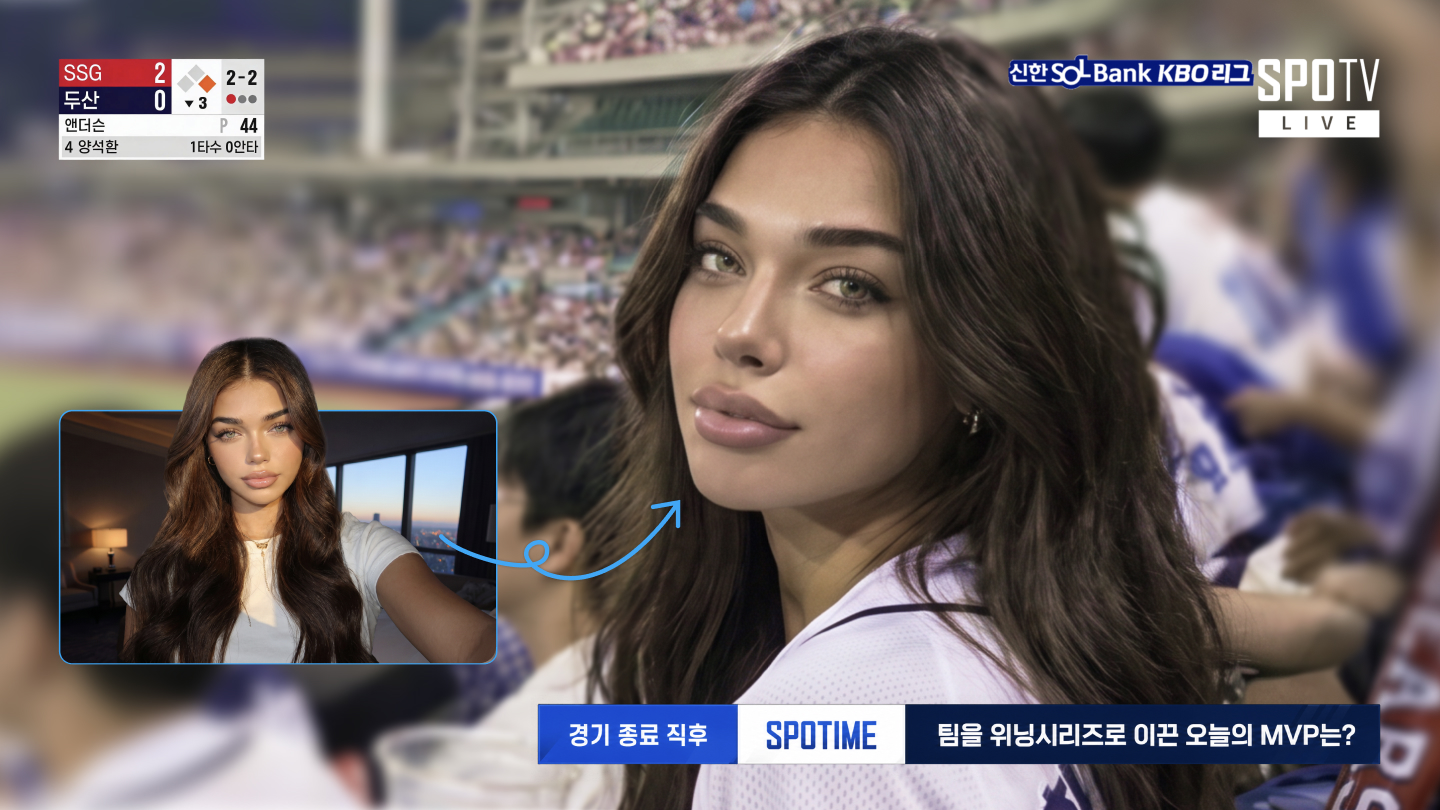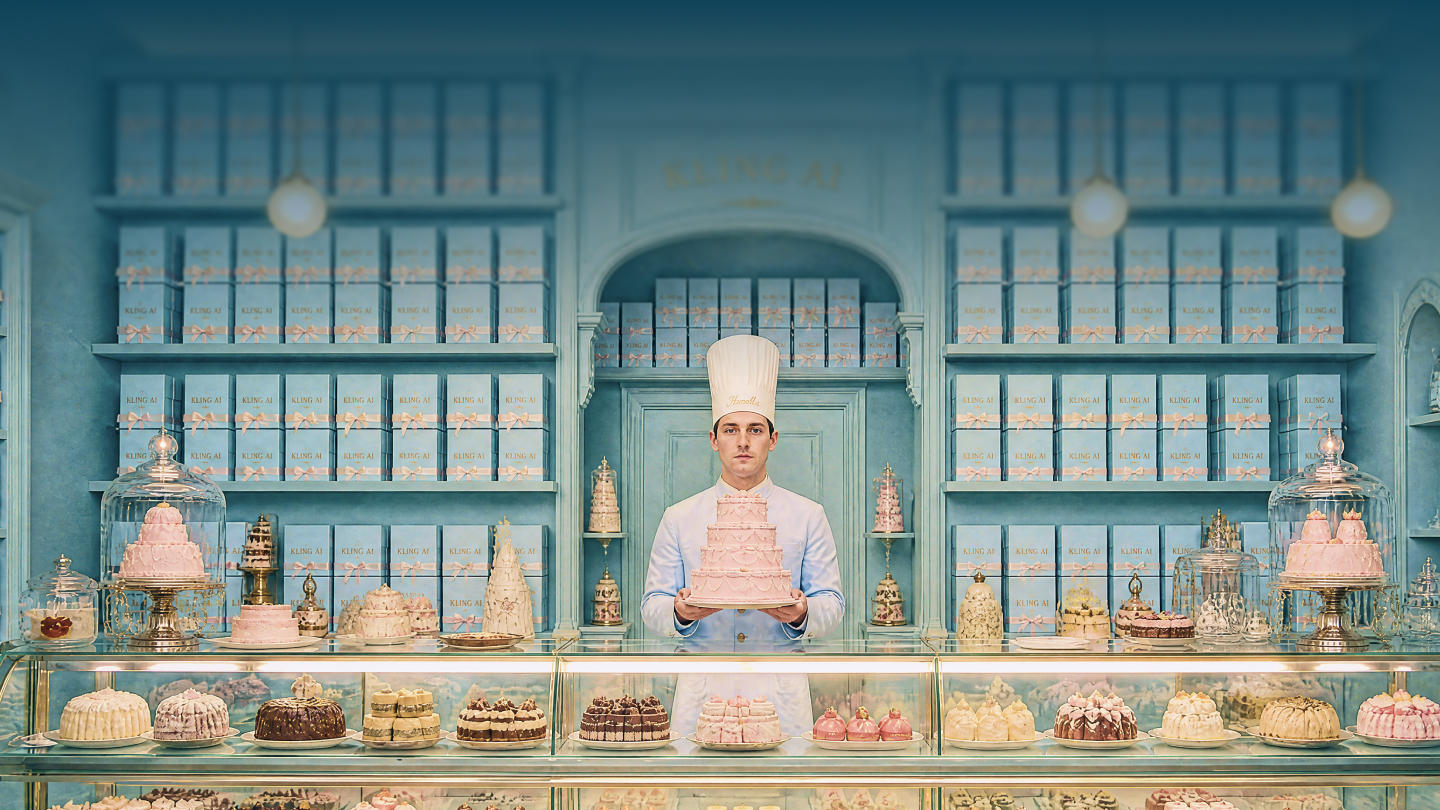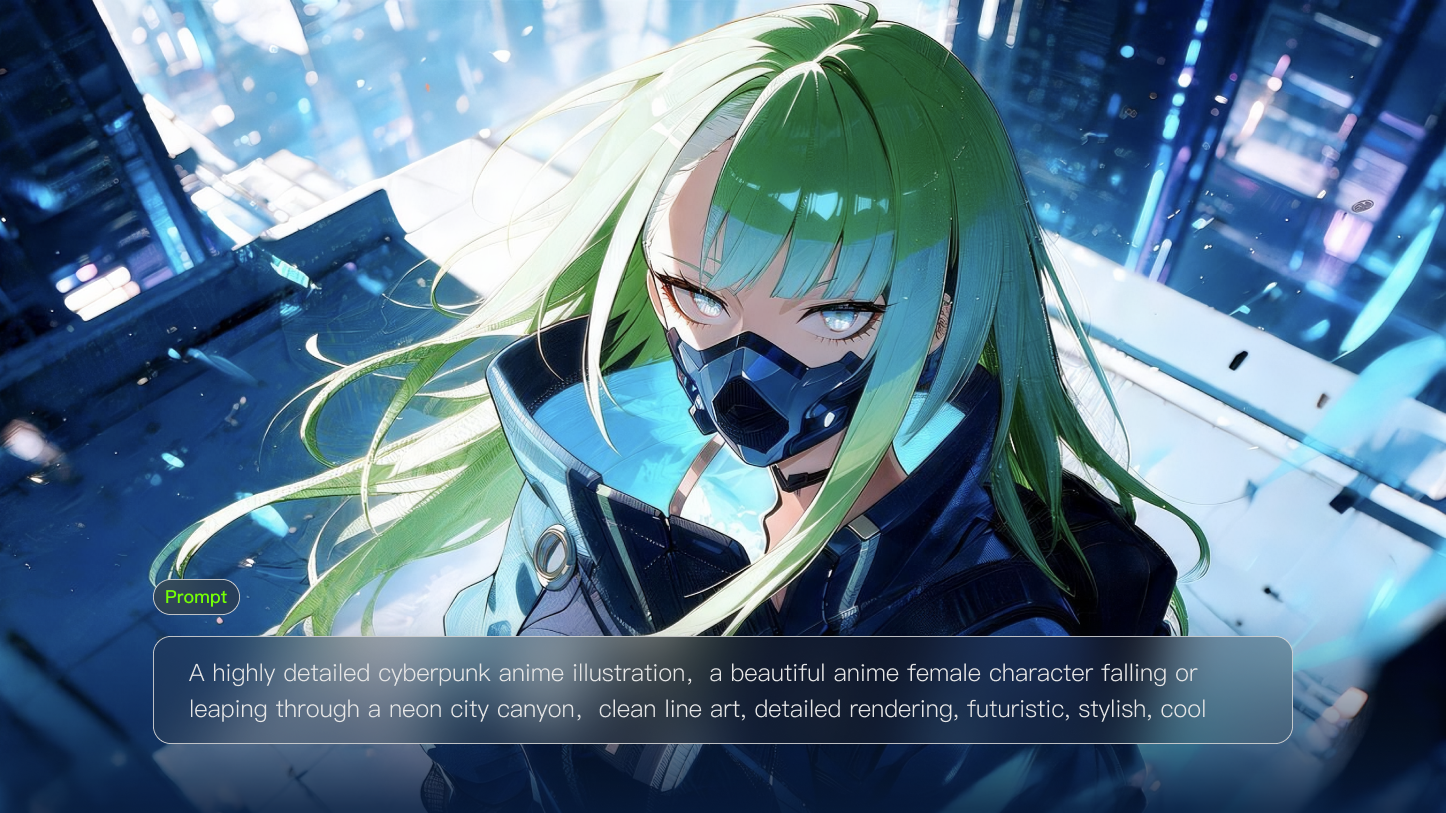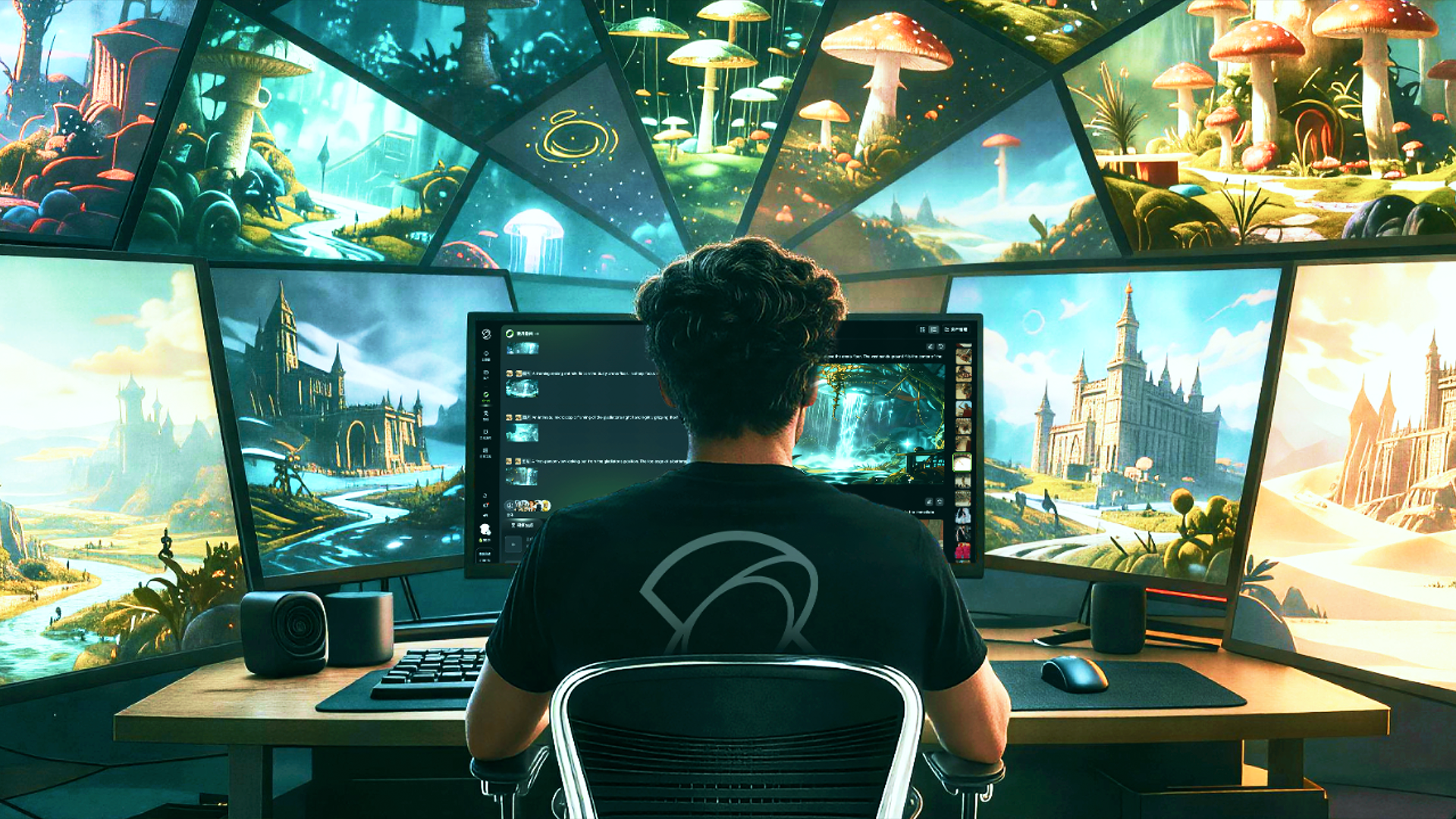
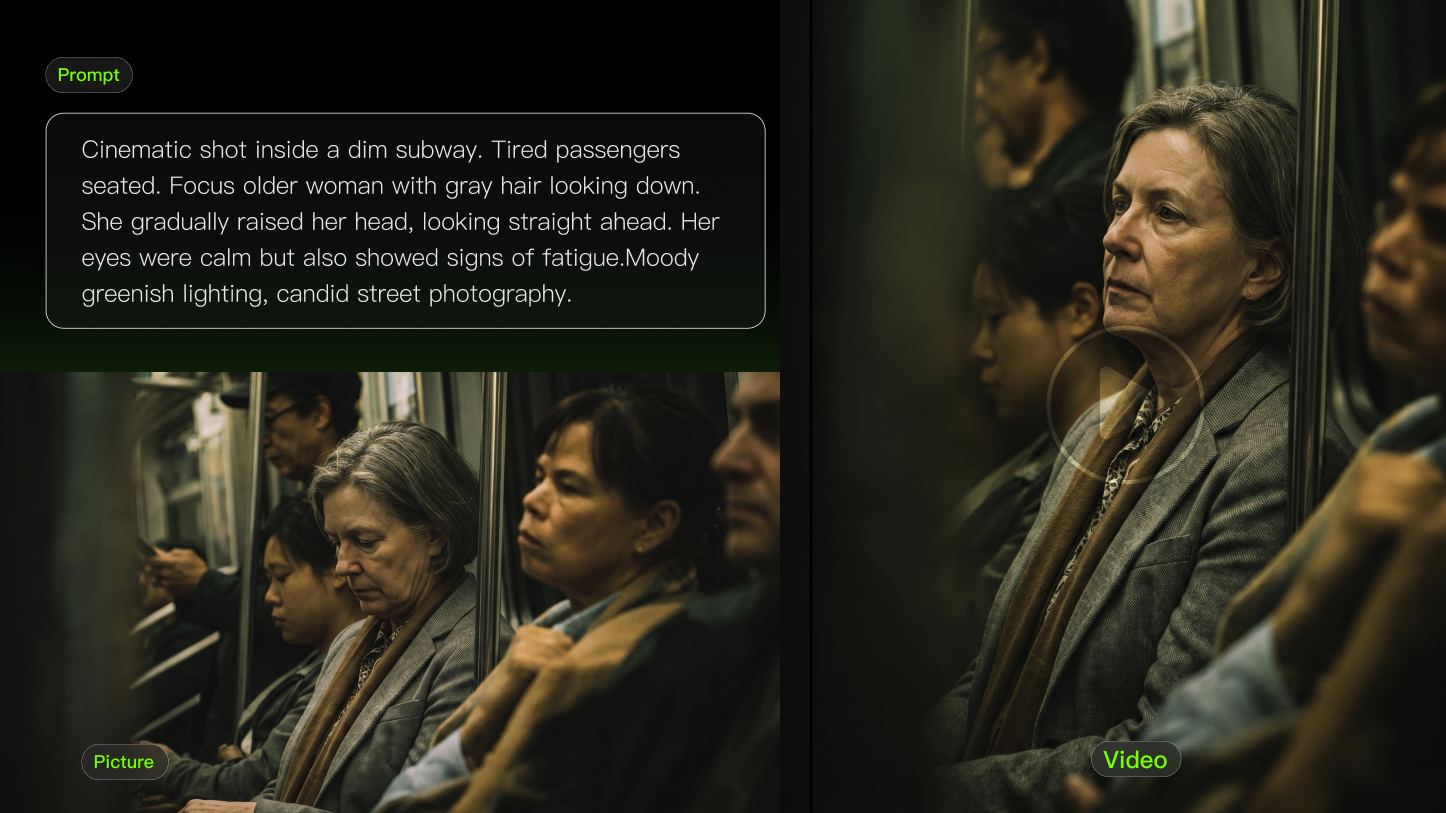
AI video is no longer a niche curiosity because generated clips now appear in ads, social posts, lessons, pitch decks, and creative tests. At its simplest, the format turns instructions, images, or references into motion that can explain, sell, teach, or explore an idea.
What Is AI-generated Video?
AI video refers to video content generated, animated, or edited using artificial intelligence. It may be created from text prompts, still images, start and end frames, reference footage, audio, or editing instructions.
AI Video in Plain English
Think of AI video as a faster way to explore and produce motion. A person describes a scene or supplies a visual reference, the system creates moving frames, and the creator reviews the result. It can reduce the time needed to visualize an idea, but it does not replace creative direction, factual judgment, or editing totally.
Common Types of AI Video
● Text-to-video: A written prompt describes the subject, action, environment, camera, and style.
● Image-to-video: A still image becomes a moving scene while preserving the main subject and composition.
● Start and end frames: Two images define how a scene begins and where it should finish.
● Reference-based generation: Images, videos, characters, products, or visual styles guide the output.
● AI-assisted editing: A system modifies, extends, restyles, or replaces elements in existing footage.
● Audio-visual generation: Some models create dialogue, sound effects, ambience, or music together with the visuals.
Prompt | Image | Output |
|---|---|---|
| A middle-aged man is ordering food in a Western restaurant. He speaks in English with an Indian accent and says: "excuse me, I would like to order a seafood pasta, and a filet mignon. medium-rare", then he looks up and continues: “And, do you have any drink recommendations?” | 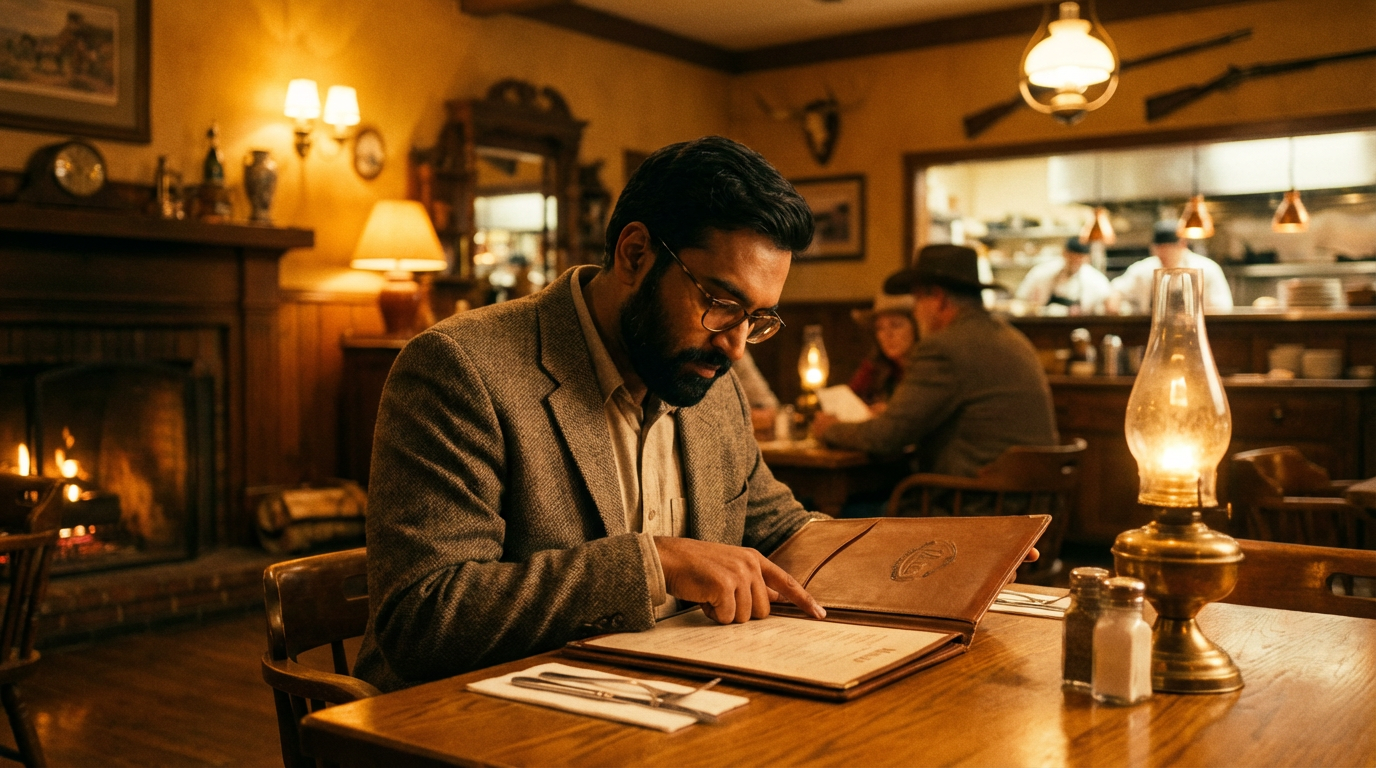 | 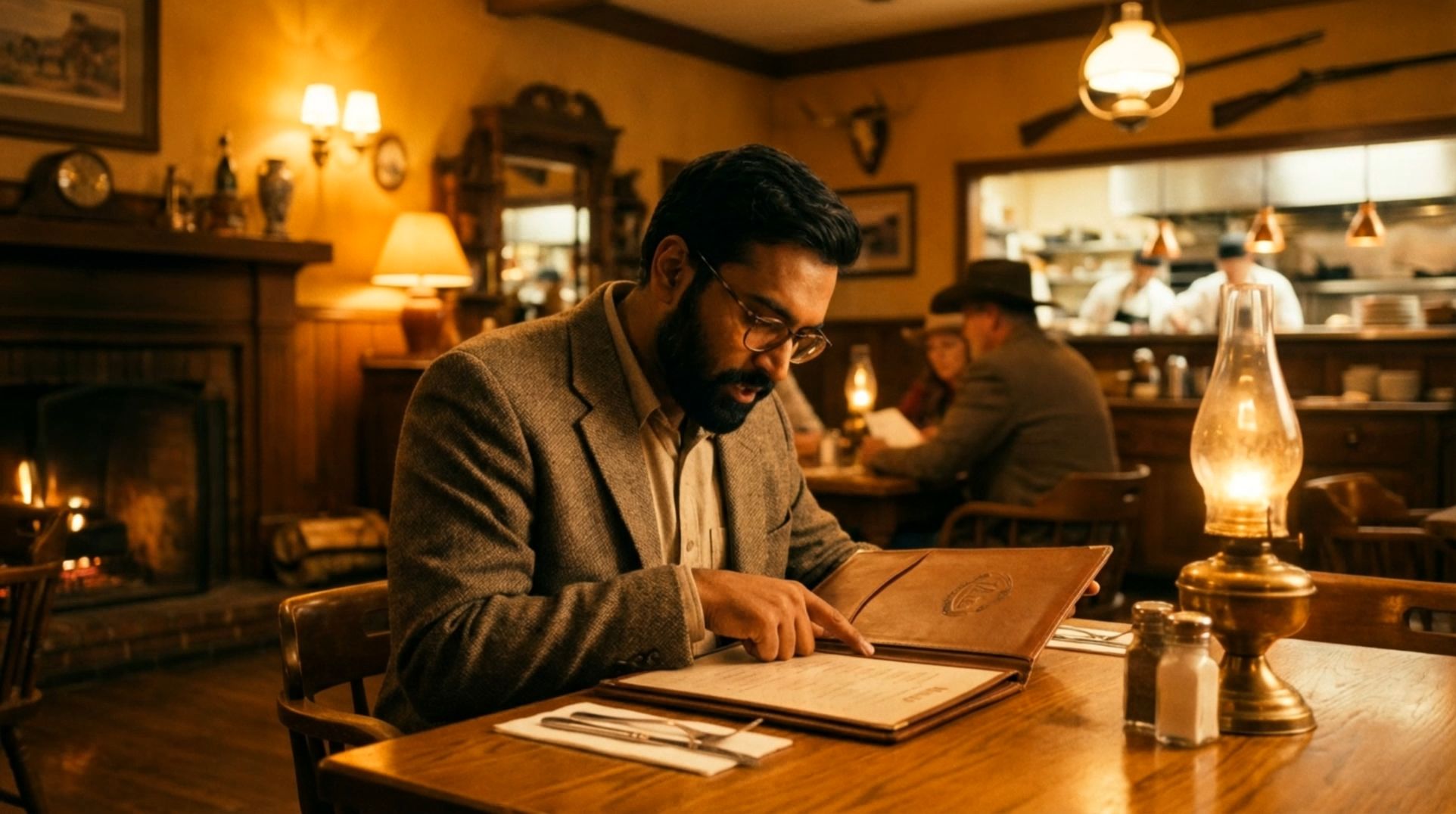  |
How Does AI Video Generation Work?
AI video models learn patterns from visual and language data, including how objects look, how people and cameras move, how lighting changes, and how scenes develop over time. When a user enters a prompt or uploads a reference, the model interprets the requested subject, action, setting, composition, and style.
The model then generates a sequence of related frames rather than a single still image. Those frames need to remain connected so that people, objects, lighting, and camera movement appear continuous. This temporal consistency is one of the main challenges of AI video generation: an individual frame may look convincing even when the motion between frames does not.
The AI Video Workflow
1.The input defines the scene. A text prompt, image, start frame, end frame, or reference provides the subject and creative direction.
2.The model interprets the request. It identifies elements such as the subject, action, environment, composition, visual style, and camera movement.
3.Frames are generated over time. The model predicts how the scene should change from one moment to the next while trying to preserve visual continuity.
4.Audio may be generated or added. Depending on the model, the output may include dialogue, ambient sound, music, or sound effects.
5.The creator reviews and edits the result. Selected clips may be trimmed, combined, captioned, corrected, or adapted for a specific platform.
How Kling AI Supports the Workflow
Kling AI supports text-to-video, image-to-video, and start-and-end-frames workflows. Kling VIDEO 3.0 also supports native audio, Multi-Shot generation, multilingual dialogue, and flexible video durations of up to 15 seconds. Reference-based options can help creators guide recurring characters, products, or other visual elements across a scene.
These controls matter because AI video is more than a moving picture. A usable result depends on the relationship between the subject, motion, camera, sound, timing, and the creator’s review. Clear instructions and useful references can improve control, but every output still needs to be checked before it becomes a production asset.
What Is AI Video Used For?
AI video is most useful when motion makes an idea easier to understand, test, or share. It is especially valuable when filming would be expensive, slow, impractical, or unnecessary at the current stage of a project.
Use Case | Examples | What to Review |
Marketing and advertising | Product animations, ad concepts, campaign variations, and short promotional clips | Product details, logos, claims, brand consistency, and disclosure requirements |
Social media | Short hooks, loops, image animations, visual reactions, and platform-specific assets | First-frame clarity, pacing, captions, aspect ratio, and whether the content could mislead |
Education and training | Animated diagrams, process explanations, historical reconstructions, and training scenarios | Factual accuracy, labels, sequencing, accessibility, and age appropriateness |
Creative development | Storyboards, mood tests, scene concepts, camera ideas, and visual references | Composition, continuity, creative direction, and whether the idea is feasible to produce |
Product visualization | Concept products, packaging ideas, materials, environments, and product motion | Shape, proportions, labels, features, and whether the visual suggests unsupported performance |
Internal communication | Pitch visuals, rough prototypes, training assets, and early campaign concepts | Whether the video helps the team understand or make a specific decision |
Practical AI Video Examples
● A real estate marketer animates a room photo into a short social clip that introduces the space.
● A teacher visualizes a scientific process that would be difficult to record in a classroom.
● A brand tests product movement, lighting, and camera pacing before committing to a full shoot.
● A creative team turns campaign stills into short motion assets for different social platforms.
● A filmmaker explores a scene, transition, or visual metaphor before producing a storyboard.
Benefits of AI Video
Faster Concept Development
A team can move from an idea to a visual test without first arranging a location, cast, equipment, or full editing workflow. This makes AI video useful for early decisions about mood, composition, pacing, and narrative direction.
Lower Barriers to Visual Production
AI video gives individuals and smaller teams a way to create motion concepts without advanced animation or visual-effects skills. It does not remove the need for production knowledge, but it can make experimentation more accessible.
More Creative Variations
Creators can test different camera angles, environments, styles, or movements from the same core idea. The goal is not to publish every variation, but to compare options and identify the direction that communicates the idea most clearly.
Visualizing What Is Difficult to Film
Generated video can illustrate fictional worlds, historical interpretations, conceptual products, microscopic processes, or visual metaphors. These scenes may be too expensive, unsafe, or impossible to capture directly, although factual and sensitive subjects require especially careful review.
Limitations of AI Video
AI video can look impressive and still be wrong. A polished result should not be treated as proof that the depicted event occurred, that a product performs as shown, or that every detail is accurate. The risk is higher in advertising, education, news, health, finance, safety, and other contexts where viewers may rely on the content to make decisions.
Visual and Motion Inconsistency
Faces, hands, clothing, objects, and backgrounds can change unexpectedly between frames. Motion may appear too fast, physically impossible, or disconnected from the rest of the scene. Complex interactions and crowded scenes can be particularly difficult to maintain.
Text, Logos, and Product Details
Small text, packaging, interfaces, labels, and brand marks may be misspelled, distorted, or replaced with invented details. Product videos should be checked against the real design and specifications before they are used publicly.
Factual Accuracy and Misleading Context
A generated scene can appear realistic without representing a real event. Fictional reconstructions, demonstrations, and simulations should be presented with honest context. When a visual supports a factual or commercial claim, creators should confirm that it does not exaggerate performance or imply evidence that does not exist.
Consent, Likeness, and Intellectual Property
Creators should have appropriate permission to use recognizable people, voices, private footage, protected characters, trademarks, or copyrighted source material. The exact legal requirements depend on the location and use case, so commercial and sensitive projects may require specialist review.
Human Review Is Still Required
AI video is generated media, not a finished source of truth. Every clip should be reviewed for visual errors, factual accuracy, brand fit, consent, platform requirements, and unintended meaning. Human selection is the step that protects clarity and trust.
How to Get Better AI Video Results
Give Each Clip One Purpose
A short generated clip should usually perform one clear task: show a product movement, explain one step, establish a mood, introduce a setting, or visualize a transition. Asking one clip to introduce a brand, tell a complete story, demonstrate a product, and deliver a call to action often produces a confused result.
Keep Actions and Scenes Focused
Prompts that combine several characters, actions, camera moves, and scene changes are harder to control. Divide a larger concept into individual shots or clearly ordered actions, then combine the strongest outputs during editing.
Use Clear Prompts and Useful References
Describe the subject, action, environment, camera direction, lighting, and style in a logical order. When consistency matters, provide clean reference images or frames that clearly show the subject. References can guide the model, but they do not remove the need to check the result.
Start With a Short Test
A focused five-to-fifteen-second asset can test one product motion, diagram, mood, or transition without asking the model to maintain too many changes. Once the direction works, the clip can become one building block in a larger edit or a reference for the next generation.
Review the Output Like Any Other Production Asset
Check the opening frame, subject consistency, motion, camera behavior, text, logos, audio timing, and final frame. Ask whether the clip communicates the intended idea without extra explanation. If it does not, simplify the request, improve the reference, or generate the scene as separate shots.
Prompt | Output |
|---|---|
| Shot 1, profile shot of black man driving a truck, cinematic handheld. Shot 2, frontal macro shot of black man driving a truck, cinematic handheld. Shot 3, macro shot of hands on the steering wheel, cinematic handheld. Shot 4, macro shot of a weathered picture of a young black child laying on the passenger side seat, cinematic handheld. | 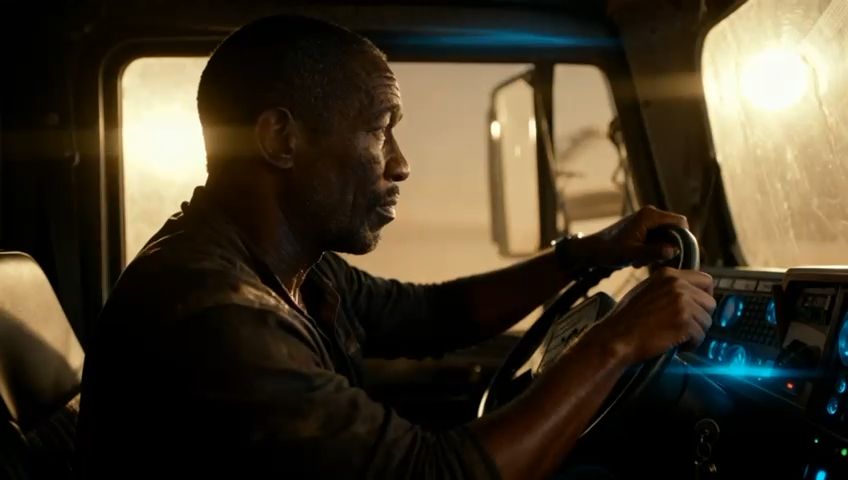 |
Why AI Video Is Useful Before Production
AI video can be valuable before a real shoot because an early clip does not need to be perfect to be useful. It only needs to help the team decide what to make next, what to change, or what to avoid.
A brand can test whether a slow product rotation feels premium. A teacher can compare two ways of animating a diagram. A filmmaker can explore framing, lighting, or pacing before building a detailed storyboard. In each case, AI video acts as a decision-making tool rather than a substitute for every part of production.
Create an AI Video With Kling AI
The easiest way to understand AI video is to test one clear idea. Start with a short action, use a specific text prompt or reference image, and review the output before expanding the scene. Turn a text prompt or still image into a short video with Kling AI, then refine the strongest result for your project.
FAQs
What Can AI Video Be Used For?
AI video can support social clips, product demos, lesson visuals, pitch concepts, mood tests, storyboards, ads, and internal training. It is especially useful when a team needs to explain motion before filming or create a short asset quickly. The best use is tied to a clear communication goal. That gives beginners a clearer next step for AI video.
Does AI Video Include Sound?
Some current AI video systems can include or support audio, while others focus only on visuals. Sound may include voice, effects, music, or scene audio depending on the model and workflow. Even when audio is generated, creators should review timing, clarity, platform rules, and whether the sound improves the message.
What Makes AI Video Quality Better?
Quality improves when the input is specific, the action is short, the subject is clear, and a human reviews the output. References, start and end frames, consistent characters, and simple camera directions can also help. Long vague prompts and overloaded scenes usually create more artifacts. That makes the recommendation easier to test in practice.
Can AI Video Replace Filming?
AI video can replace some concept tests, simple motion clips, and hard-to-film visuals, but it does not replace every shoot. Real events, interviews, product proof, legal claims, and human stories often need actual footage. Use AI video where generation improves speed or clarity without weakening trust. That keeps the result useful instead of merely polished.