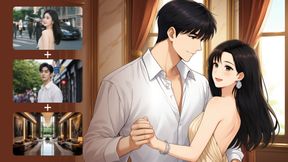
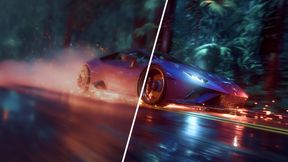
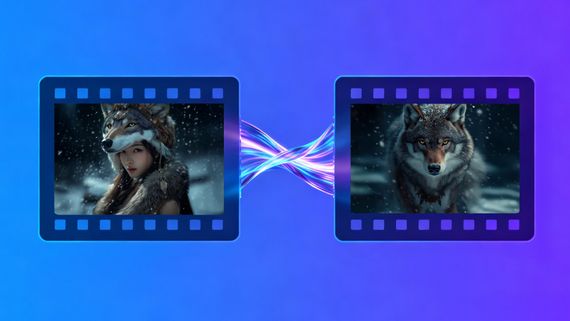
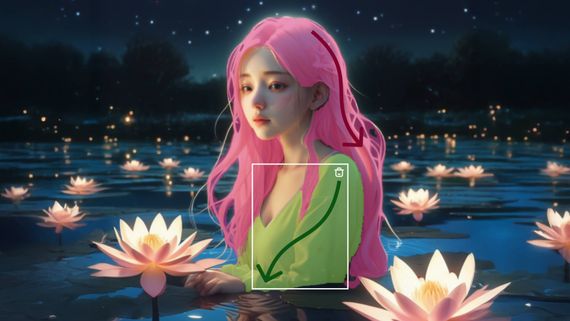
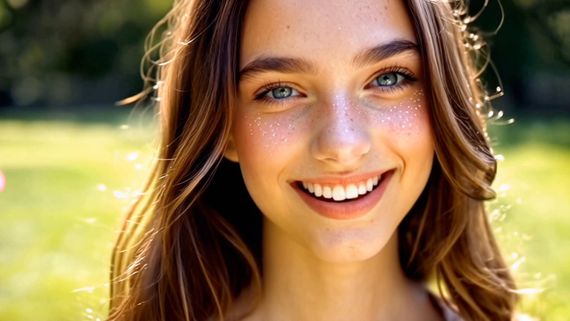
By inputting an image, the "Kling" large model generates a 5-second or 10-second video that animates the image into moving visuals. With the addition of a text description, the "Kling" large model can produce a video sequence that integrates the text's narrative with the image. It currently supports two modes of generation: "Standard Mode" for quicker video output and "Professional Mode" for enhanced visual quality. Moreover, it accommodates three aspect ratios: 16:9, 9:16, and 1:1, catering to a wider range of video creation requirements.
Image-to-Video is currently the most utilized feature by users, primarily because it offers greater control over the video creation process. Users can utilize pre-generated images to create dynamic videos, greatly reducing the professional video production costs and entry barriers. From a creative perspective, "Kling" offers a new platform for creativity, enabling users to direct the motion of the subjects within images through text. Trends such as "reviving old photos," "embracing your younger self," and the whimsically termed "hallucinogenic mushroom video" where mushrooms appear to turn into penguins, showcase "Kling" as a creative tool. It provides infinite possibilities for users to bring their creative visions to life.
For Image-to-Video generation, controlling the motion of the subject within the image is the core aspect. Here's a formula for Kling prompts for your reference:
Prompt = Subject + Movement,Background + Movement ······
Subject: The subject is the main focus in the video, serving as an important embodiment of the theme. It can be people, animals, plants, objects, and so on;
Movement: Descriptions of the subject's movement status;
Background: Background of the scene.
The most fundamental elements of the formula are the subject and the movement. In contrast to Text-to-Video, which necessitates scene description, Image-to-Video is already provided with a scene. Thus, it only requires the depiction of the subjects in the image and the intended movement for these subjects. Should there be several subjects with various movement, list them sequentially. "Kling" will then extrapolate from our expressions and its comprehension of the image to produce a video that aligns with the anticipated outcome.
If you want to have Mona Lisa in the painting wear sunglasses, when we simply input "wear sunglasses", the model may have difficulty understanding the instruction, and thus is more likely to generate a video based on its own judgment. When "Kling" determines that it is a painting, it is more likely to generate a video with panning effects of the painting exhibition, which is also the reason why photos are prone to generating static videos. Therefore, we need to describe "subject + movement" to help the model understand the instruction, such as "Mona Lisa puts on sunglasses with her hand," or for multiple subjects, "Mona Lisa puts on sunglasses with her hand, and a ray of light appears in the background," the model will respond more easily.
prompt | Put on sunglasses | Mona Lisa puts on sunglasses with her hand | Mona Lisa puts on sunglasses with her hand, and a ray of light appears in the background |
video | 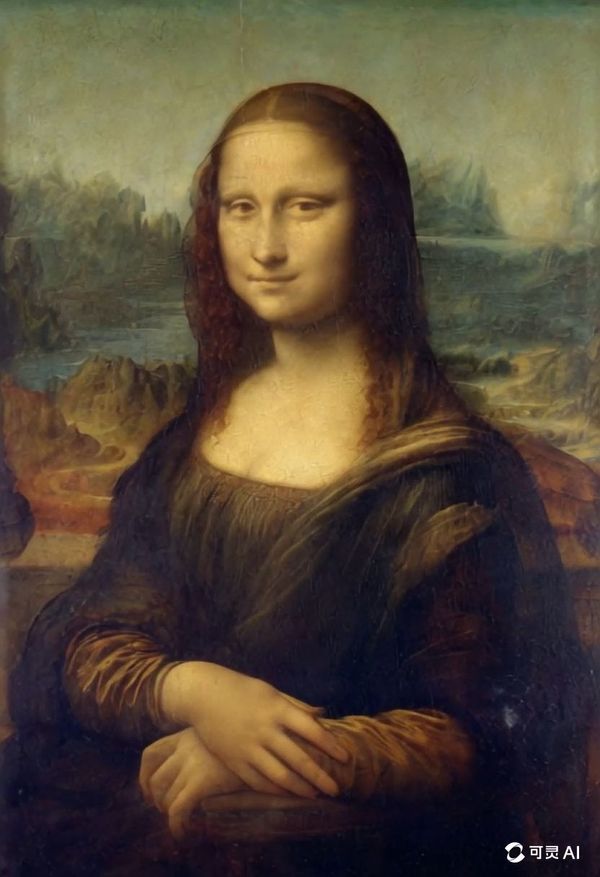  | 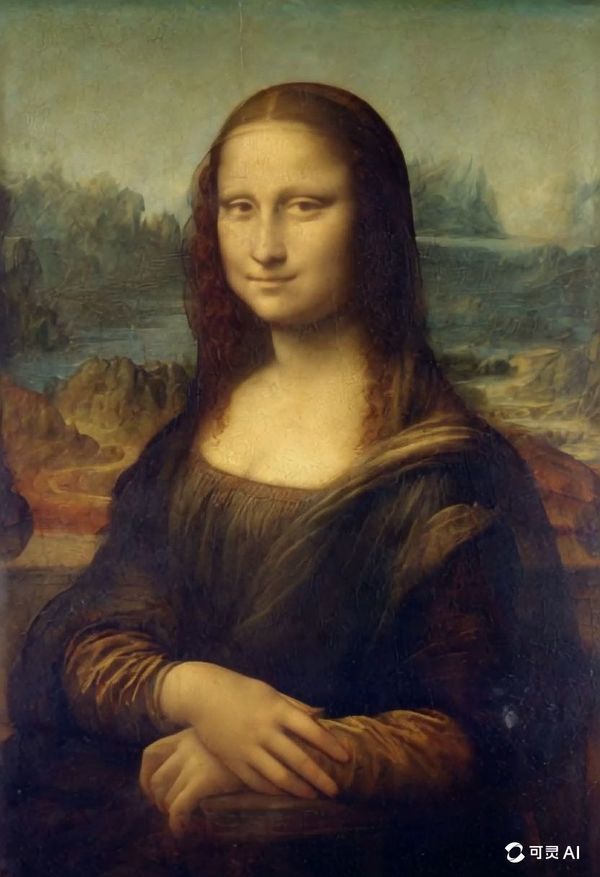 | 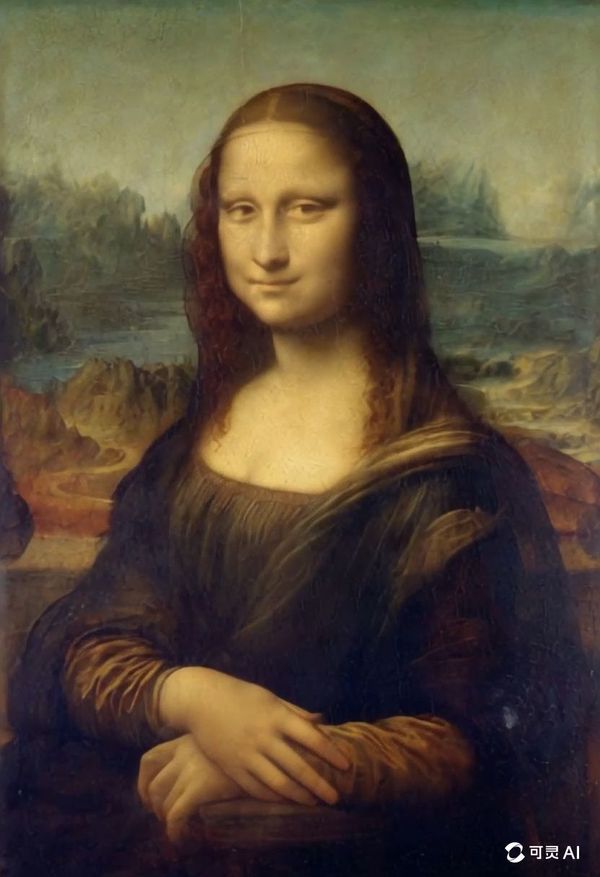 |
As we mentioned before, the purpose of the formula is to help everyone more effectively describe the video scenes they envision. Please feel free to communicate with Kling! Here are some excellent examples shared by creators, let's check them out~
- Some high-quality examples (Video examples below are shared by Kling creators)
video | 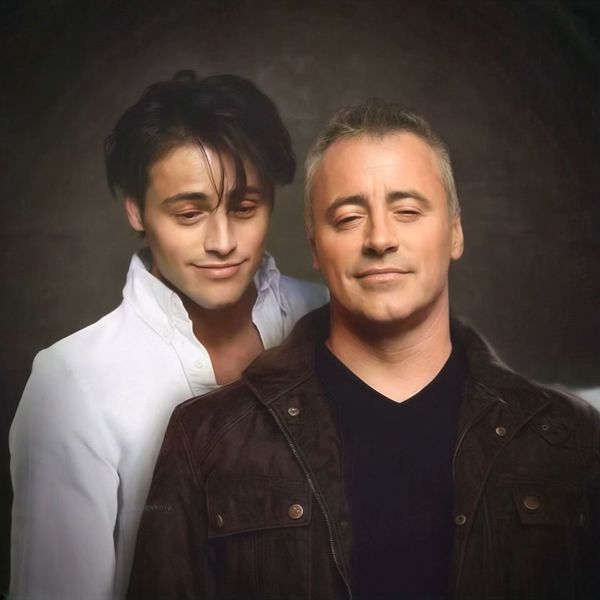 | 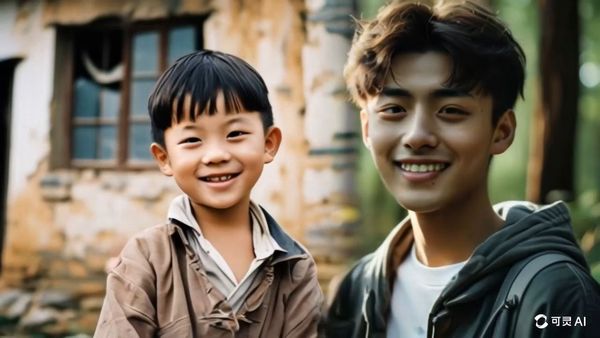 | 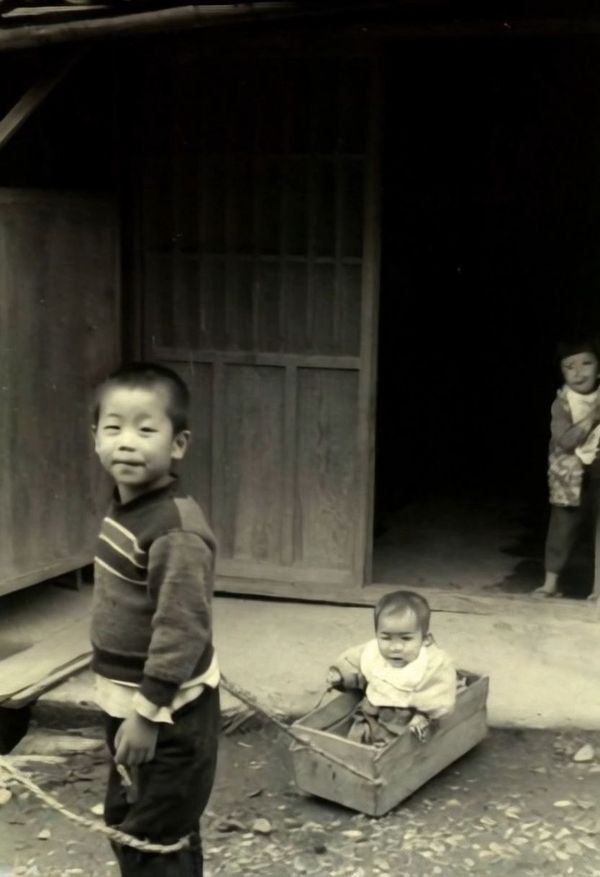 | 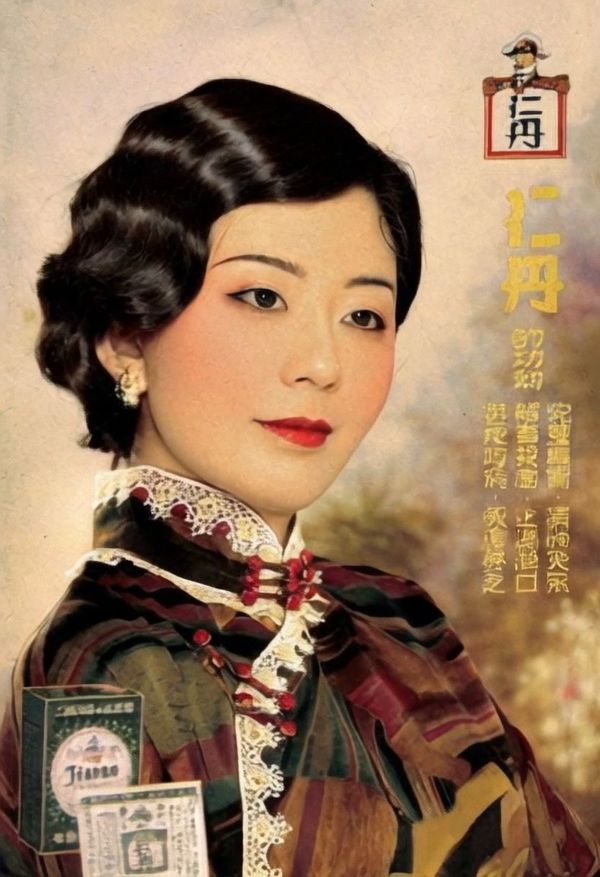 |
image/prompt | Image input: 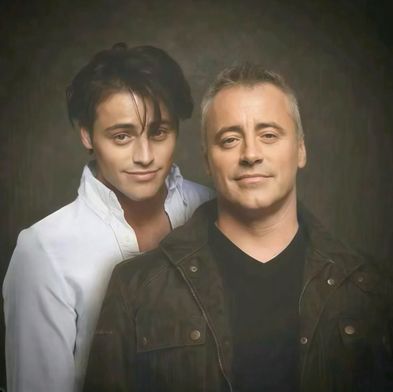 Prompt:Two people hugging each other | Image input: 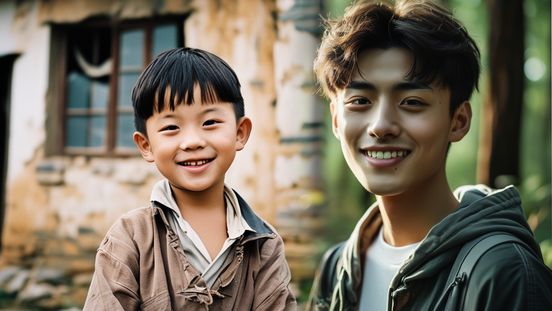 Prompt:Two boys hugging each other | Image input: 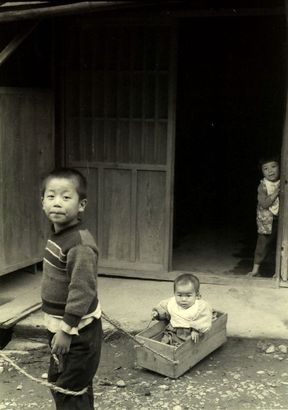 Prompt:The little boy smiles at the camera | Image input: 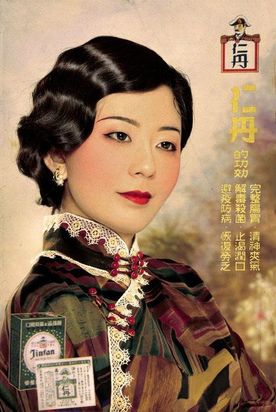 Prompt:A beautiful Chinese girl looks into the distance and smiles. |
video |  | 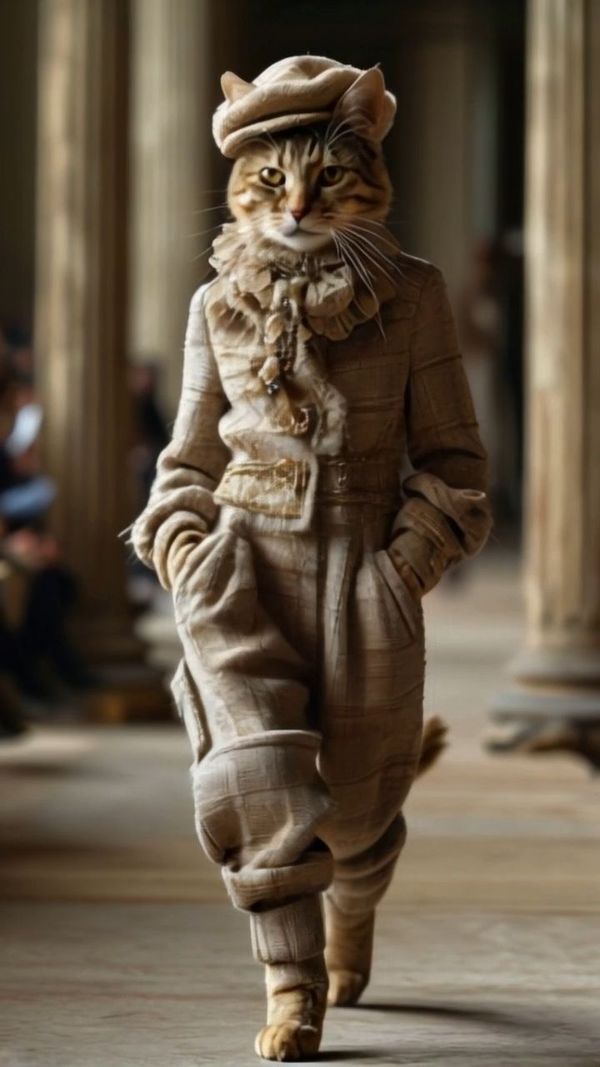 | 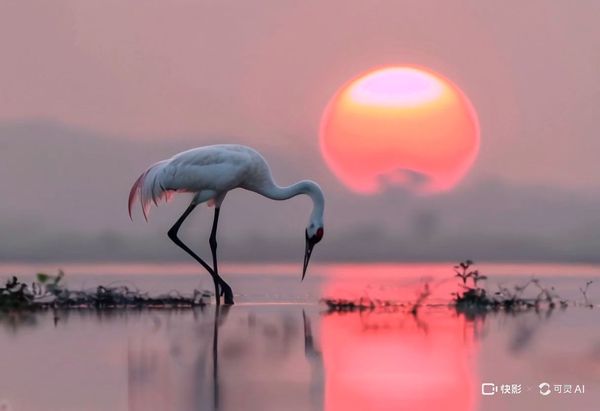 | 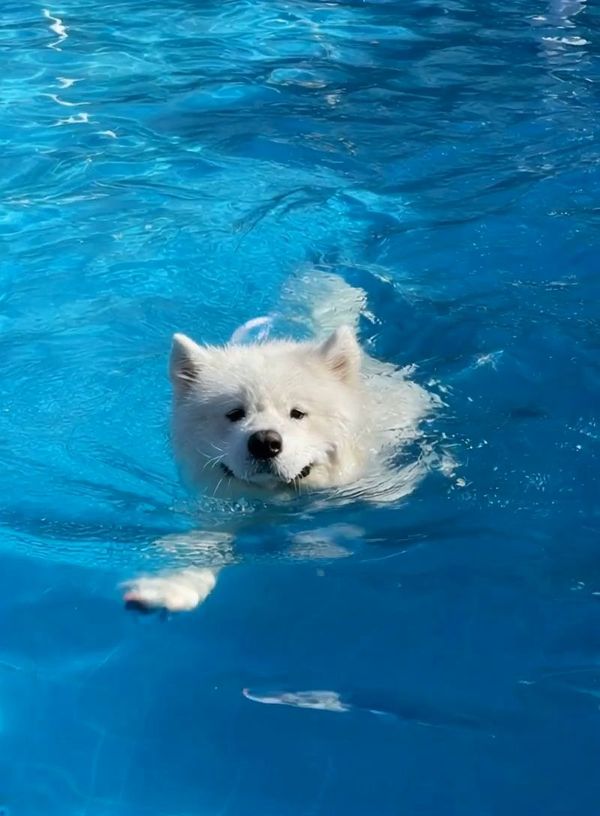 |
image/prompt | Image Input:  Prompt:A cat is kneading dough in the kitchen. | Image Input: 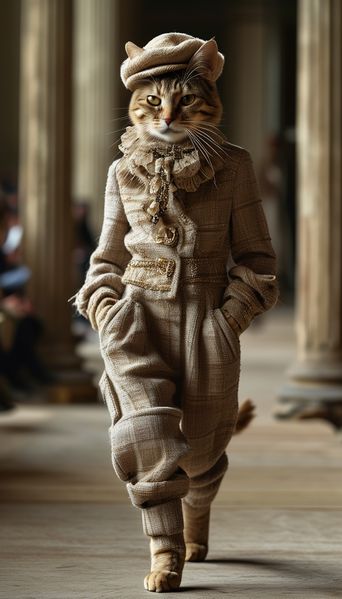 Prompt:No input | Image Input: 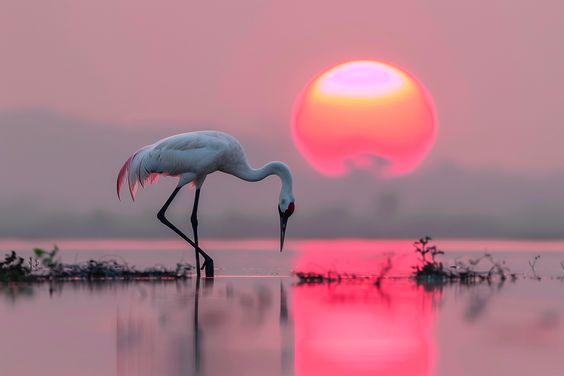 Prompt:The red-crowned crane is looking for food. | Image Input: 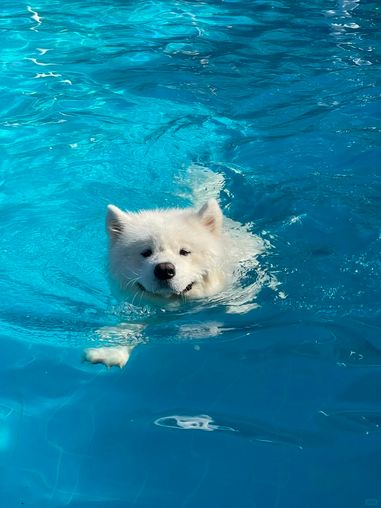 Prompt:No input |
video | 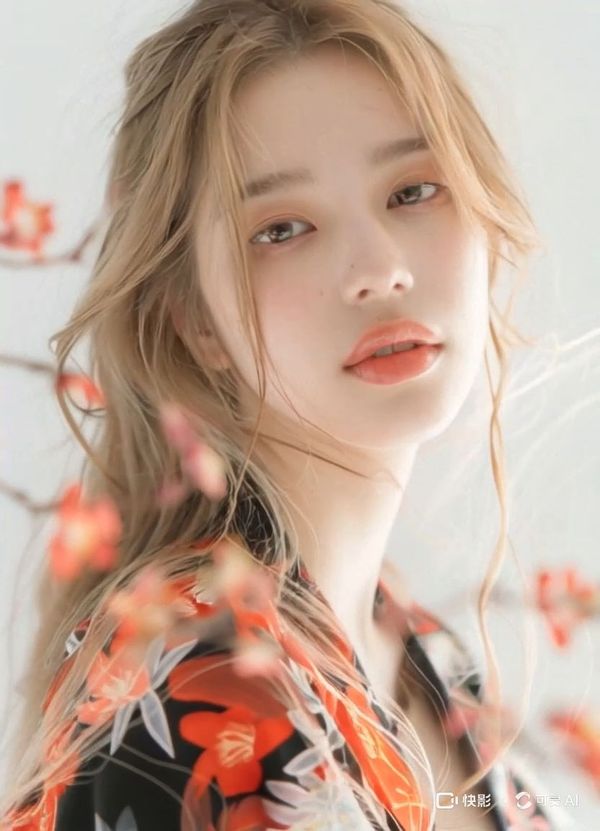 | 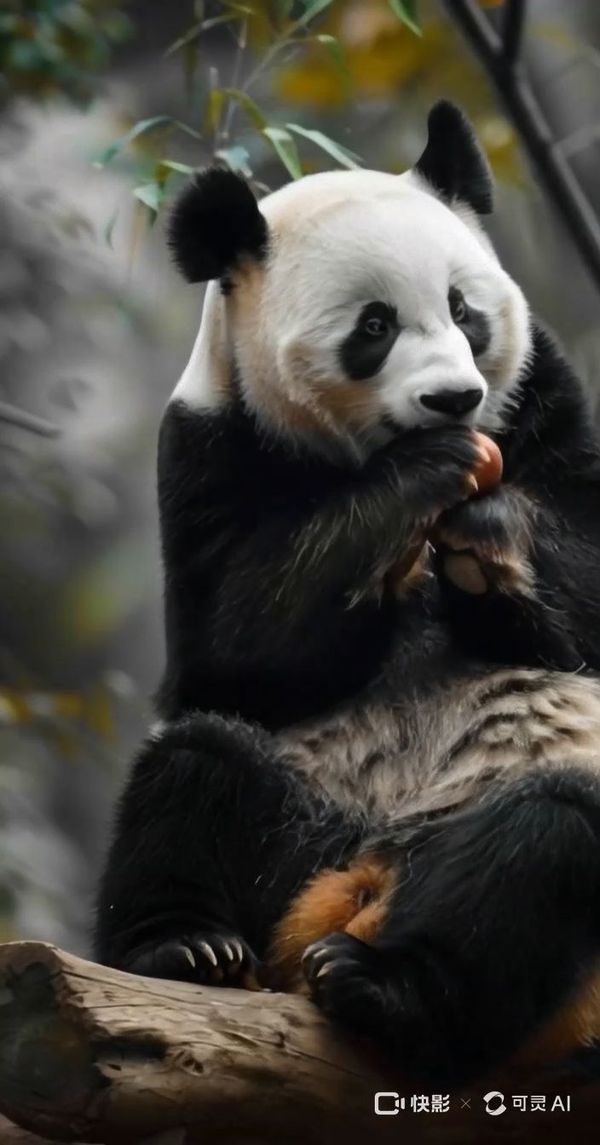 | 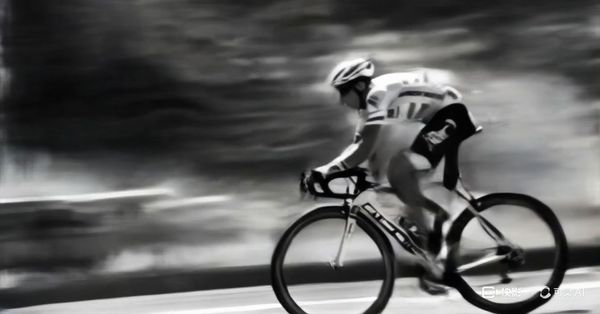 | 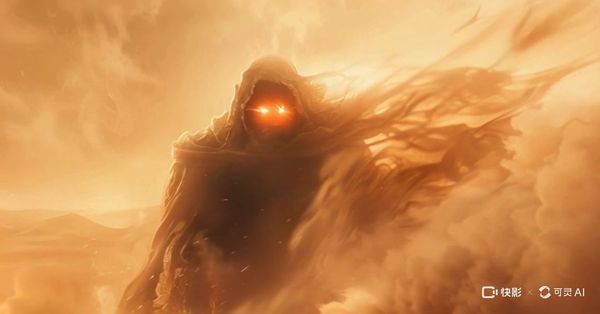 |
image/prompt | Image input: 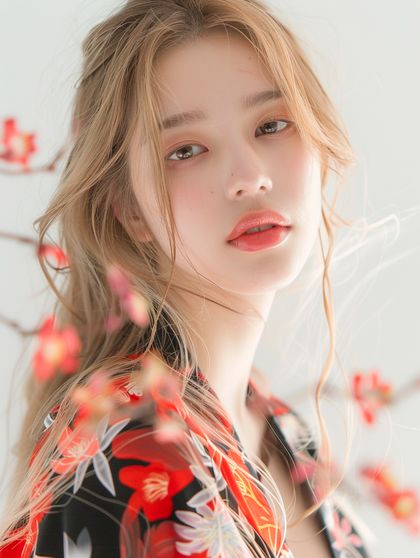 Prompt:The model is smiling with her hair blown by the wind. | Image Input: 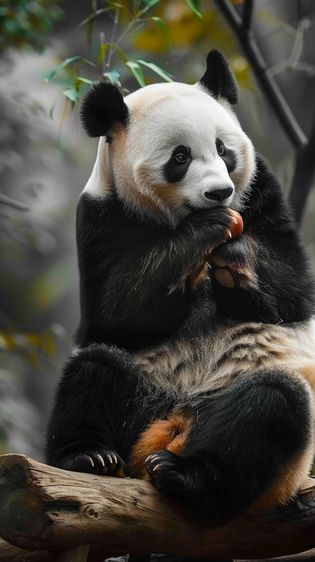 Prompt:The panda is eating an apple. | Image Input: 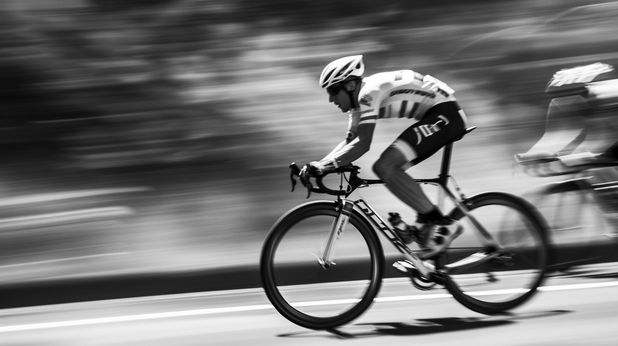 Prompt:The athlete is cycling on the highway with a sense of speed. | Image input: 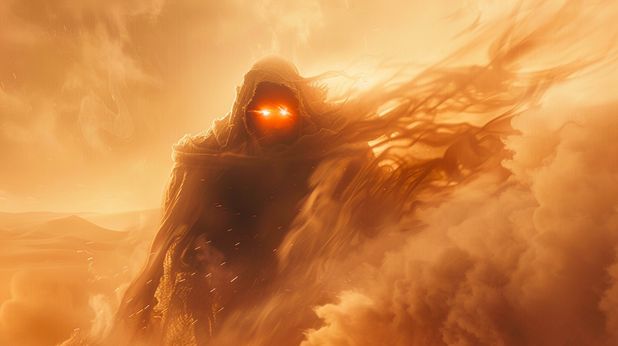 Prompt:Flying dust and floating clothes. |
- Tips
- Use simple words and sentence structures, avoiding overly complex language;
- Movement should comply with the laws of physics, and it's best to describe movements that are likely to occur in the image;
- A description that significantly deviates from the image may cause a camera cut or transition;
- At the current stage, it is challenging to generate complex physical movements, such as the bouncing of a ball or the trajectory of a high-altitude throw;
(Updating, welcome to add more)