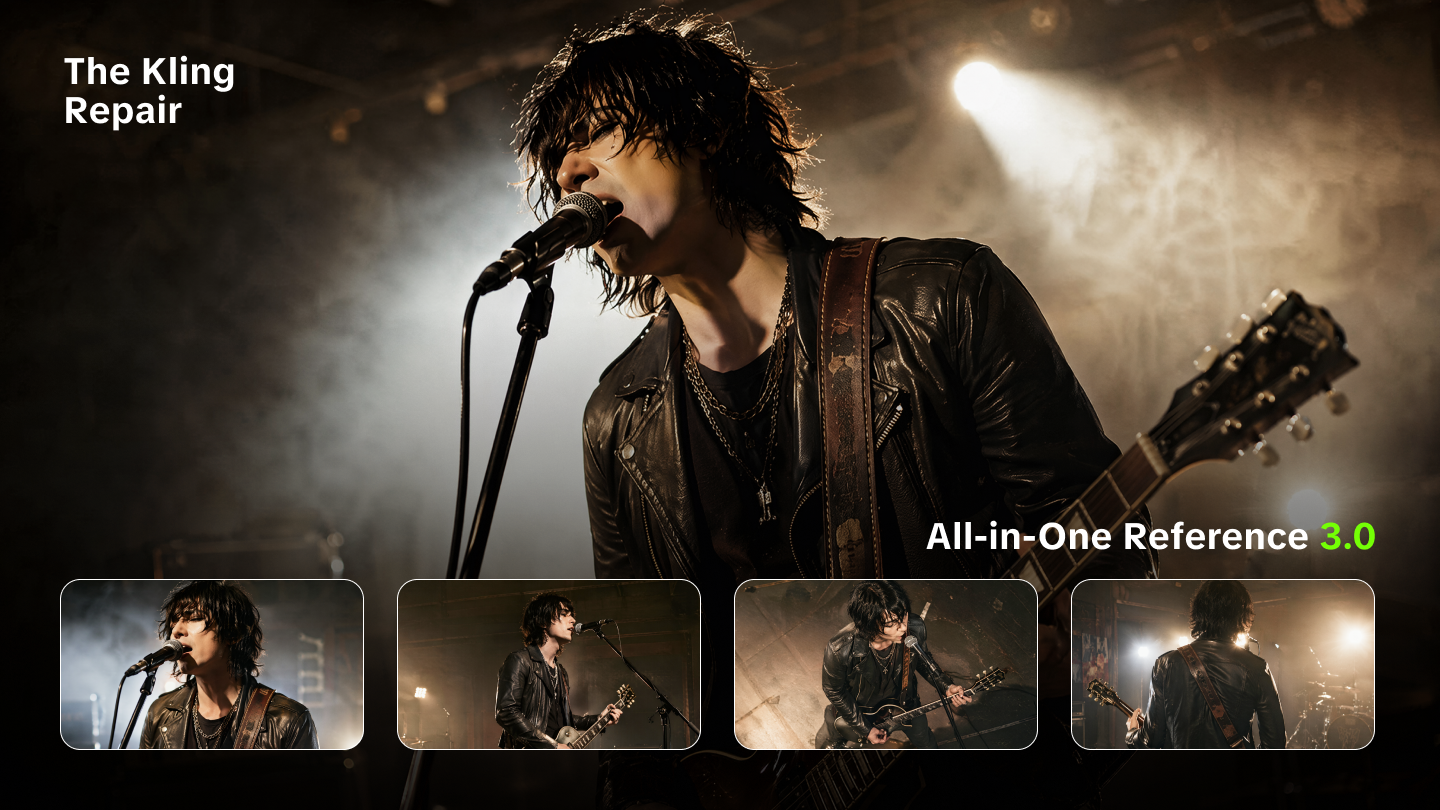
Text-to-video technology is revolutionizing content creation. Yet, most creators commit fundamental errors that damage video quality and viewer experience. These Text-to-Video Errors typically involve inadequate prompts, incorrect technical settings, and disorganized content structure. Today, we’ll show you the eight key error types and demonstrate how to resolve them using Kling AI.
Mistake 1: Writing Unclear Prompts
General instructions like "a person cooking" often lead to visual hallucinations or generic results.
- The Kling Repair: Utilize the 3.0 Omni Model’s Enhanced Narration. This model features a deeply upgraded understanding of cinematic language and multimodal reasoning. It accurately interprets complex intentions, such as specific lighting (e.g., "studio soft light") or camera angles (e.g., "low-angle tracking shot") without requiring “prompt-guessing.”
- Key Detail: The 3.0 architecture reduces visual distortions by prioritizing "industrial-grade consistency," ensuring that the AI understands the physical relationship between subjects and their environment.
Mistake 2: Incorrect Video Size and Format
Using the wrong aspect ratio for a platform leads to black bars or poor cropping, which triggers algorithm penalties.
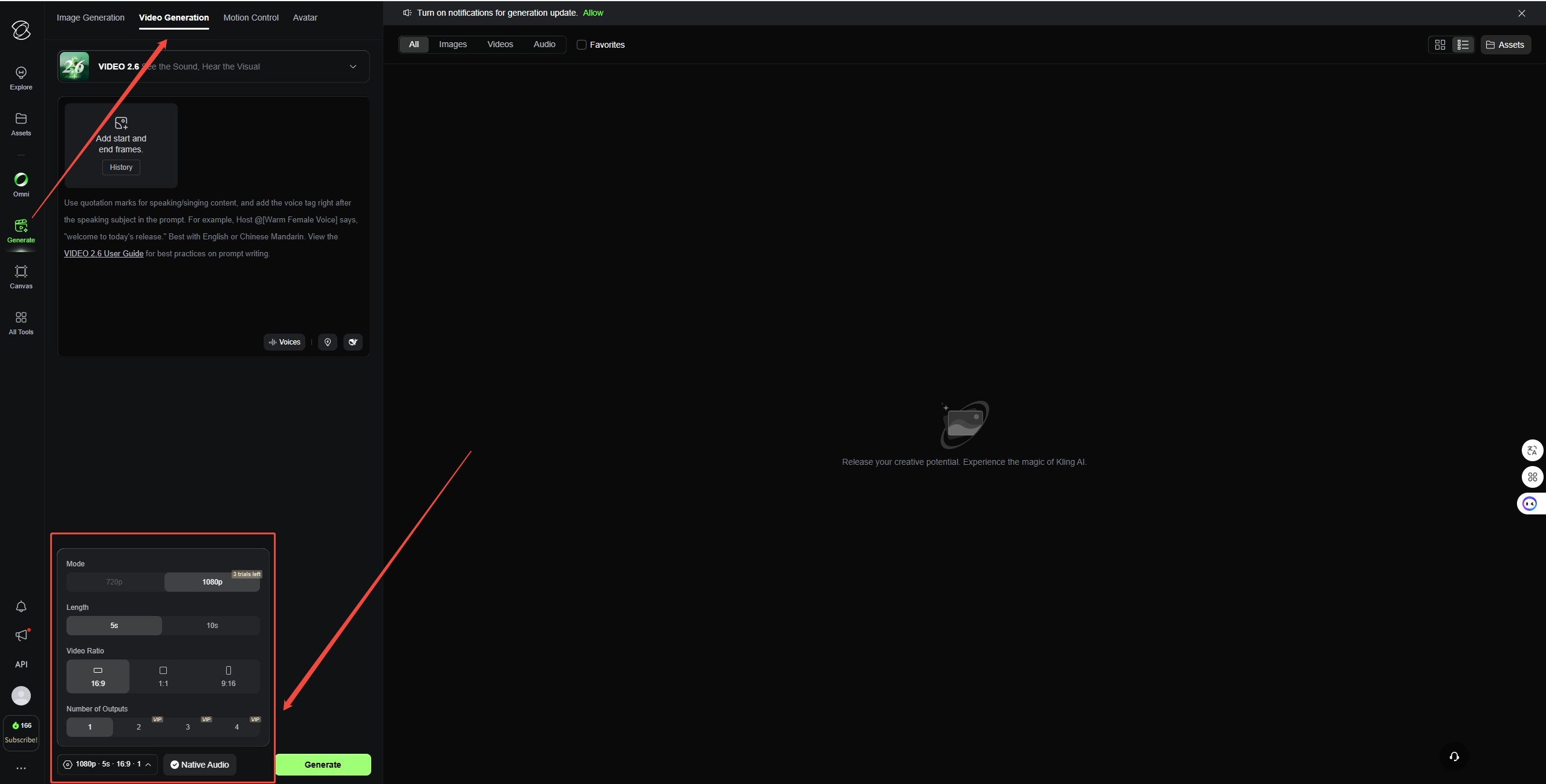
- The Kling Repair: Kling AI natively supports eight standard aspect ratios, including 16:9 (YouTube), 9:16 (TikTok), 1:1, 4:3, 3:4, 3:2, 2:3, and 21:9 (Cinematic Widescreen).
- Key Detail: Generating directly in the target ratio prevents resolution loss. For professional outputs, use Professional Mode to ensure the 1080p native video maintains high-fidelity aesthetics across these formats.
Mistake 3: Problems with Timing and Pacing
Videos that lack narrative flow often fail to hold viewer's attention. Fragmented clips create a jarring experience.
- The Kling Repair: Use Flexible Duration Control (3-15s) for single shots and Video Extension for continuity. Kling allows you to extend successful generations in 4-5 second increments, up to a total of 3 minutes per project.
- Key Detail: Extensions must use the same model and mode as the source to ensure "Zero Model Drift," keeping lighting, textures, and physics identical throughout the extended sequence.
Mistake 4: Inconsistent Visual Style
"Style drift"—where characters or environments change between shots—is the most common technical failure in AI video.
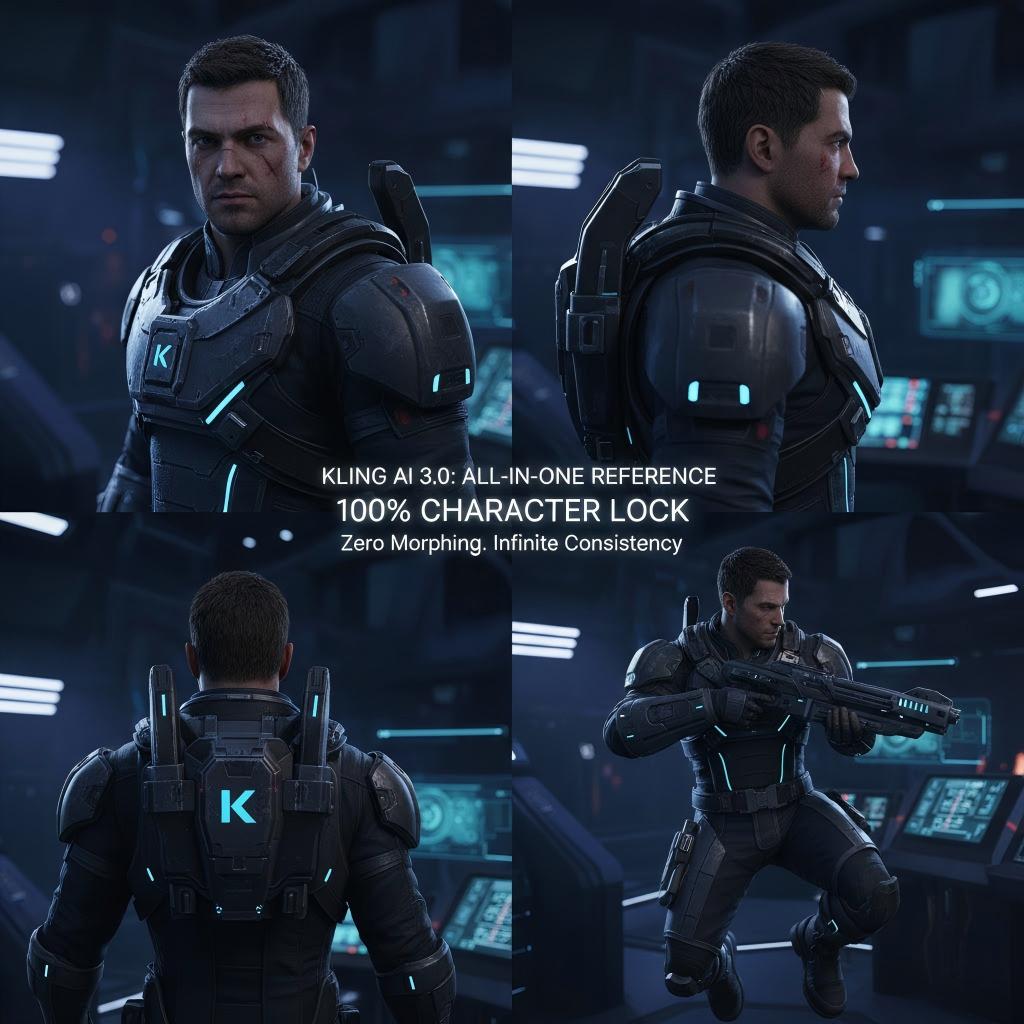
- The Kling Repair: Deploy All-in-One Reference 3.0 and the Element Library. You can upload up to 4 multi-perspective images or a 3-8s character video to "lock" features. Kling’s model "remembers" main characters and scenes, maintaining consistency even during complex camera movements.
- Key Detail: This system delivers a 102% performance improvement in subject stability and dynamics over previous methods, effectively solving the "character morphing" problem in ensemble scenes.
Mistake 5: Audio and Video Out of Sync
Desynced lips or generic sound effects immediately mark a video as amateur.
- The Kling Repair: Use Native Audio (available in 3.0 Omni and 2.6) to generate visuals, voice, and sound effects simultaneously in a single pass. For post-production repairs, the Lip-Sync API provides 1080p high-res sync for clips up to 60 seconds.
- Key Detail: The Lip-Sync API allows you to specify a face_id for multi-person scenes and a sound_insert_time to ensure dialogue begins exactly when a character enters the frame.
Mistake 6: Inadequate Content Organization
Random clips without a structure waste viewer time and credits.
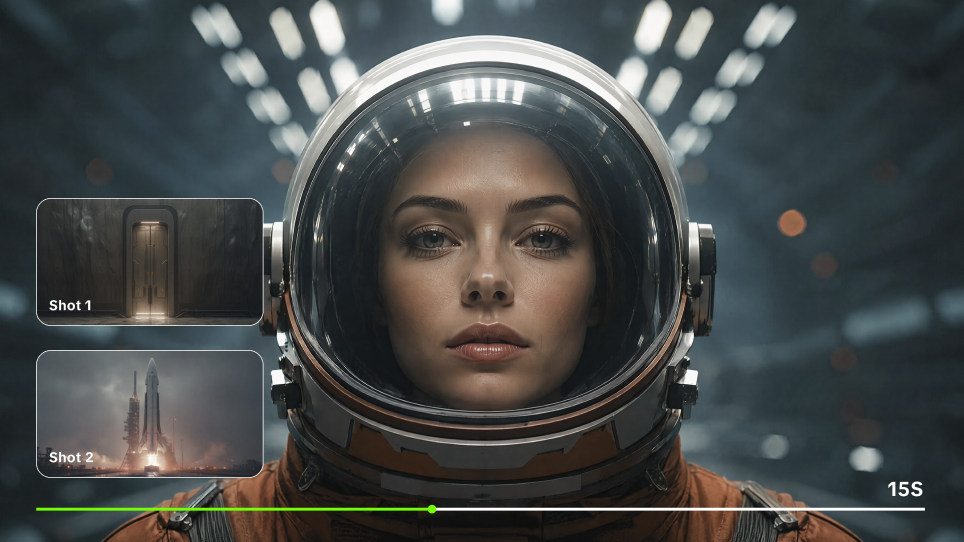
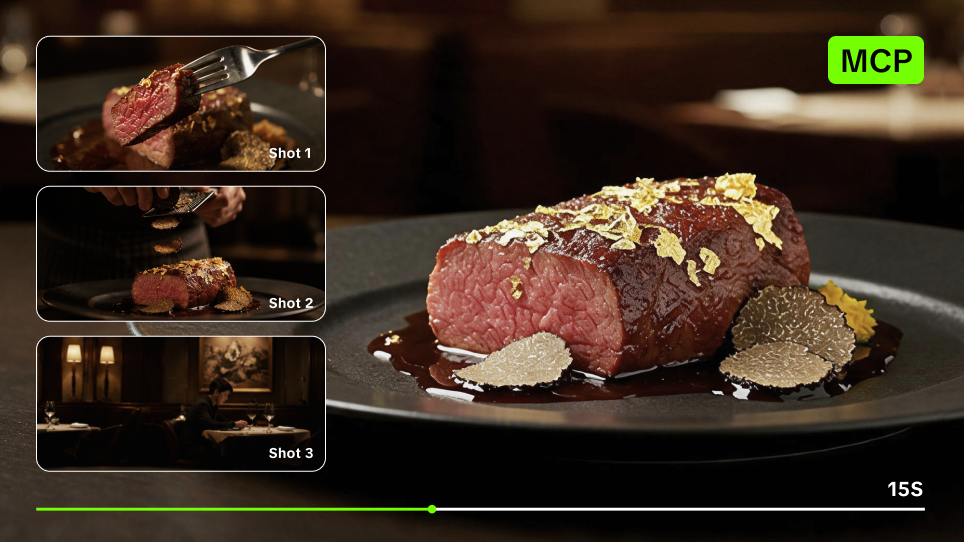
- The Kling Repair: Engage the Kling Canvas Agent for Smart Multi-Shot direction. This feature acts as an onboard "AI Director," automatically building scene coverage (e.g., shot-reverse-shot dialogues or cross-cutting narration) based on your narrative prompt.
- Key Detail: Multi-round dialogue editing allows you to refine the narrative arc within the platform, eliminating the need to move assets between multiple editing tools, which saves up to 60% in workflow time.
Mistake 7: Disregarding Your Target Audience
Generic characters fail to build brand recognition or emotional connection.
- The Kling Repair: Create Reusable Character Assets with Voice. By binding a unique voice tone (via the 3.0 Omni voice-capture) to a visual character element, you ensure your "digital actor" looks and sounds identical across an entire series.
- Key Detail: This "Voice Consistency" resolution allows you to maintain a signature voice for characters across different videos, creating truly serialized content that builds long-term audience trust.
Mistake 8: Forgetting about Quality Control
Publishing low-resolution or "Standard Mode" clips for professional use can damage credibility.
- The Kling Repair: Switch to Professional Mode for high-performance compute cluster rendering. This mode offers "Refined Aesthetics" (better lighting/composition) and supports 2K/4K Ultra HD image-to-video foundations.
- Key Detail: Professional Mode provides a significant leap in detail consistency and "Responsive Prompts" compared to the cost-effective Standard Mode, making it mandatory for e-commerce and commercial ads.
Kling AI: Error-to-Resolution Mapping Table
Error Type | Kling AI "Core Repair" Action | Result-Oriented Metric |
|---|---|---|
Style Inconsistency | All-in-One Reference 3.0: Lock subjects with multi-angle references. | 102% Consistency Gain: Drastic reduction in character morphing. |
Pacing/Timing | Video Extension: Extend clips in 4-5s increments up to 3 mins. | Zero Model Drift: Ensures visual parity across the entire timeline. |
Audio Desync | Native Audio / Lip-Sync: Simultaneous AV generation or 60s API sync. | Source-side Repair: Perfect mouth-matching with 1080p high-res output. |
Unnatural Motion | Motion Control 2.6: Upload 3-30s action references to mimic expressions. | 90% Rework Reduction: Mimic gestures instead of "prompt-guessing". |
Poor Framing | Multi-Shot AI Director: Automatic cinematic coverage and shot logic. | One-Click Cinematic: Professional coverage without manual cutting. |
Quality Bottlenecks | Professional Mode 4K: Select Pro Mode for upscaled resolution. | Industrial Grade: Meets fidelity standards for e-commerce and ads. |
Tool Recommendations
1. The Production Core: Kling AI
Primary Uses: All generation (Text/Image-to-Video), Character Elements (locking visuals/voice), Timing repair (Video Extension), and Audio-visual sync.
Best For: Teams and creators requiring industrial-grade consistency and a 15-second generation capability with native audio output.
2. Auxiliary Support (Optional)
Design Tweaks: Tools like Canva are only for adding static overlays or end-screen text after the video is finalized in Kling.
Professional Grading: High-end suites like DaVinci Resolve can be used for final color-space conversion for cinema delivery, though Kling's Professional Mode typically meets commercial aesthetic standards.
Script Planning: ChatGPT or Claude can help structure initial prompts, which Kling's Smart Multi-Shot then translates into cinematic shot-level logic.
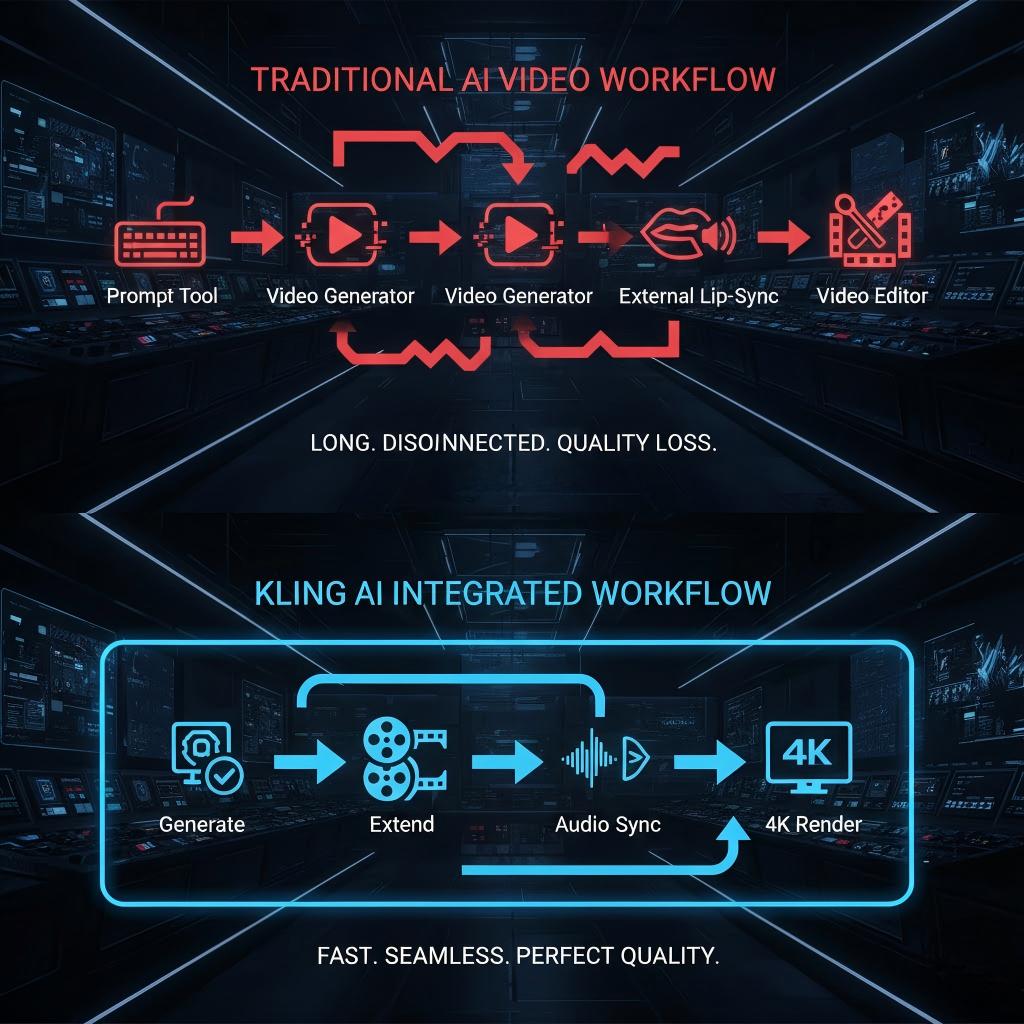
Summary
By centralizing your workflow around Kling AI, you leverage a unified multimodal training framework that prevents the data loss associated with moving files between multiple AI tools. This integrated approach ensures that your content is fast, stable, and precise, effectively trimming revision time by moving the "repair" process to the generation stage.
FAQs
Q1. What Is the Maximum Duration for a Video Generated by Kling AI?
Kling AI offers flexible video generation lengths suitable for various creative needs. In the latest 3.0 Omni model, users can generate continuous video clips ranging from 3 to 15 seconds in a single pass. For longer narrative requirements, the platform provides a Video Extension feature that adds 4 to 5 seconds per extension. This process can be repeated until the total video duration reaches a maximum of 3 minutes. This allows creators to build complex, long-form stories while maintaining consistent lighting and physics throughout the entire timeline.
Q2. How Do the Standard and Professional Generation Modes in Kling AI Differ?
Kling AI provides two distinct generation modes to balance efficiency and quality. Standard Mode is designed for rapid prototyping and is highly cost-effective, making it ideal for testing initial concepts. In contrast, Professional Mode utilizes high-performance compute clusters to deliver industrial-grade results. This mode supports 1080p resolution, refined aesthetics, and more realistic motion physics. It is especially recommended for high-fidelity use cases such as e-commerce advertising and commercial marketing, where visual detail and responsiveness to complex text prompts are essential for a professional finish.
Q3. How Does Kling AI Maintain Character Consistency Throughout a Production?
To ensure industrial-grade consistency, Kling AI utilizes the All-in-One Reference 3.0 and the Element Library. These systems allow users to upload up to four multi-perspective images or a 3 to 8-second video to "lock" a character’s visual features. The 3.0 Omni model demonstrates a 102% performance improvement in subject stability compared to previous versions. This enables the AI to function like a human director, remembering the specific features of characters and items regardless of camera movement or scene changes, effectively eliminating common issues like character morphing.
Q4. What Role Does the Multi-Shot Feature Play in the Kling AI Workflow?
The Multi-Shot feature acts as an onboard AI Director, significantly streamlining the cinematic production process. It is designed to understand cinematic language with precision, automatically adjusting camera angles and compositions based on the narrative intent provided in your prompt. This allows the AI to generate complex sequences, such as classic shot-reverse-shot dialogues or cross-cutting narrations, in a single generation. By automating these professional filming techniques, Kling AI enables creators to produce high-quality cinematic content without the need for tedious manual cutting and fragmented assembly.
Q5. Can Kling AI Synchronize Character Dialogue with Custom Audio Files?
Kling AI supports advanced audio-visual synchronization through its Native Audio and Lip-Sync capabilities. The 3.0 Omni model generates visuals, character voices, and ambient sound effects simultaneously, ensuring natural rhythmic synergy. For post-production, the Lip-Sync API can match mouth shapes to custom audio for videos up to 60 seconds in duration at 1080p resolution. Users can even specify a speaker in multi-person scenes using a face identifier and control exactly when the dialogue begins. These tools ensure that characters look and sound identical across different videos and scenes.