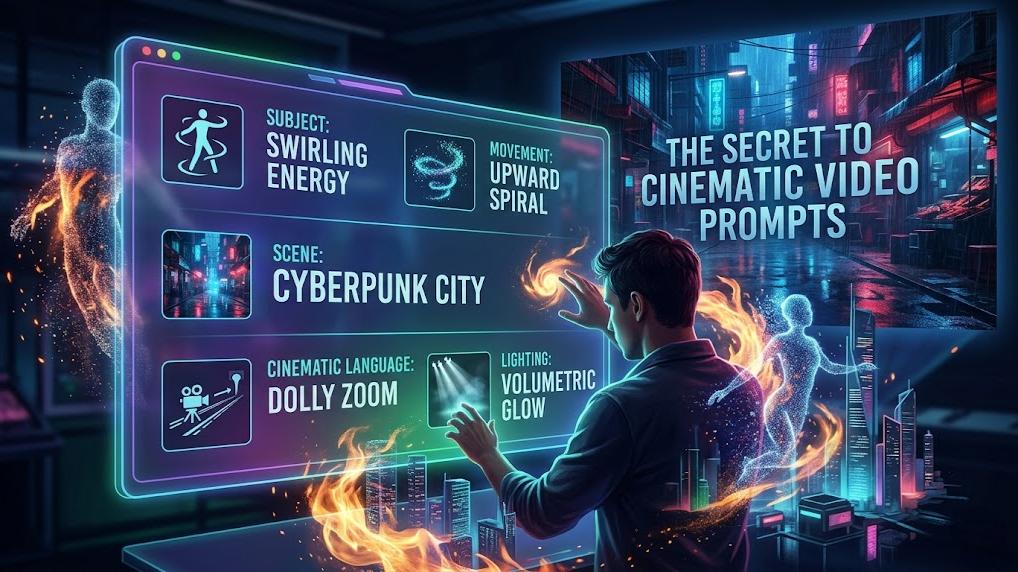
Professional creators often seek a bridge between creative imagination and technical execution. Advanced visual generation demands precise instructions to deliver high-quality results. Utilizing external logic models helps bridge the gap. Such a workflow transforms simple ideas into complex visual narratives. High-end video production requires a deep understanding of camera language and physics.
How Can an AI Prompt Generator for Kling Improve Results?
The search for cinematic perfection leads many to explore the intersection of language models and visual engines. Utilizing an AI prompt generator for Kling facilitates a more structured approach to creativity. Such tools translate vague thoughts into the professional terminology that the visual model expects. The specific architecture of Video 3.0 focuses on industrial-grade visuals, which require highly detailed input to reach peak aesthetic quality. Through the use of ChatGPT, users can generate these details without having a background in professional cinematography.
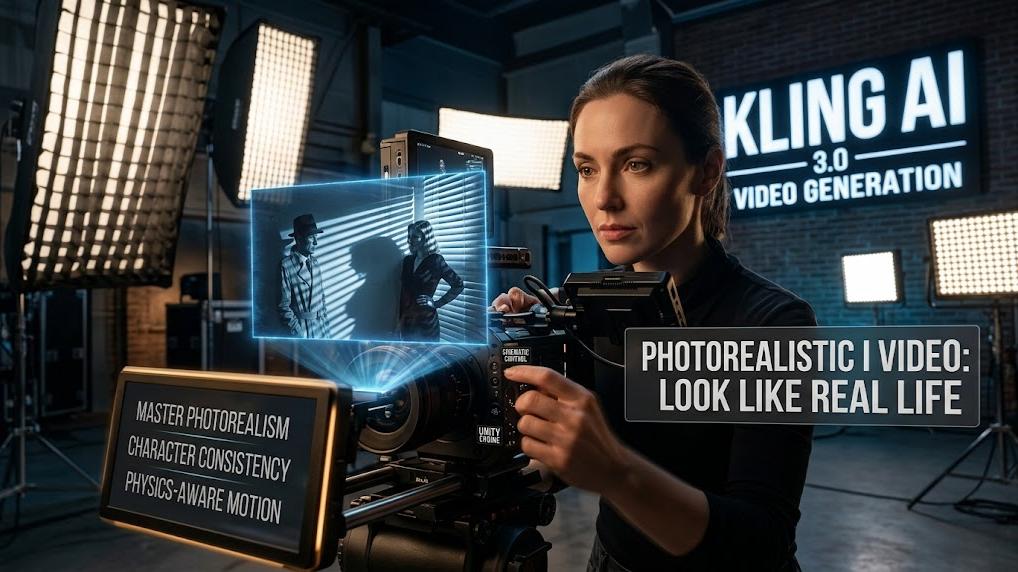
The transition to a model like Video 3.0 marks a generational leap in underlying infrastructure. The core focus remains on realism and the physics of movement. Standard user inputs often lack the depth needed to trigger these advanced capabilities. An external generator provides the necessary descriptors for lighting, textures, and composition that match professional film standards. That system guarantees that the final output adheres to physical laws, such as gravity and cloth physics, which are central to the 3.0 upgrade.
Efficiency remains a primary goal for any creative pipeline. Utilizing ChatGPT video prompts reduces the need for multiple regenerations. Each failed attempt consumes resources and time. Through the implementation of a systematic prompting framework, creators can achieve a 40% to 60% gain in productivity. That specific growth comes from mastering structured templates that include shot types, movement, and environmental details. The result is a more predictable and professional output that fits commercial requirements.
Master Technical Language for ChatGPT Video Prompts
Effective communication with a video engine requires more than just keywords. Professionals use a specific vocabulary to describe camera movement and scene composition. ChatGPT video prompts allow a user to specify movements such as pans, tilts, zooms, dollies, and rolls. These terms represent the six-axis control available within the platform. Through the inclusion of such terms, the generator provides surgical control over the final visual narrative.
The level of displacement for each movement can also be adjusted. Users can select the extent of camera movement to create subtle shifts or dramatic cinematic sweeps. An AI prompt generator for Kling should be instructed to include these parameters. For instance, a 5-second dolly push offers a clear temporal and spatial instruction. Such precision prevents the model from generating random or shaky motion that might ruin a scene.
Framing is another critical element that the generator must handle. Professional terminology like extreme close-up, medium shot, or establishing wide shot sets the foundation for a solid visual. Through the use of these descriptors, the model understands the exact position of the subject in relation to the environment. The semantic understanding of Video 3.0 has been deepened to interpret long, descriptive prompts containing multiple subjects and specific styles. Utilizing ChatGPT to expand these descriptions secures a higher level of instructional precision.
The Mechanics of Video 3.0 and Omni Models
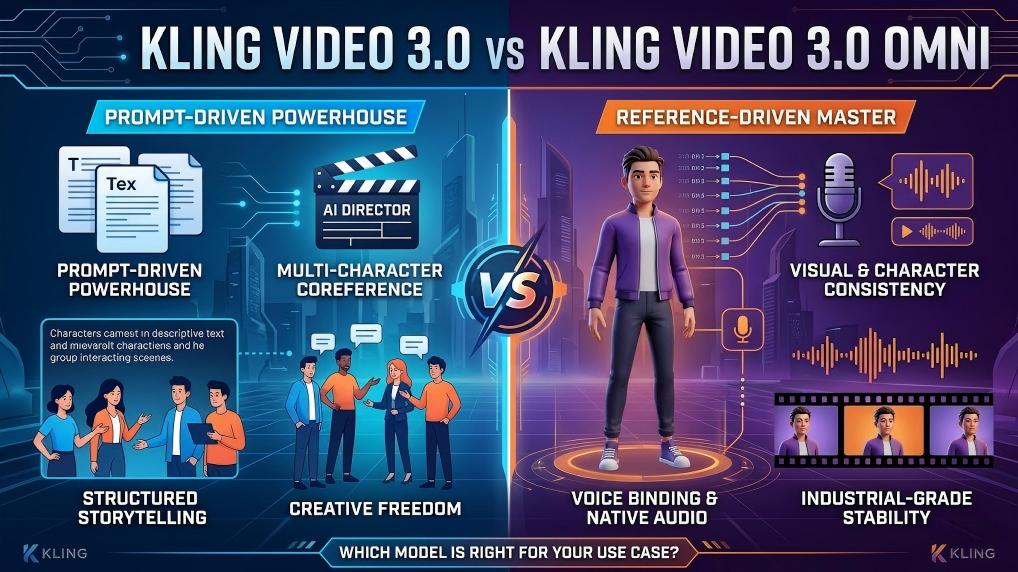
Understanding the difference between the standard 3.0 model and the 3.0 Omni model is vital for optimal prompting. The standard Video 3.0 serves as the visual engine, focusing on how realistic the video looks and how well it obeys physical laws. It excels at complex human actions like dancing or sports, which were traditionally difficult for AI. Prompting for the specific model requires descriptions of physical motion and weight transfer.
The 3.0 Omni model functions as a creative tool designed for extreme control and consistency. One of the most significant features of the Omni variant is Unmatched Character Consistency. It allows creators to maintain the same facial features, clothing, and body proportions across multiple shots or scenes. An AI prompt generator for Kling must utilize the Omni Reference features to lock onto a subject precisely. Such a process involves describing character elements or providing image references that the model can anchor to.
Omni mode also introduces advanced ControlNet capabilities. These include trajectory brushes and skeletal guides that dictate exactly how a person or object moves. The cross-modality fusion in Omni seamlessly integrates image-to-video and text-to-video workflows. Through such a system, a single character image can be transformed into a sequence where the character performs various actions without morphing. Utilizing ChatGPT to script these movements guarantees that the narrative remains cohesive and stable.
Direct Camera Movement With Six-Axis Control Parameters
The platform offers six basic camera movements and four specialized master shots. A well-engineered AI prompt generator for Kling should be able to weave these into a larger narrative. The horizontal and vertical movements allow for sideways or up and down motion. Pan and tilt provide swiveling motion from a fixed position, while roll rotates the camera around the lens axis. These tools are designed to respond accurately to user prompts when specific displacement parameters are included.
Master shots provide preset combinations for professional cinematic effects. These include Move Left and Zoom In or Move Down and Zoom Out. Through the use of ChatGPT video prompts, a creator can request a slow dolly push toward the subject while specifying the timing, such as 8 seconds. That level of detail triggers the advanced camera movement simulation features of the platform.
The precision of these controls is essential for pre-visualization. Creative teams use the platform to lock camera setups and pacing early in the production cycle. The six-axis control allows for a deep preview of the emotional effect of a shot before a physical shoot takes place. Through the use of ChatGPT to generate these technical cues, the gap between an initial concept and a final visual storyboard is significantly narrowed.
Achieve Realistic Motion Through Physics-Compliant Prompting
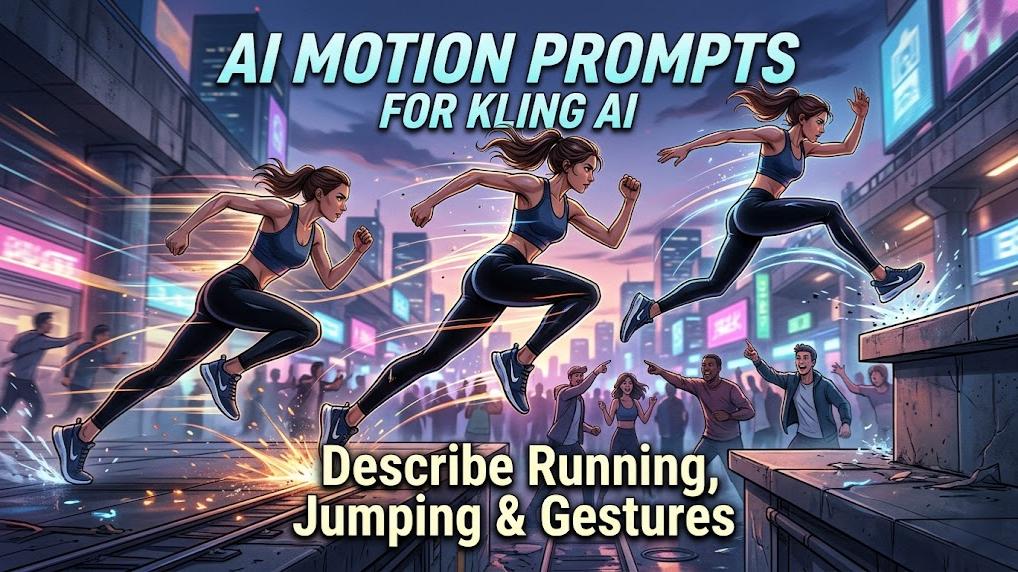
The Video 3.0 upgrade focuses heavily on physics-compliant motion. To leverage that capability, prompts should describe the physics of the action rather than just the action itself. For example, instead of a walking person, the AI prompt generator for Kling should describe how a foot hits the ground hard and how muscles tighten and relax. Mentioning weight transfer and the way clothing reacts to movement creates a much more believable result.
Locomotion is one of the most complex tasks for a visual engine. It requires coordinating dozens of joints while keeping body proportions consistent. Through the use of ChatGPT video prompts, creators can specify that a character settles into a chair or lets the chair take his weight. These descriptions help the engine understand the interaction between the subject and the environment. Such details prevent the character from looking like they are floating or sliding unnaturally.
Ground stability and foot contact are essential for high-definition visuals. The 3.0 model architecture addresses previous issues with warping during movement. Utilizing a systematic approach to describing the physical environment secures a more realistic output. The prompt should include details about the surface, such as wet pavement or lush greenery, to help the engine calculate reflections and shadows correctly.
Prompt | Video Output |
|---|---|
| A smooth and deliberate 5-second dolly-in tracking shot approaching a classical marble statue of a graceful female figure standing on an elegant stone terrace. The camera starts from a medium-wide distance and slowly moves forward toward the statue with cinematic precision. As the dolly-in progresses, the camera simultaneously performs a subtle pan right and a gentle tilt upward, gradually revealing the statue’s intricate details, flowing drapery, serene facial expression, and elegant posture from a lower angle to a more heroic low-angle view. The movement is fluid, professional-grade, steady, and perfectly controlled, showcasing masterful camera work. Highly cinematic, realistic lighting with soft natural daylight, subtle god rays, and gentle atmospheric haze. Photorealistic, 8K detail, masterpiece cinematography. | 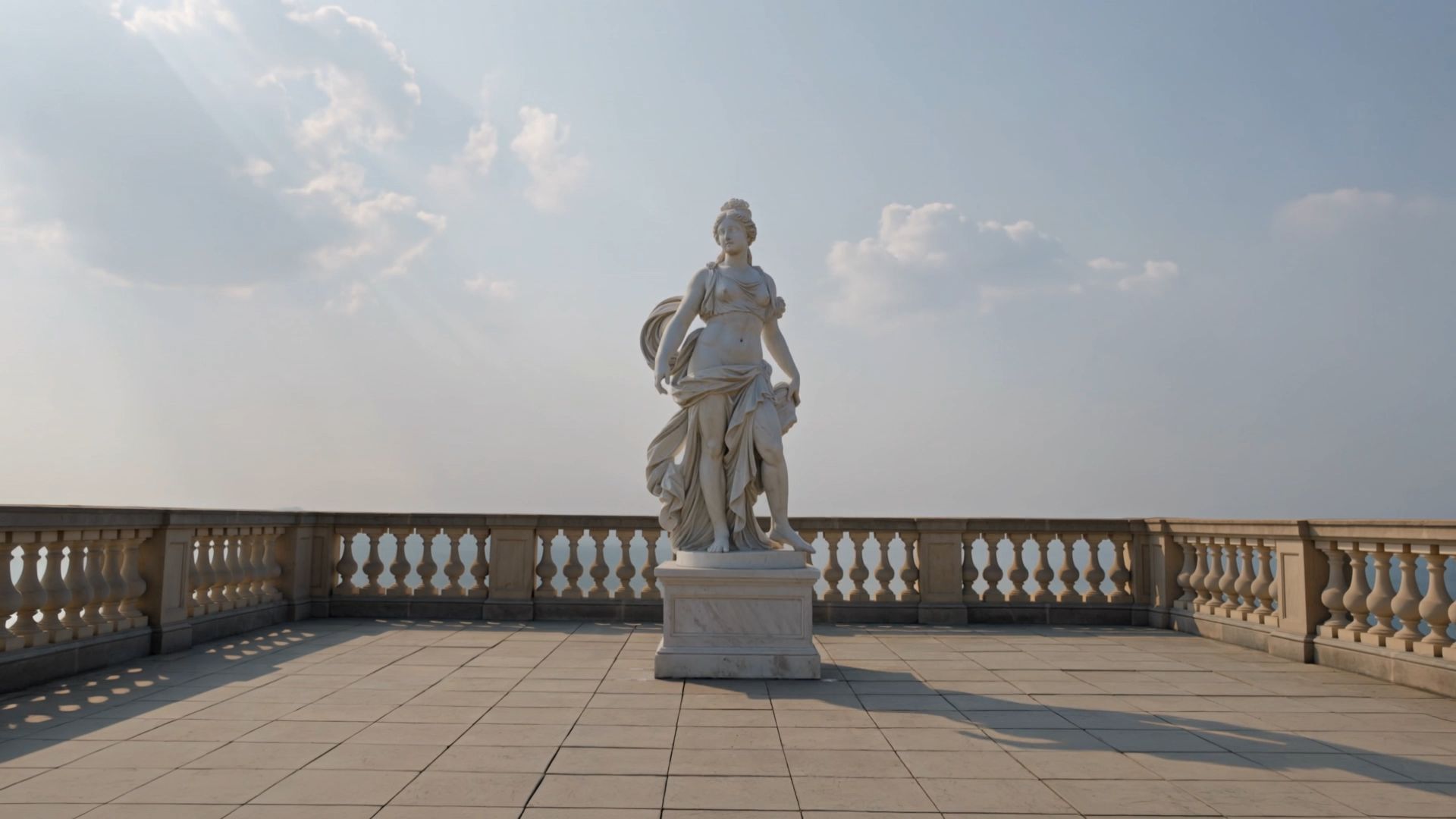  |
Utilize Omni Narrative for Multi-Shot Storyboarding
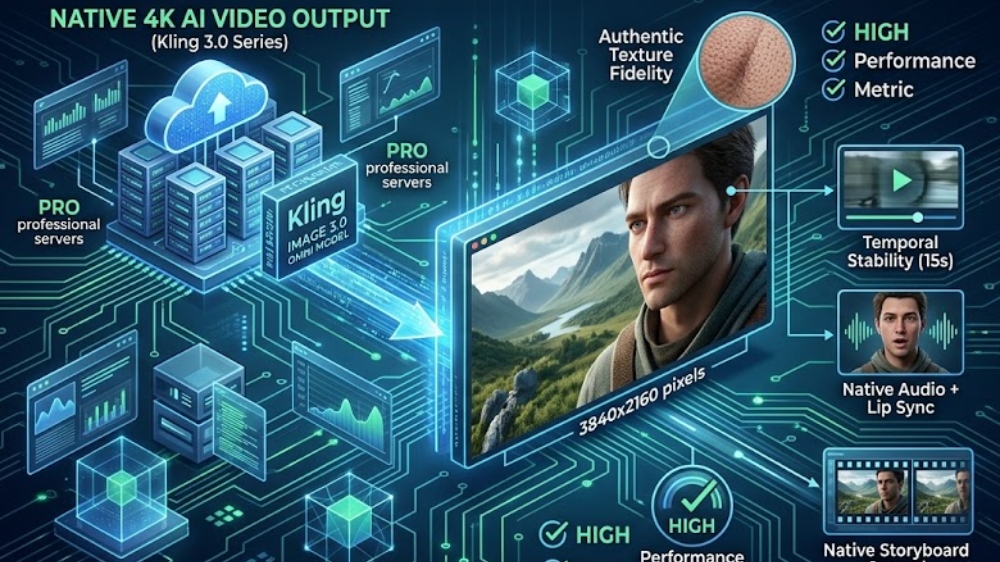
One of the standout features of the new series is the Omni Narrative capability. It introduces native storyboard functions that extend a single generation to 15 seconds. An AI prompt generator for Kling can help script these multi-shot narratives by defining distinct rhythms and complete structures. Users have shot-level control over duration, framing, and camera movement.
The model supports the generation of up to six shots in a single sequence. Through the use of ChatGPT, creators can label each shot clearly and describe the transitions. For instance, Shot 1 might be a close-up at eye level, while Shot 2 transitions to a tracking shot. Such a multi-shot approach provides smoother transitions and better coverage of the action. It allows for the direct output of complex narratives that once required manual editing.
Consistency across these shots is maintained through the use of character and element references. Through defining the subjects early in the prompt, the engine guarantees they remain stable throughout the 15-second generation. Utilizing ChatGPT to expand a simple idea into a structured storyboard transforms the creative process into a professional-grade production workflow.
Prompt | Video Output |
|---|---|
| Shot 1: Wide shot of an elegant woman walking at a relaxed pace across a sun-drenched city plaza during golden hour. Long dramatic shadows stretch across the stone pavement, warm golden sunlight bathes the scene. She wears a stylish summer outfit, hair gently moving in the breeze. Smooth subtle tracking shot following her gracefully from left to right. Shot 2: Seamless transition to a medium shot of the same woman standing still in front of a luxurious store window, thoughtfully looking at the items inside. Golden hour lighting and long shadows remain perfectly consistent with Shot 1 — warm sunlight illuminates her face with soft highlights and gentle rim light. Smooth, stable cinematic camera movement slowly dollies in slightly toward her face and upper body. Photorealistic, masterpiece cinematography, impeccable continuity in lighting and shadows. | 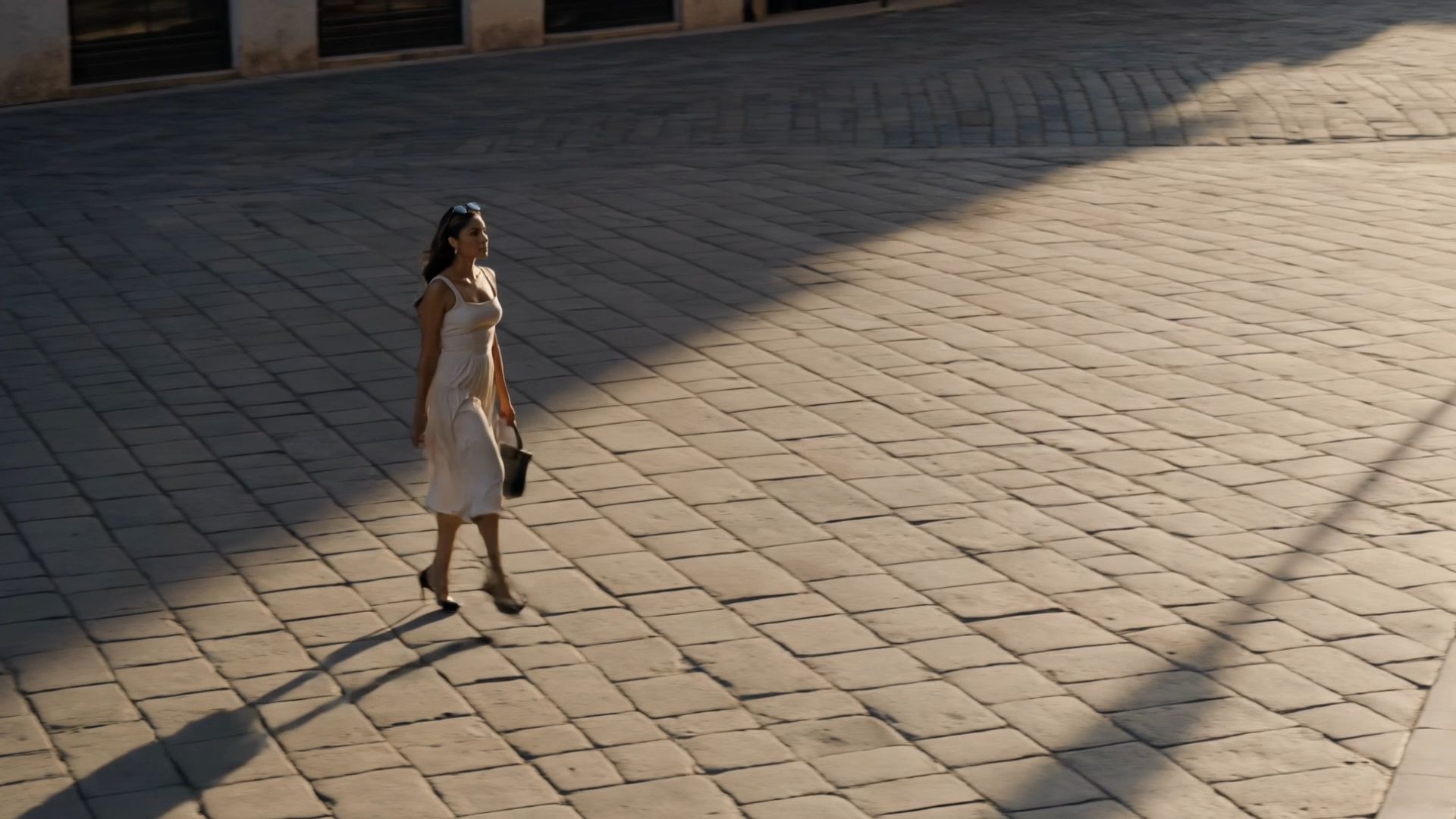 |
Master Localized Motion With the Motion Brush Tool
The Motion Brush allows for precise control over micro movements within an image. It is particularly useful for localized corrections or adding life to a static character. An AI prompt generator for Kling can help create the matching text prompts for these brushed areas. The recommended format is element plus motion, such as fingers moving quickly across the strings.
One specific strategy involves brushing only the key parts of an element. For example, selecting only a character head allows for more precise motion control while the body remains still. The direction and length of the drawn trajectory curve strictly dictate the movement. Through the use of ChatGPT video prompts, a creator can describe the exact motion to complement the visual brush strokes.
To prevent unintended camera movement from washing out these micro motions, a Static Brush can be used to fix pixels in specific areas. Adding a static brush at the bottom of the image is a common technique to stabilize the scene. Such granular control allows for the creation of subtle performances, like a character's eye line shift or a slight smile, without reauthoring the entire shot.
Create Cinematic Lighting and Aesthetic Depth
The Video 3.0 models are built for cinematic-level aesthetic quality. Lighting, textures, and composition are significantly improved to match industrial standards. Through the use of an AI prompt generator for Kling, users can request specific lighting environments like golden hour, volumetric light rays, or moody teal orange color grades. These descriptors guide the visual engine to create depth and atmosphere.
Shadow logic and light reconstruction are core parts of the new architecture. The model deconstructs audiovisual elements to control composition and aperture blur precisely. Utilizing ChatGPT video prompts to describe the soft sunlight filtering through trees or neon reflections on wet pavement triggers these high-end rendering capabilities. The result is a professional visual development that feels authentic and high resolution.
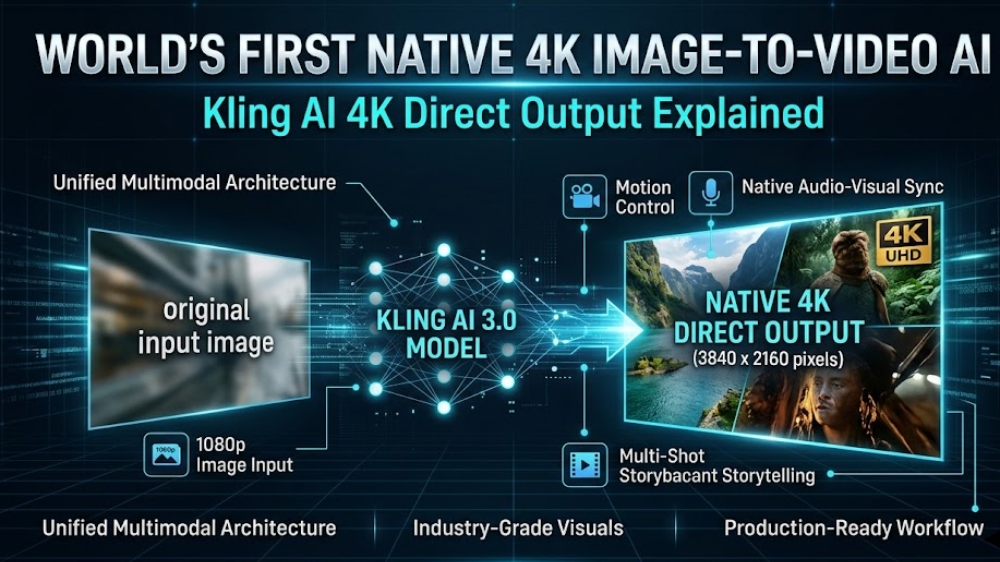
The platform supports direct output in 2K and 4K resolutions, featuring enhanced detail textures. Through the use of technical specifications in the prompt, such as 35 mm film aesthetic or anamorphic lens flares, the aesthetic quality is further secured. These details help the AI produce a professional finish that is suitable for film storyboarding or high-end marketing content.
Sync Sound and Dialogue with Omni Audio Visual
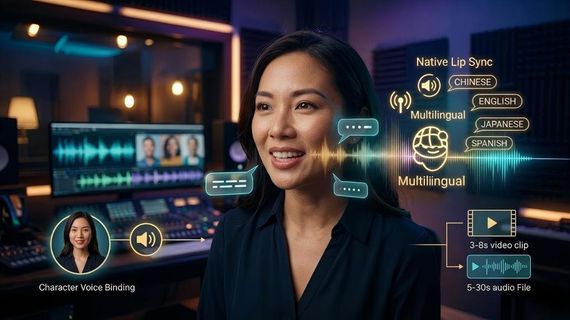
The Omni Audio Visual upgrade facilitates precise mapping between text and visual characters. That feature is important for scenes with multiple people. It allows the user to specify exactly which character is speaking, resolving issues with reference confusion. An AI prompt generator for Kling should be used to format dialogue prompts correctly.
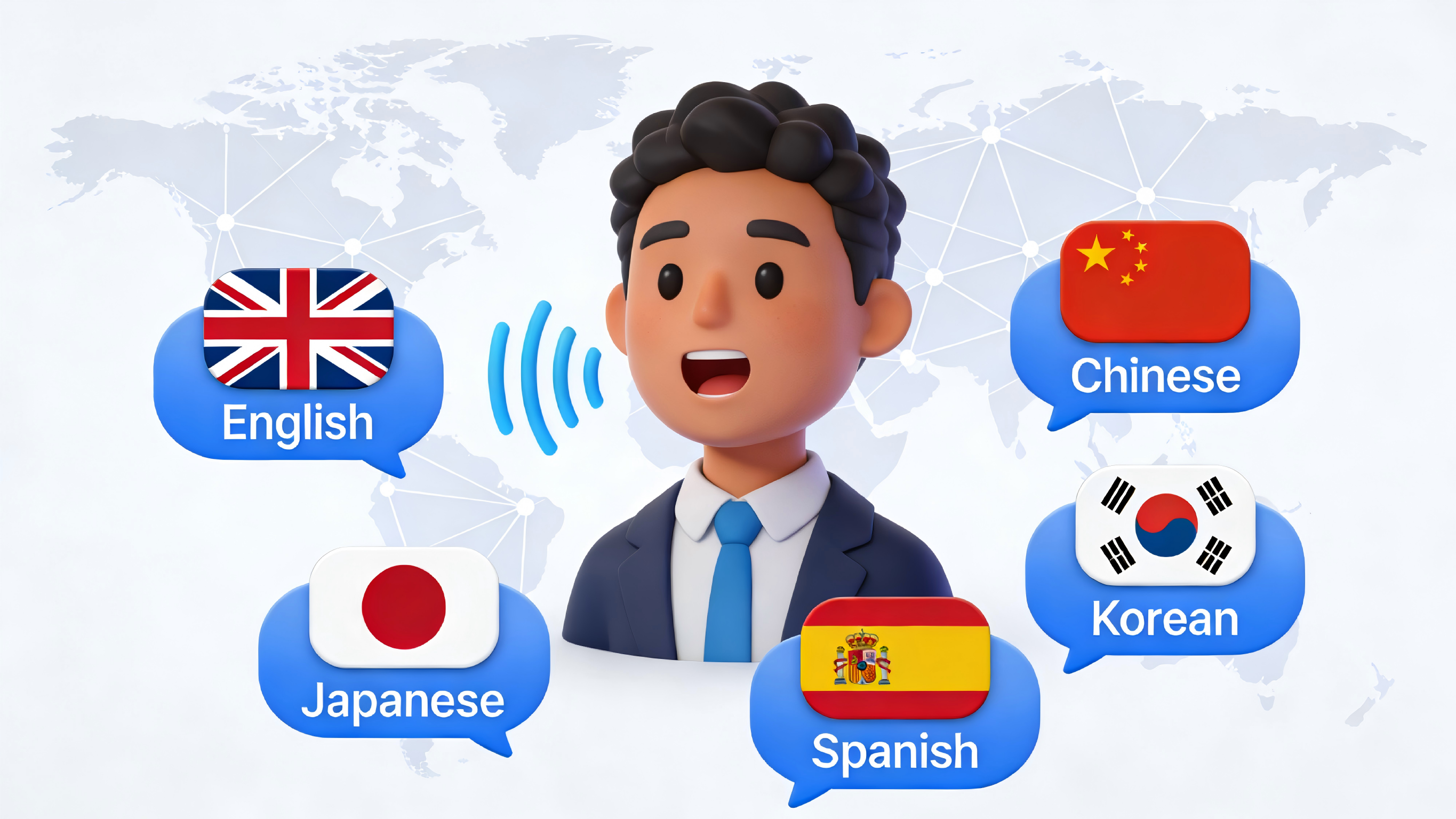
The recommended structure for dialogue involves character labels and tone descriptions. For example, a calm but threatening tone provides clear instructions to the engine. The model also supports multiple languages and authentic dialects, including English, Chinese, Japanese, and Spanish. Through the use of ChatGPT video prompts, creators can specify the emotion and pacing of the speech to match the visual performance.
Beyond dialogue, the engine supports native audio and sound effects. Describing ambient sounds like a faint hum of an air conditioner or a sharp ceramic clink adds a realistic layer to the video. The current integrated sound design secures a cohesive audiovisual experience that feels professionally produced. The Omni model is particularly strong in lip sync synchronization, rendering it the ideal choice for character-driven narratives.
Efficient Iteration and the Use of Negative Prompts
Reaching the perfect result often requires systematic testing and refinement. An AI prompt generator for Kling should be used to iterate on successful prompt elements. It is more productive to adjust one variable at a time rather than starting from scratch. Through the use of ChatGPT video prompts, a creator can quickly swap a slow pan right for a quick zoom in to see the impact on the scene energy.
Negative prompts serve as essential guardrails to fix video distortion and glitches. Common negative keywords include sliding feet, warping, blurry background, or robotic movement. Utilizing these constraints prevents the engine from making common errors in physical rendering. If the AI tends to produce characters smiling inappropriately, a negative prompt for smiling can maintain the desired solemn tone.
A well-balanced prompt usually stays between 50 and 100 words. Over-prompting can lead to confusion and lower-quality results. Through the use of ChatGPT to keep descriptions concise but directional, the visual engine can produce the best possible output. The goal is to provide enough detail to guide the AI while leaving room for the model to fill in supporting details naturally.
Transform Static Images Into Dynamic Professional Video
The platform excels at image-to-video generation, particularly when using the Omni model. That process is ideal for maintaining wardrobe and skin tone consistency. An AI prompt generator for Kling can help describe the subtle movements that turn a still image into a playable shot. The focus should be on subject movement and background shifts.
Utilizing the first frame and last frame images allows the user to define the starting and ending points of the video. That process secures a more controlled narrative flow. Through the use of ChatGPT video prompts, creators can name the subjects and write exactly what is happening to them. For example, a character slowly raising her hand provides a clear instruction for the engine to animate a specific part of the image.
Character consistency remains a primary advantage of the current workflow. Through providing a reference image, the model can identify specific characters and maintain their features throughout the generation. Such a capability is perfect for brand design or creating multi-frame storyboards where the same character appears across different scenes. The Omni model's ability to fuse image and text instructions renders it the most powerful tool for professional video creation.
Optimize Workflows for Professional Success
Mastering an AI prompt generator for Kling represents the fastest path to professional-grade video content. Utilizing ChatGPT video prompts facilitates a deeper connection between technical cinematographic language and advanced AI engines. Such a workflow significantly reduces production time while raising aesthetic standards. Explore the full range of creative tools on the official Kling AI platform to see the current models in action.
Master Prompts for Kling AI
Utilizing a ChatGPT video prompts strategy transforms a simple idea into a high-quality visual masterpiece. An AI prompt generator for Kling secures technical precision through translating imagination into cinematic language. The current approach focuses on physics, character consistency, and six-axis camera control. High-resolution output and professional aesthetics become accessible to every creator through the use of advanced models.