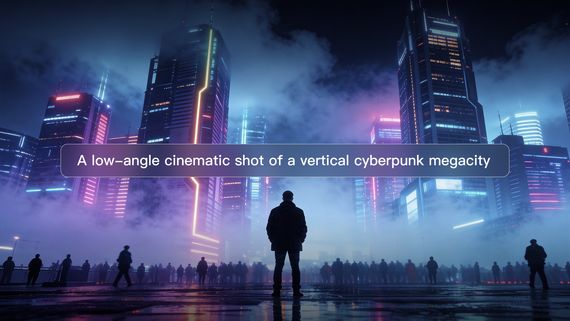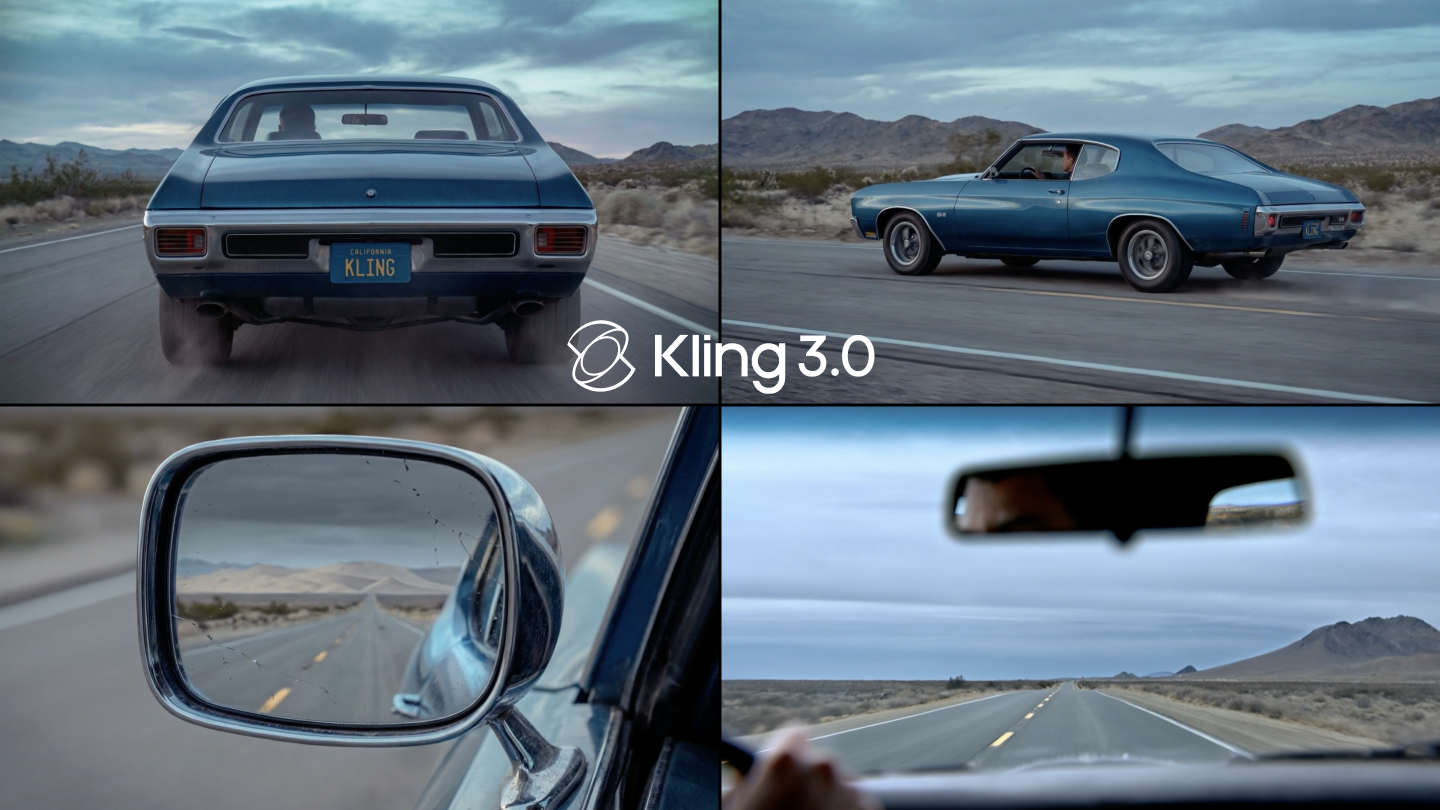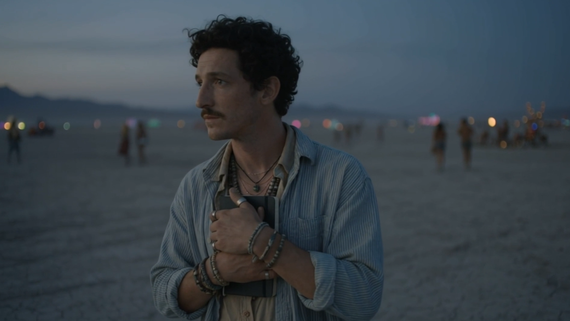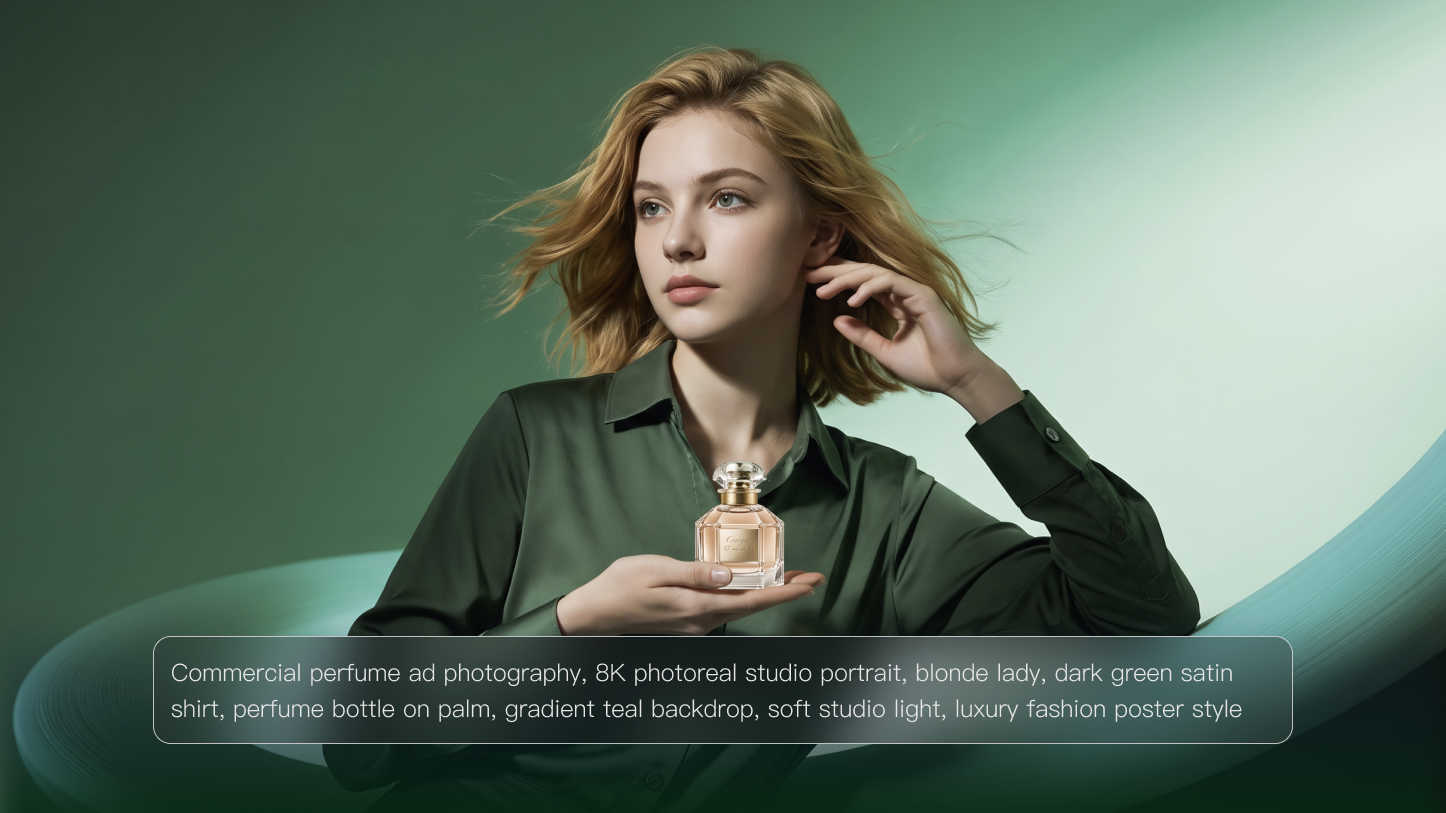
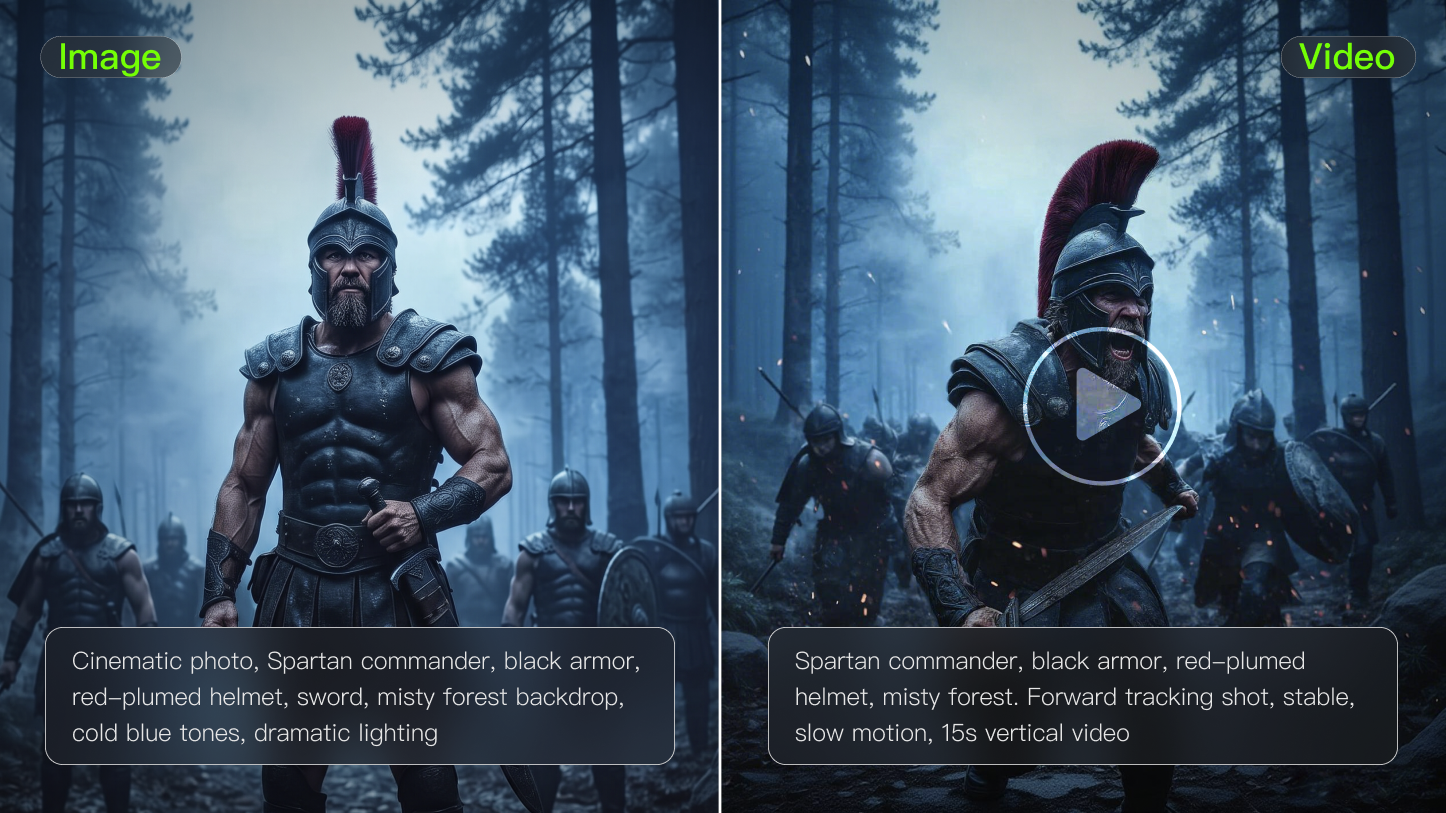
Strong AI prompt examples make the difference between a rough guess and a usable result. The prompt should name the subject, setting, style, action, and limits in plain language. Once those pieces are clear, images and videos become much easier to direct.
Separate AI Prompt Examples by Output
Image and video prompts answer different production needs. People searching for AI prompt examples should first decide whether they need one composed frame or a moving sequence with timing, action, and camera behavior.
Choose by Output Type
● Use image prompts for posters, product scenes, portraits, maps, and concept art.
● Use video prompts for motion, camera direction, transitions, and visual demonstrations.
● Add references when identity, style, or product details must stay stable.
● Add constraints only when they prevent a likely mistake.
● Rewrite examples with your audience and final format before generating.
The same subject can become a still image or a video, but the prompt should not be identical. Motion needs direction that a still frame does not.
AI Prompt Examples for Images and Video
The examples below show how image and video prompts differ in practice. Use them as structures that can be edited, not as fixed sentences.
Image
● studio photo of insulated lunch box, morning window light, neutral background
● wide shot of modern home office, walnut desk, soft shadows
● documentary portrait of urban beekeeper holding honeycomb frame, natural light
● flat lay of travel essentials, clean labels, organized spacing
● watercolor style town map with simple landmarks
● realistic skincare product on wet stone, soft reflection
● cozy reading corner with green chair and warm lamp
● minimal poster for seed swap workshop, bold typography
● macro photo of strawberry tart with glossy fruit
● 3D icon set for budgeting app, consistent lighting
Video
● slow push-in on coffee cup as steam rises, quiet kitchen morning
● locked camera product rotation, white background, stable label
● city street after rain, neon reflections, slow walking pace
● teacher points to animated diagram, clear labels, clean classroom
● fitness shoe lands on track, dust moves slightly, low angle
● plant grows through soil in time-lapse style, soft daylight
● recipe step close-up, hand sprinkles salt, no camera shake
● map route draws from airport to hotel, clean travel guide style
● floor plan morphs into furnished layout, smooth overhead reveal
● historical date cards reveal with map pins and icons
A strong prompt example is easy to take apart. Once the creator sees the role of each detail, the example becomes a reusable format instead of a one-time sentence.
Kling AI makes the difference between image prompts and video prompts easier to see. A still image prompt can focus on composition, style, and lighting, while a video prompt also needs motion, timing, camera behavior, and stability. Testing both outputs helps creators write examples that others can actually reuse.
Prompt | Output |
|---|---|
| In a beauty live-streaming room, warm yellow lighting illuminates the table, with lipstick samples displayed on either side.[Caucasian beauty influencer] raises a matte dusty rose lipstick. [Caucasian beauty influencer, sweet and fresh voice] says: "Perfect for yellow undertones! Brightens the complexion without drying, and the finish looks beautifully soft all day." Background: Soft beauty BGM playing. | 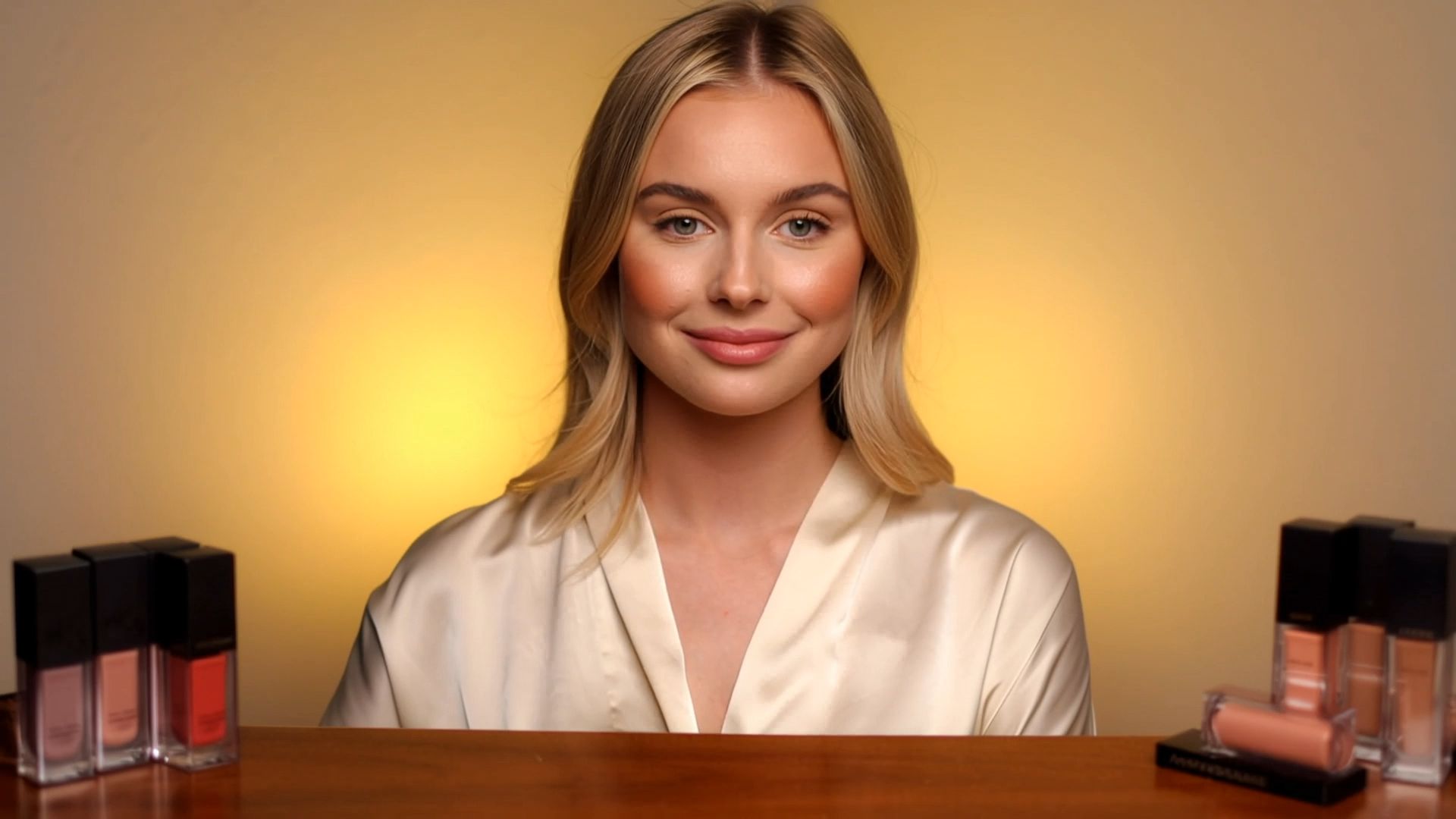  |
Turn Examples Into Prompt Templates
Prompt examples become more useful when the creator extracts the reusable structure. Keep the parts that control output quality, then swap subject, format, style, or motion for the next project.
Template Part | Image Use | Video Use |
Subject | Main object or scene | Main object or scene |
Style | Medium, light, color | Medium, light, color |
Action | Pose or composition | Motion and timing |
Control | Background and constraints | Camera and stability |
Output | Aspect ratio or placement | Duration and platform |
Use AI prompt examples to learn prompt anatomy. Once the structure is clear, a creator can adapt examples without copying them word for word.
Learn From Before-and-After Prompts
The fastest way to understand AI prompt examples is to compare weak and strong versions. A weak prompt says “make a cool product video.” A stronger prompt says “a matte black water bottle rotating slowly on a white studio table, soft shadow, locked camera, realistic reflection, label stays readable.” The second version gives direction.
What Strong Examples Include
● A clear subject.
● A visible action or composition.
● A setting that supports the purpose.
● A style or lighting choice.
● A limit that prevents unwanted changes.
Rewrite Prompts by Purpose
An image prompt and a video prompt may share the same subject, but they need different details. Image prompts need composition, medium, color, and detail. Video prompts need motion, camera, timing, and stability. Good prompt samples show the difference so beginners do not ask a still image prompt to do a video job.
Convert Examples Into Templates
The best way to reuse these prompt samples is to turn them into templates. Replace the subject, setting, and style while keeping the structure. A product photo template might read: “[product] on [surface], [lighting], [camera distance], [mood], [background], [detail to preserve].” A video template might read: “[subject] [action], [camera movement], [setting], [duration], [style], [what stays still].”
Templates are useful because they teach the creator what each part does. The subject tells the model what matters. The setting gives context. The lighting shapes realism. The constraint prevents unwanted changes.
When a result fails, revise the template instead of guessing. Add missing details, remove conflicting instructions, or make the action smaller. Prompting improves faster when the examples become reusable patterns.
Strong Prompts Remove Guesswork
A prompt example should answer the model’s most important questions before generation starts. What is the subject? Where is it? What should it look like? What action or composition matters? What should not change? When those details are missing, the model fills the gaps on its own.
That is why these prompt samples should be read like instructions, not slogans. The clearer the instruction, the easier it is to fix the result. If the image is too busy, simplify the setting. If the video moves too much, reduce the action. If the style is wrong, name the medium more precisely.
Match Detail to the Tool
Some tools follow long prompts well, while others respond better to shorter instructions. Test both. If a prompt is ignored, simplify it. If the output drifts, add constraints. Strong prompt samples are not always longer. They are clearer about the details that matter most for that model and task.
Keep Examples Organized by Output
Separate image prompts, video prompts, caption prompts, and editing prompts. Mixing them together makes examples harder to reuse. A clean prompt library lets a beginner find the right pattern quickly and adapt it without reading through unrelated material. That saves time during real production.
Prompt | Output |
|---|---|
A kitchen in the morning, sunlight streaming through the window onto the countertop, with a frying pan sizzling. [Boyfriend] places a blackened fried egg on the table, raising an eyebrow proudly. [Boyfriend, cheerful voice]: "Try my breakfast made with love!" During this, [Girlfriend] remains silent. Immediately, [Girlfriend] leans in, takes a light sniff, and raises an eyebrow. [Girlfriend, teasing voice]: "The love is definitely felt, it's just a bit burnt." During this, [Boyfriend] remains silent. Then, the two make eye contact, and together, both smile and say: "It's just a bit burnt." The camera cuts from a close-up of the fried egg to [Boyfriend and Girlfriend] sharing a smile. | 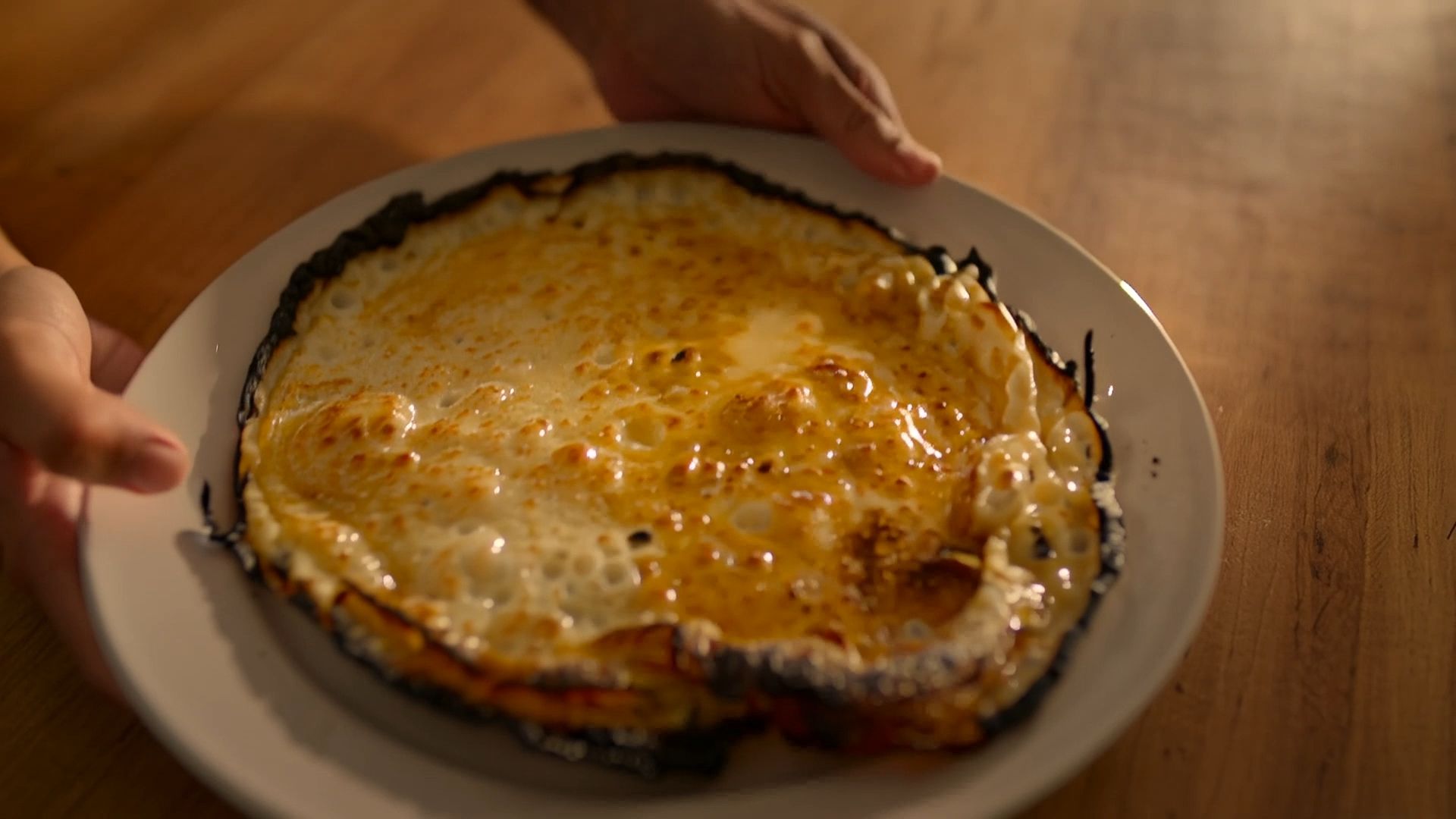 |
Keep Examples Editable
Prompt examples are most useful when they can be edited without breaking. A product photo prompt should let the creator swap the object, surface, and lighting. A video prompt should let the creator swap the action or camera move. If an example only works as one exact sentence, it is less useful as a learning tool.
Save examples in parts: subject, style, setting, action, constraint, and output format. That structure makes adaptation faster.
Keep one Kling AI result beside each reusable prompt example so the template has visible proof.
FAQs
What Is a Good AI Prompt Example?
A good prompt example is specific enough that another person can picture the result before generating it. It names the subject, setting, style, light, action, format, and constraints. For these prompt samples, the difference between useful and vague is usually whether the model receives visible instructions instead of mood words only.
Do Image and Video Prompts Need Different Details?
Yes. Image prompts focus on subject, composition, medium, lighting, color, and final use. Video prompts also need motion, timing, camera behavior, and what should stay stable between frames. A still image can survive a beautiful vague style. A video needs physical direction because every second must connect. That gives beginners a clearer next step for image and video prompting.
How Long Should an AI Prompt Be?
A prompt should be long enough to remove important guesswork and short enough to stay readable. One strong sentence can work for simple images. Complex video, brand, or character prompts may need several clauses. If every detail has a job, length is fine. If details compete, simplify. That prevents image and video prompting from turning into vague advice.
Should I Save Prompt Examples?
Save prompt examples with the output, settings, source image, and a short note about what worked. A personal prompt library saves time because you can reuse structure instead of starting over. Tag examples by use case, such as product photo, explainer clip, poster, character, or social hook. That makes the recommendation easier to test in practice.
Why Does the Same Prompt Change Results?
The same prompt can change results because generative systems use variation, settings, model updates, and different interpretations of ambiguous words. If consistency matters, use clearer constraints, references, seeds when available, and saved examples. Treat prompts as direction, not as exact mechanical commands that always return identical output. That keeps the result useful instead of merely polished.