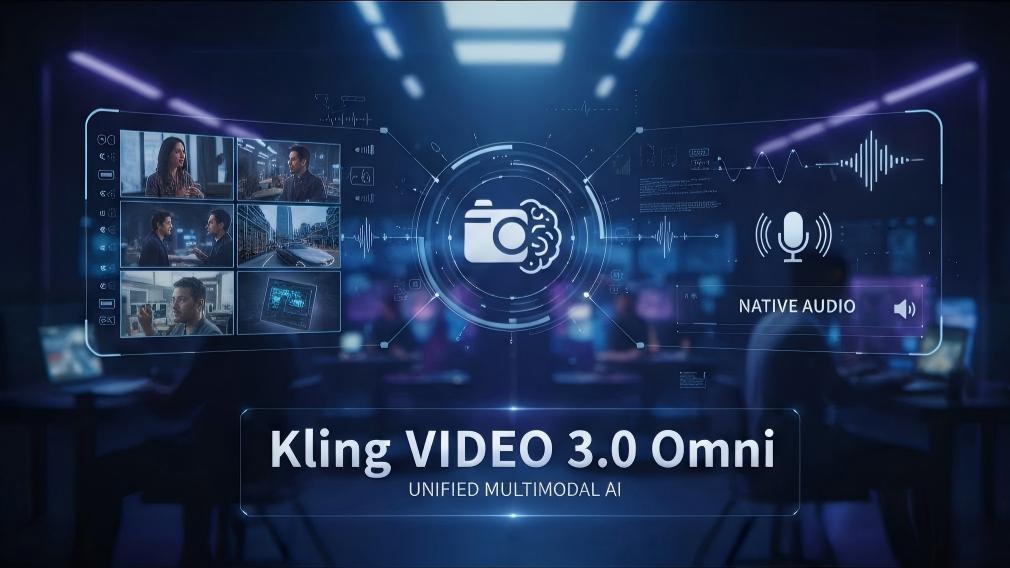
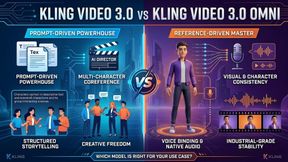
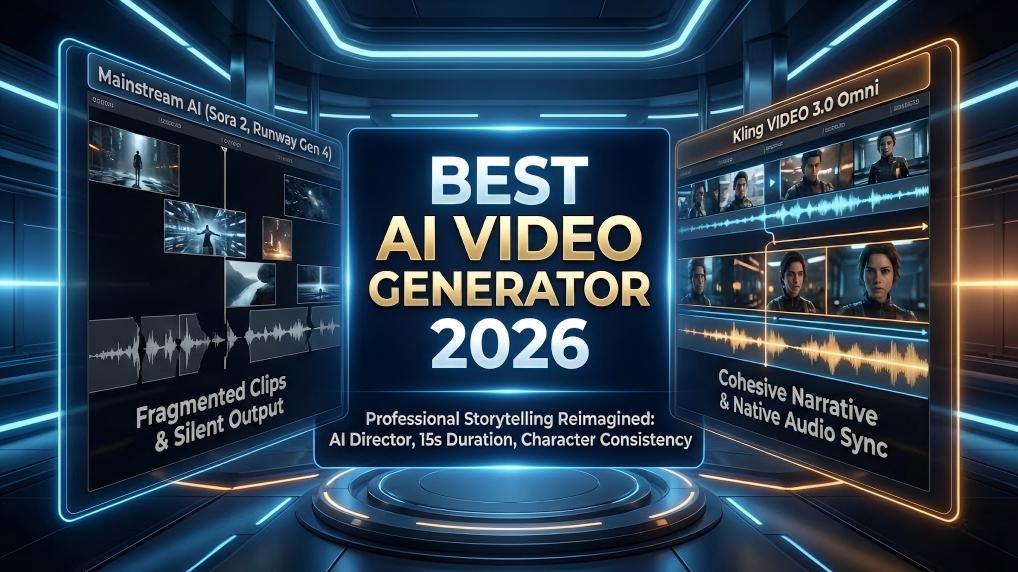
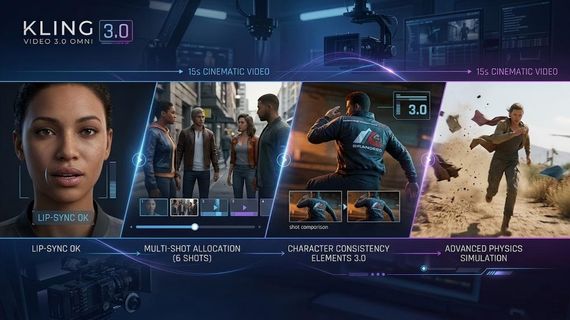
Kling VIDEO 3.0 Omni stands for a significant leap for digital creativity. Advanced tools now allow creators to craft intricate narratives with high precision. Multimodal training enables a deep synergy between text and visual assets. Such progress allows the generation of cinematic sequences where physical laws and character identities remain stable throughout the entire production cycle.
How Do Omni Reference Tags Function in a Prompt?
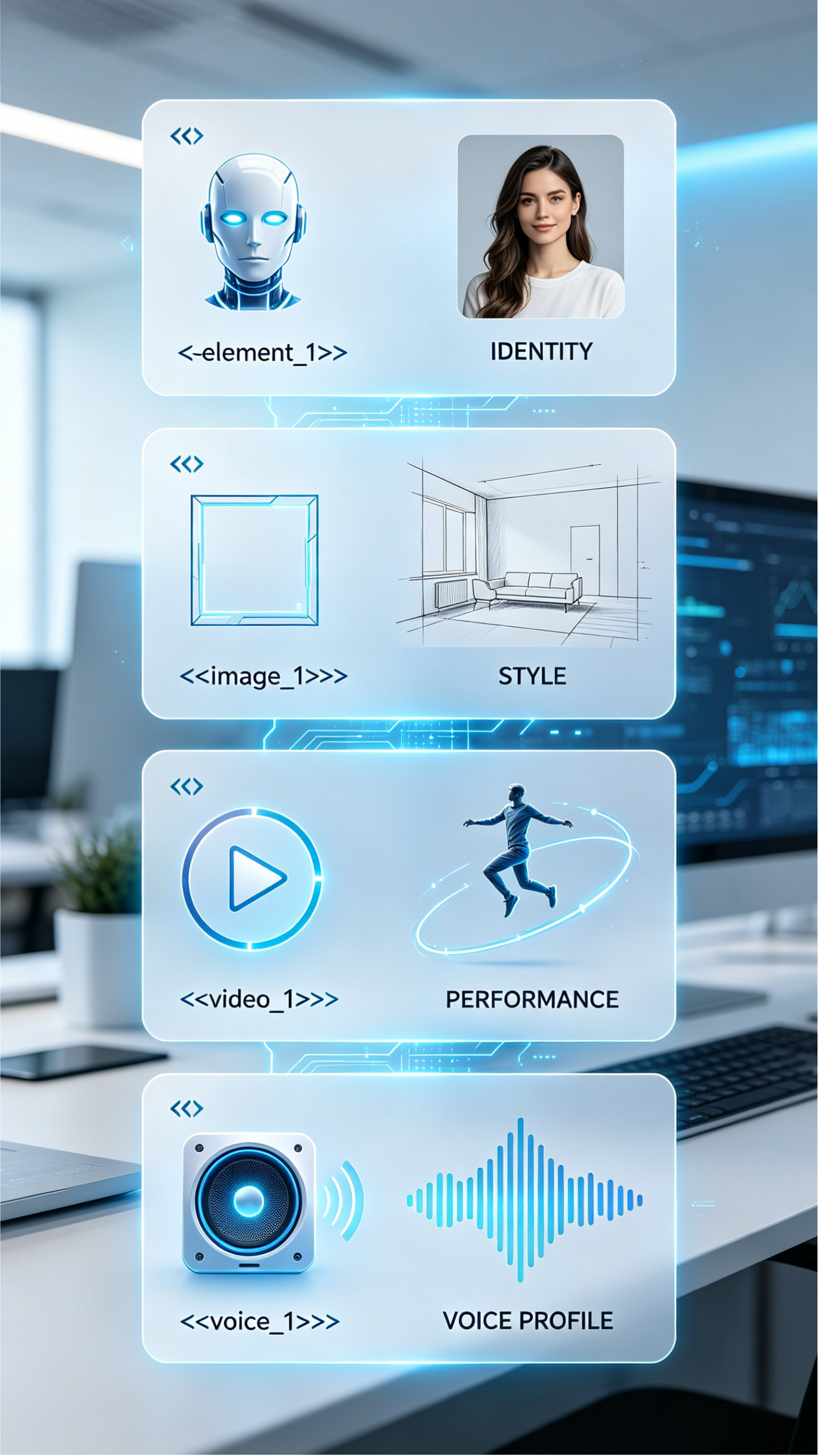
Omni reference tags serve as precise pointers that link a text prompt to external media assets. The mentioned tags use a specific format involving triple angle brackets to designate the type of resource being used. That structured approach allows for the inclusion of multiple elements in a single scene.
Common tag types include:
Element tags for character or object consistency.
Image tags for visual style or starting frames.
Video tags for motion reference.
Voice tags for binding a specific sound to a character.
The simplicity of the syntax contributes to the efficiency of the workflow. A prompt might describe a specific interaction between two characters. For instance, a creator could write a prompt where @Character_A interacts with @Character_B in a setting defined by @Reference_Image. The model recognizes these markers and fetches the relevant data from the input list.
Tag Syntax | Asset Type | Functional Result |
<<<element_1>>> | Character / Object | Preserves identity and features |
<<<image_1>>> | Guides the style or provides a starting frame | |
<<<video_1>>> | Anchors motion or character performance | |
<<<voice_1>>> | Voice Profile | Assigns a specific voice to a subject |
The mentioned tags are not merely decorative. They trigger specific modules within the model, such as the lip sync engine or the character preservation layer. Through the use of these tags, a user can maintain the same "teacher" or "actor" across an entire series of educational or narrative videos.
Practical Applications of the Kling 3.0 prompt syntax
The versatility of the Kling 3.0 prompt syntax allows for creative applications that span various genres. In a marketing context, a brand can use the syntax to maintain the appearance of a product while placing it in diverse environments. The use of <<<element_1>>> for a specific lipstick, for example, allows the model to render the product with exact color accuracy as it interacts with a surface.
Cinematic sequences benefit from the ability to describe complex actions involving multiple subjects. A user can create a dialogue scene where characters respond to each other both verbally and through physical gestures. The syntax supports the inclusion of dialogue lines directly within the prompt, which the AI then converts into synchronized audio and lip movements.
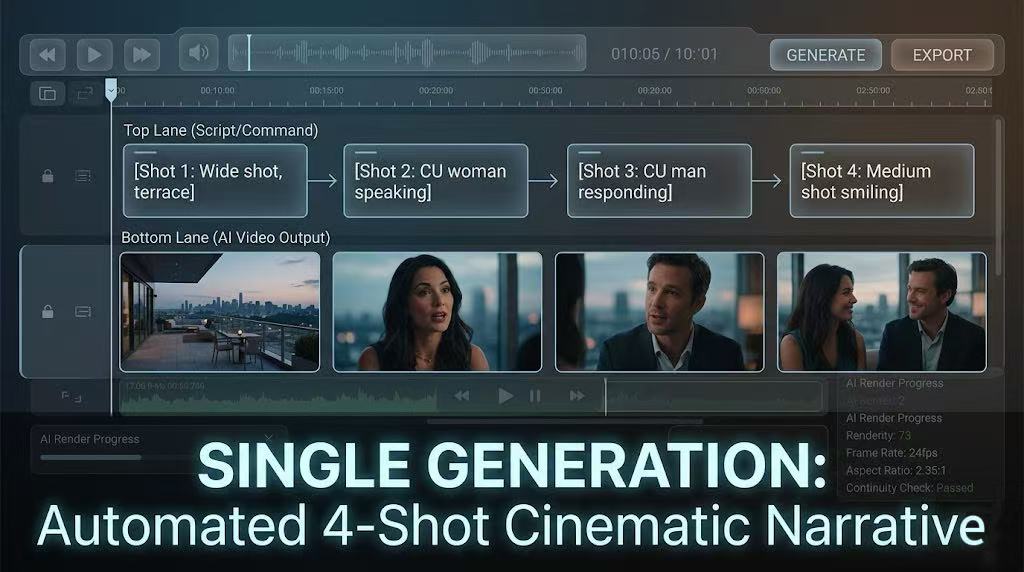
Professional creators often use the mentioned syntax to manage transitions between shots. In Kling VIDEO 3.0 Omni, the model understands the logic of a "shot-reverse-shot" or a "slow dolly push-in". Such directorial control allows for the production of a high-quality cinematic video in a single generation pass, reducing the need for post-production editing.
Can Physics be Simulated in AI Video Generation?
Realism in AI-generated content depends on the accurate simulation of physical laws. Kling VIDEO 3.0 and Kling VIDEO 3.0 Omni introduce advanced simulation layers that replicate real-world physics. These layers address factors such as gravity, friction, and collision management.
The model employs depth estimation techniques to understand the three-dimensional structure of a scene. Tools like MiDaS or DPT models create a depth map of an image, assigning a Z-axis to every object. That process turns a flat two-dimensional image into a three-dimensional space where the AI can compute the trajectory of moving objects.
Physics Parameter | AI Mechanism | Visual Outcome |
Gravity | Z-axis Trajectory Calculation | Objects fall or stay grounded realistically |
Friction | Surface Texture Analysis | Smooth sliding or natural resistance |
Collision | Spatial Simulation Layers | Objects do not clip through each other |
Fluid Dynamics | Particle Flow Logic | Realistic movement of water or paint |
Through the use of specific keywords in the prompt, a user can prioritize physical accuracy. Phrases such as "realistic gravity" or "smooth motion" tell the model to focus on the weight and momentum of objects. For a scientific visualization of Newtonian mechanics, the prompt might describe two blocks of varying mass sliding down an inclined plane. The model then uses its internal logic to simulate how friction and gravity affect each block differently.
Environmental Realism and Lighting in Kling VIDEO 3.0 Omni
Beyond the movement of solid objects, environmental physics plays a crucial role in creating a believable scene. Kling VIDEO 3.0 Omni simulates the interaction of light with various surfaces and materials. Such detail includes the way shadows move in sync with a light source and how reflections appear on glossy objects.
Shots involving natural elements, such as falling leaves or moving grass, require simulation layers that replicate the principles of wind and air resistance. The model achieves such realism by planning the trajectory of every moving element before rendering the frames. That systematic approach allows for a level of detail where even the subtle background hum of an air conditioner or the sound of distant city lights feels authentic.
The lipstick example from the release notes illustrates the power of these environmental simulations. The prompt describes a river of color that streaks across a black background and then "comes alive" by flowing like liquid. The model computes the viscosity of the liquid and the way it spreads on the surface to form patterned designs. Such a performance demonstrates a deep understanding of fluid dynamics within the AI's neural framework.
Prompt | Elements | Output |
|---|---|---|
| Pure black background where a river of color matching the @kling lipstick bullet flows out of the darkness, leaving a saturated and flawless trail; subsequently, the trail comes alive like a liquid river, spreading and bleeding elegantly across the surface to form the pattern of @logo; then the liquid color converges into the actual bullet of the @kling lipstick placed on a water surface; the lipstick is surrounded by delicate water and flower buds, where the flowers slowly bloom as subtle ripples spread across the water surface. | 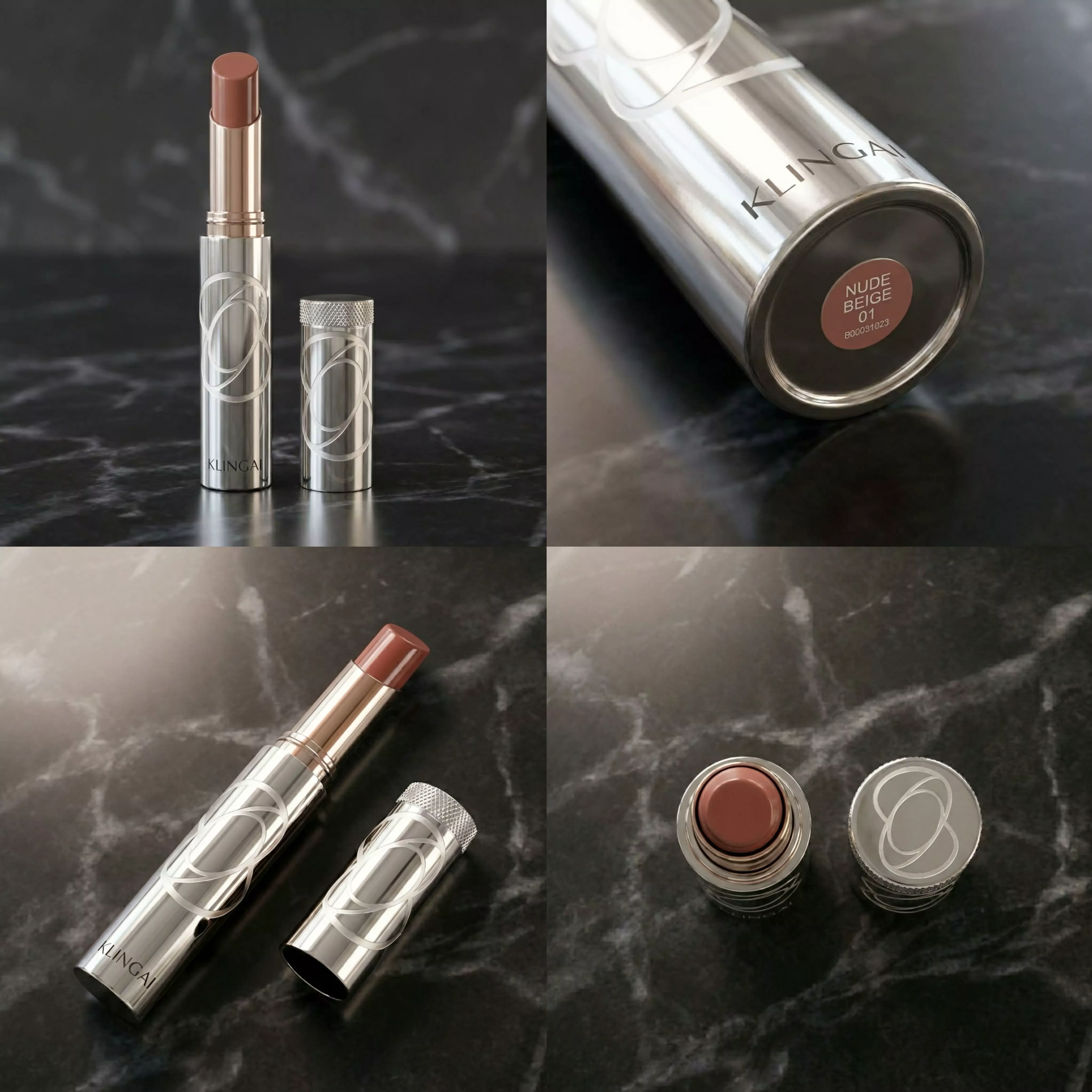 |   |
 |
Native Audio and Multi-Character Dialogues
One of the most praised features of Kling VIDEO 3.0 Omni is the inclusion of native audio-visual synchronization. That capability allows the AI to generate high-quality sound and voice directly alongside the video frames. The model supports multiple speakers and a variety of languages, including Chinese, English, Japanese, Korean, and Spanish.
The system goes beyond simple translation by capturing authentic dialects and accents. A character can speak Spanish with a clumsy accent if the prompt requires it, or a father and mother can have a bilingual conversation in the same room. The lip movements and facial expressions remain coherent with the spoken words, providing a natural performance.
Audio Feature | Description | Benefit |
Voice Binding | Link a voice to an element | Consistent character identity |
Multi-speaker | Support for two or more voices | Natural dialogue and interactions |
Accent Rendering | Regional speech patterns | Increased cultural authenticity |
Audio-Visual Sync | Direct model output | Perfect alignment of sound and motion |
Through the use of the <<<voice_1>>> tag, a user can bind a specific voice to a character element. That voice stays with the character across different shots and scenes. If a scene requires a specific tone, such as a "low, flat voice" or a "tone of surprise," the model adjusts both the auditory output and the character's facial muscles to match the emotion.
Multi Shot Storyboarding and Cinematic Control
The ability to generate a complete story with multiple camera angles is a major upgrade in the Kling 3.0 series. Kling VIDEO 3.0 and Kling VIDEO 3.0 Omni support the creation of up to six shots in a single 15-second generation. That feature removes the need for manual cutting and editing in post-production.
Creators can choose between intelligence mode and customization mode for these multi-shot sequences. In intelligence mode, the AI takes a single descriptive prompt and automatically designs the camera coverage and compositions. In customization mode, the user provides a detailed storyboard by specifying the content and duration of each individual shot via the multi_prompt parameter.
A cinematic sequence might follow a structure like this:
- Shot 1: Wide shot of a European villa terrace where a man and woman sit.
- Shot 2: Close-up on the woman as she speaks about the trees turning yellow.
- Shot 3: Close-up on the man as he whispers a response.
- Shot 4: Medium shot showing both characters as the woman smiles.
The model understands the language of cinematography, allowing it to execute complex techniques like orbital shots, tracking shots, and crane movements. Such precision provides professional creators with the tools to tell a visual story without the technical limitations of earlier AI models.
Advanced API Parameters and Trajectory Controls
For developers and technical users, the Kling AI API offers granular control over the video generation process. The API supports a wide range of parameters that define the behavior of the model. Using kling-v3 or kling-v3-omni as the model name unlocks the latest features.
One of the most powerful tools available through the API is the Motion Brush or coordinate trajectory control. That feature allows a user to define the exact path that an object or the camera should follow. These trajectories are represented as a sequence of pixel coordinates (x, y) with the origin at the bottom-left of the image. A higher number of points in the list results in a more accurate following of the intended path.
API Parameter | Functional Purpose | Usage |
multi_shot | Enables multi-shot logic | boolean (true/false) |
shot_type | Defines the shot selection method | "intelligence" or "customize." |
config | Sets camera movement values | pan, tilt, zoom (-10 to 10) |
voice_list | Stores referenced voice IDs | array of voice objects |
element_list | Stores referenced element IDs | array of element objects |
The camera movement configuration within the API allows for six degrees of freedom. Users can specify values for pan, tilt, roll, and zoom to create a professional camera action. The system also includes compound movements like right_turn_forward, which combines rotation with translation. Through the use of these parameters, a developer can build applications that offer precise directorial control to their end users.
Subject Consistency and Character Preservation
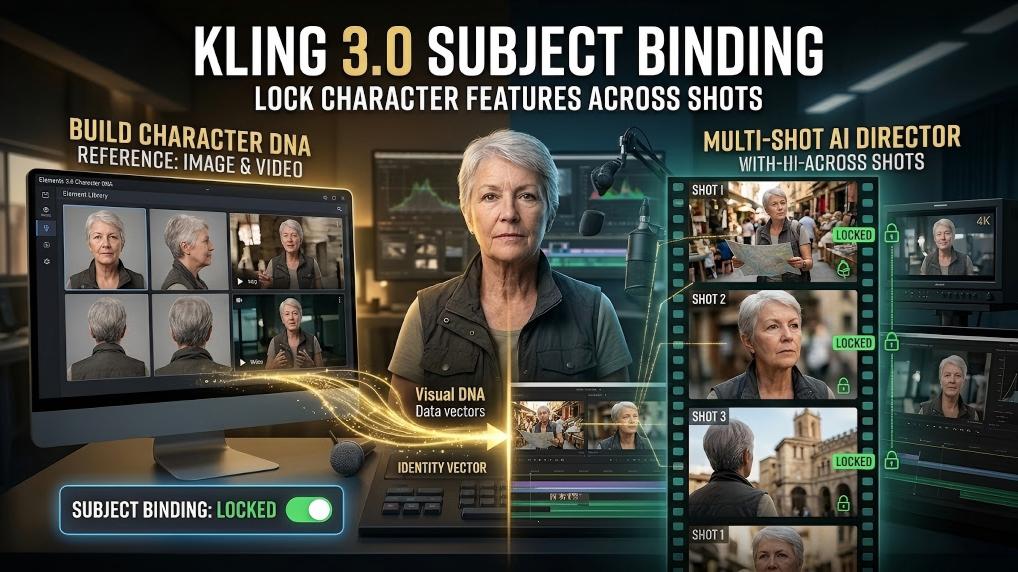
The challenge of maintaining a character's identity across different generations has been a primary focus for the Kling AI team. Kling VIDEO 3.0 Omni introduces enhanced consistency features that preserve facial details and clothing across multiple scenes. That achievement relies on a combination of visual and skeletal mapping technologies.
When a user uploads a character element, the system creates a skeletal map of that subject to track their joints and posture. That process allows the AI to determine if a person is standing or sitting while keeping their face and body features stable. The attention-based fusion mechanism ensures that the model balances the information from the reference images with the requirements of the text prompt.
Character consistency also extends to the auditory domain. Through the binding of a voice profile to an element, the character not only looks the same but also sounds the same in every video. Such a performance is critical for creating a series of videos where a single "protagonist" must be recognized by the audience. The model handles face occlusions and dynamic framing while maintaining facial clarity, allowing characters to move freely within a scene without losing their identity.
Educational and Scientific Visualization Use Cases
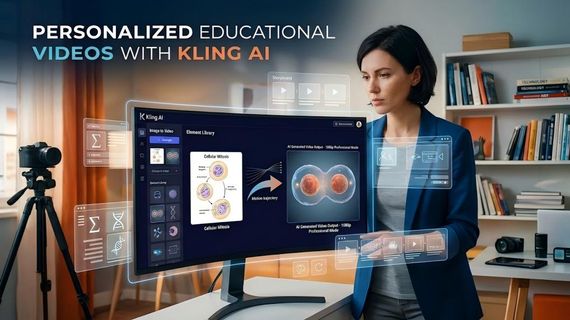
The precision of the Kling 3.0 prompt syntax and the physics simulation layers make the model a powerful tool for education. Creators can generate accurate visualizations of complex biological or physical processes. In a scientific video, for instance, a user can visualize the process of mitosis by providing a diagram as a reference and describing the movement of chromosomes in the prompt.
Educational content creators benefit from the ability to use "verified, accurate starting frames" such as textbook diagrams. By setting a lower creativity slider, the user forces the AI to remain faithful to the provided reference. Such a technique guarantees that mathematical symbols, text, and scientific structures are rendered correctly throughout the 15-second clip.
Subject Area | Application | Educational Benefit |
Geometry | 3D Rotation of Polyhedra | Enhances spatial reasoning |
Statistics | Probability Scenarios | Connects data to outcomes |
Electromagnetism | Magnetic Field Lines | Makes invisible forces visible |
Physics | Newtonian Mechanics | Demonstrates gravity and friction |
The use of native audio integration allows for the inclusion of a teacher's voiceover directly within the generation process. Using the <<<voice_1>>> tag, an instructor can sign a document or explain a concept as a historical figure or a digital avatar. Such a personalized approach to education helps student engagement by providing high-quality, consistent, and scientifically accurate visual aids.
Directorial Control and the Future of AI Video
The ultimate goal of the Kling 3.0 series is to provide accessible tools for high-level visual expression. The shift from manual cutting to automated multi-shot generation reflects a commitment to simplifying the creative process. Such tools empower individuals and small enterprises to produce content that was once only possible for large studios.
The combination of native audio-visual synchronization and deep multimodal understanding allows for a more intuitive interaction with the AI. Creators no longer need to worry about the technical details of lip sync or character consistency as the model handles these factors automatically through the prompt syntax. As the technology continues to evolve, the boundaries between human creativity and machine execution will become even more seamless.
Future developments in the Kling AI ecosystem will likely build upon the foundation established by the 3.0 series. Enhancements in subject consistency, physical realism, and narrative control will further expand the possibilities for creators worldwide. Through the continued use of structured syntax and reference tags, the community will push the limits of what is possible in the field of AI-generated video.
Kling VIDEO 3.0 Omni provides a powerful set of tools for cinematic storytelling and physical simulation. Through the use of Kling 3.0 prompt syntax and Omni reference tags, creators can maintain perfect character identity and realistic physics across multiple shots. The inclusion of native audio and multi-shot storyboarding ensures that high-quality video production is now accessible to everyone.
FAQs
Q1. How Do You Use Omni Reference Tags in a Video Prompt?
Creators use triple angle brackets to insert Omni reference tags within a prompt. For example, <<<element_1>>> or <<<voice_1>>> links specific library assets to the generated scene. Such tags bind characters or voices to the video to maintain identity throughout multiple shots.
Q2. Can Kling VIDEO 3.0 Simulate Real World Physics?
Kling VIDEO 3.0 utilizes advanced simulation layers to replicate Newtonian mechanics. Depth estimation techniques create a Z-axis for every object to calculate realistic trajectories. Precise keywords like "realistic gravity" or "smooth motion" help the AI handle collisions and fluid dynamics.
Q3. What Languages and Audio Features Does Kling VIDEO 3.0 Support?
The model generates native audio-visual output in Chinese, English, Japanese, Korean, and Spanish. Users can render authentic dialects and accents for multi-character dialogues. Voice tone control allows for specific expressions like surprise or a low, flat voice.
Q4. How Do Multi-Shot Generations Work in Kling VIDEO 3.0 Omni?
The multi-shot feature supports up to six individual shots within one fifteen-second generation. Users select between intelligence mode for automated angles or customize mode for manual storyboard control. The system understands cinematic languages like orbital shots or tracking shots to produce high-quality narratives.